GRIT HUB® + APP
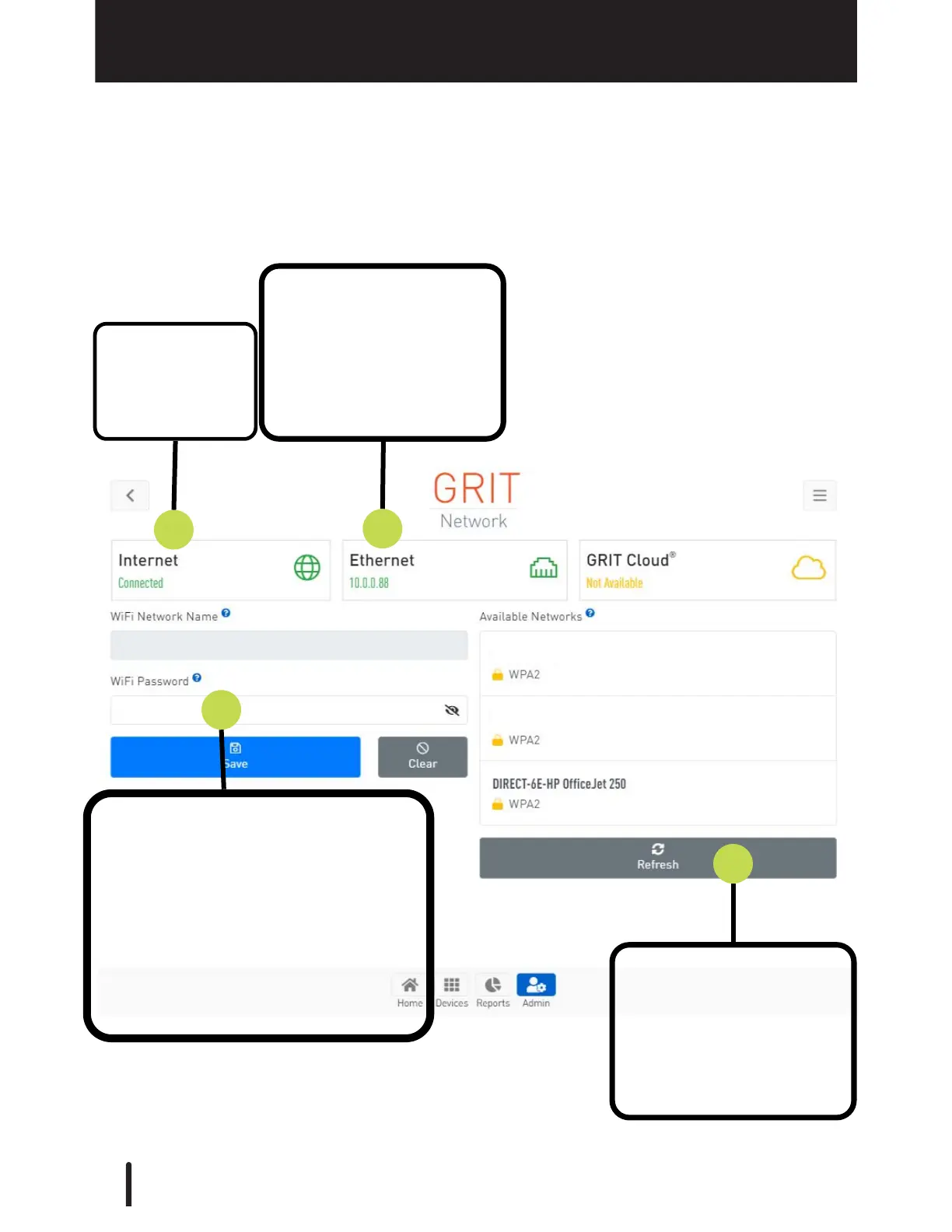
The Network page in the Admin tab is used to check internet connection status and
connect the Hub with a local WiFi network.
1. Internet
connection
status.
2. Network connection
method (Ethernet vs. Wi-
Fi) display, including the
Hub IP address (same as
displayed on the Hub
display screen).
3. If connecting through local Wi-
Fi, select your Network Name
from the list of Available
Networks and enter your Network
password.
Then, press 'Save'.
The option to 'Disconnect' is given
if connected via Wi-Fi to a local
network.
4. If your desired network
is not displayed in the
Available Networks list,
press 'Refresh' to scan
available networks again.
34



 To Next Page