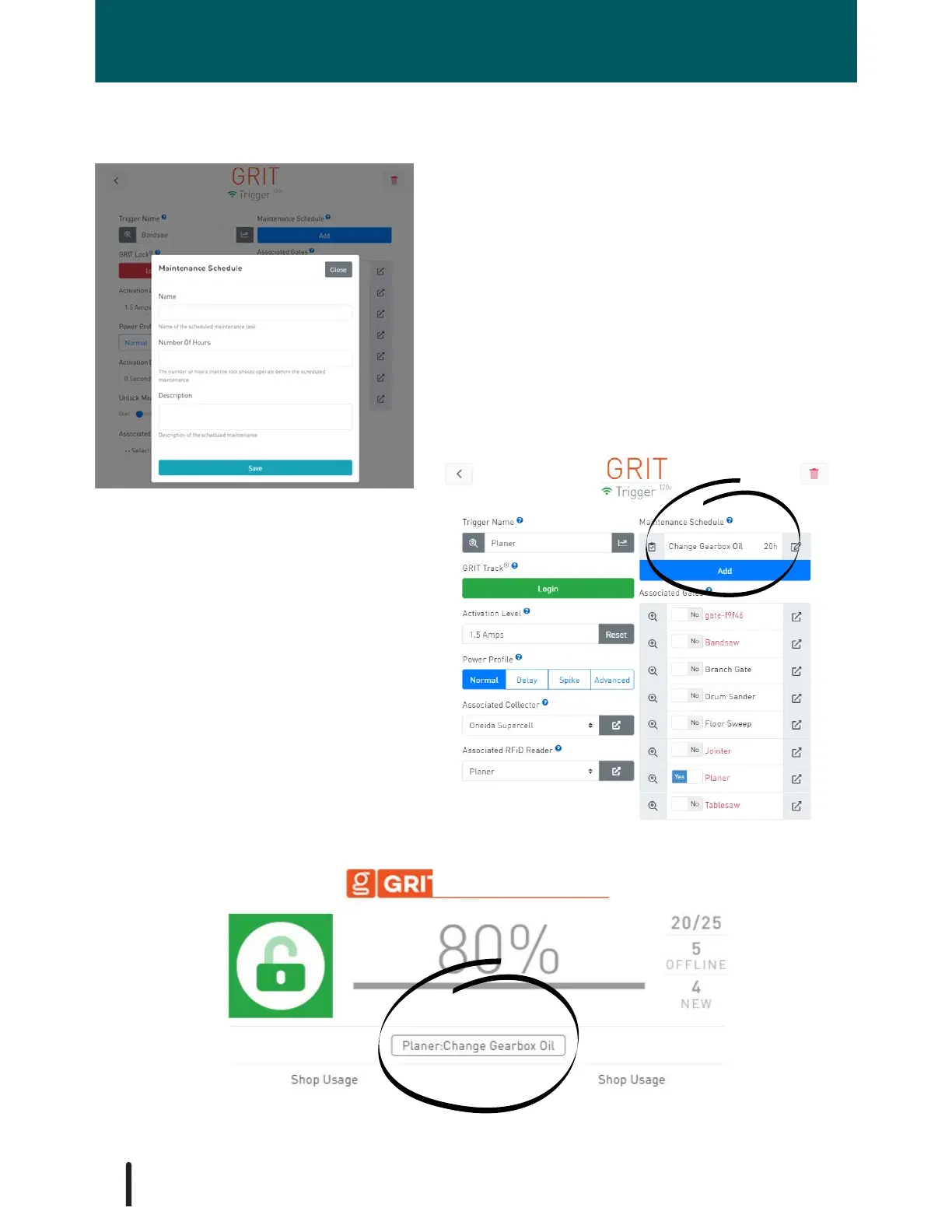
Set tool-specific maintenance tasks. Alerts
for maintenance are displayed on the GRIT
Dashboard after the configured number of
hours has been reached. Optionally, email/
SMS can be sent and can be specified in the
Admin Settings.
Example: A Maintenance Schedule
has been set for this Planer to Change
the Gearbox Oil after 20 hours of
runtime. The time remaining will
update after each use of the planer.
Once the 20 hours has passed it's red
and negative.
Example: Maintenance alert on Dashboard.
Maintenance Schedule
TRIGGERS
62



 To Next Page