GETTING STARTED
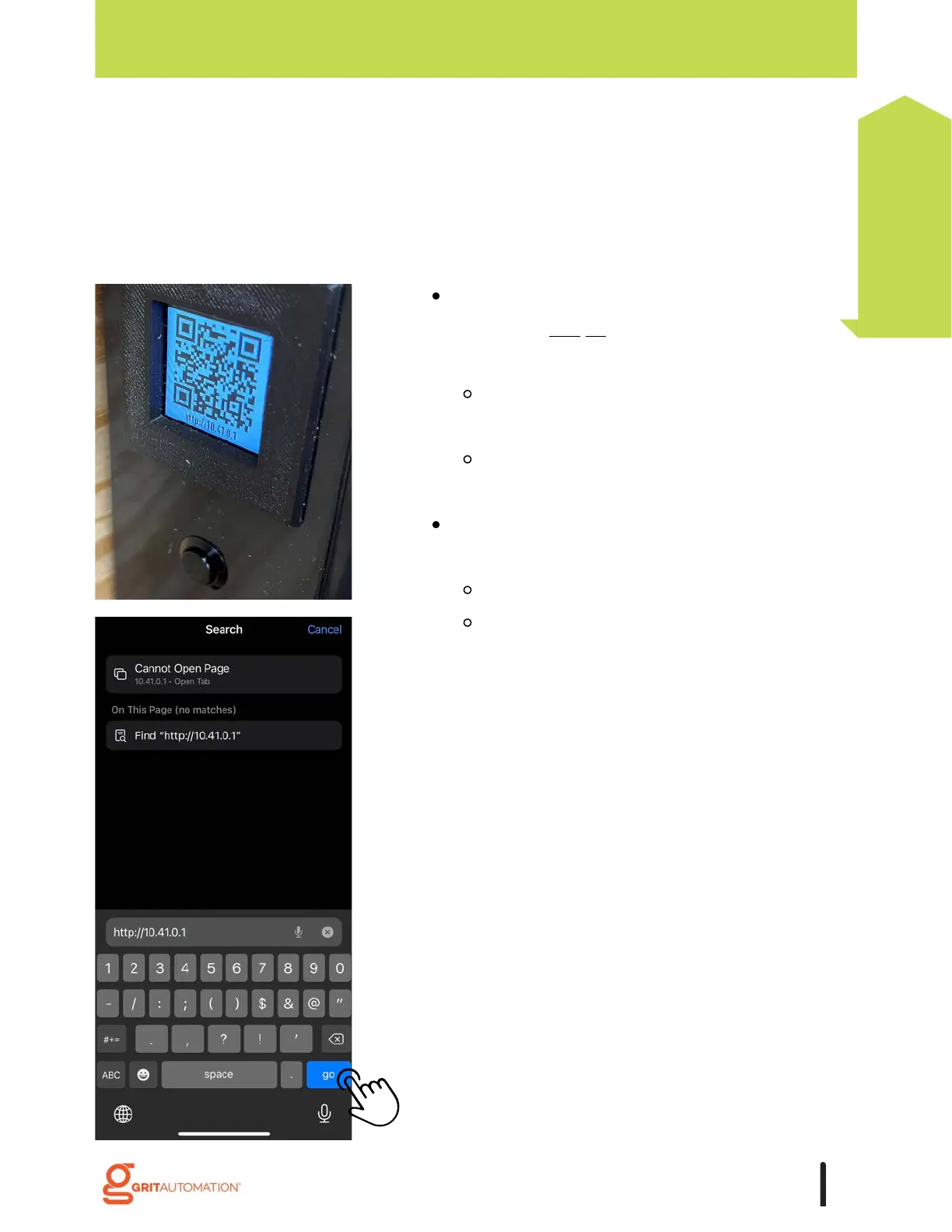
Press the button on the left side of the Hub to
display the
unique IP address QR code on the
screen. You can either:
scan the code with your phone or tablet's
camera, or;
manually enter the IP address displayed
into your native browser.
The GRIT App works on mobile phones*,
tablets, and PCs.
Apple devices use Safari (not Chrome).
Android devices, use Chrome.
*Note: Using the native browser for the mobile
device allows for the application to be installed on
the home screen.
Access the GRIT App
After connecting with the Hub via ethernet or the Hub's own Wi-Fi, it is now time to install
the GRIT App.
19
Getting Started



 To Next Page