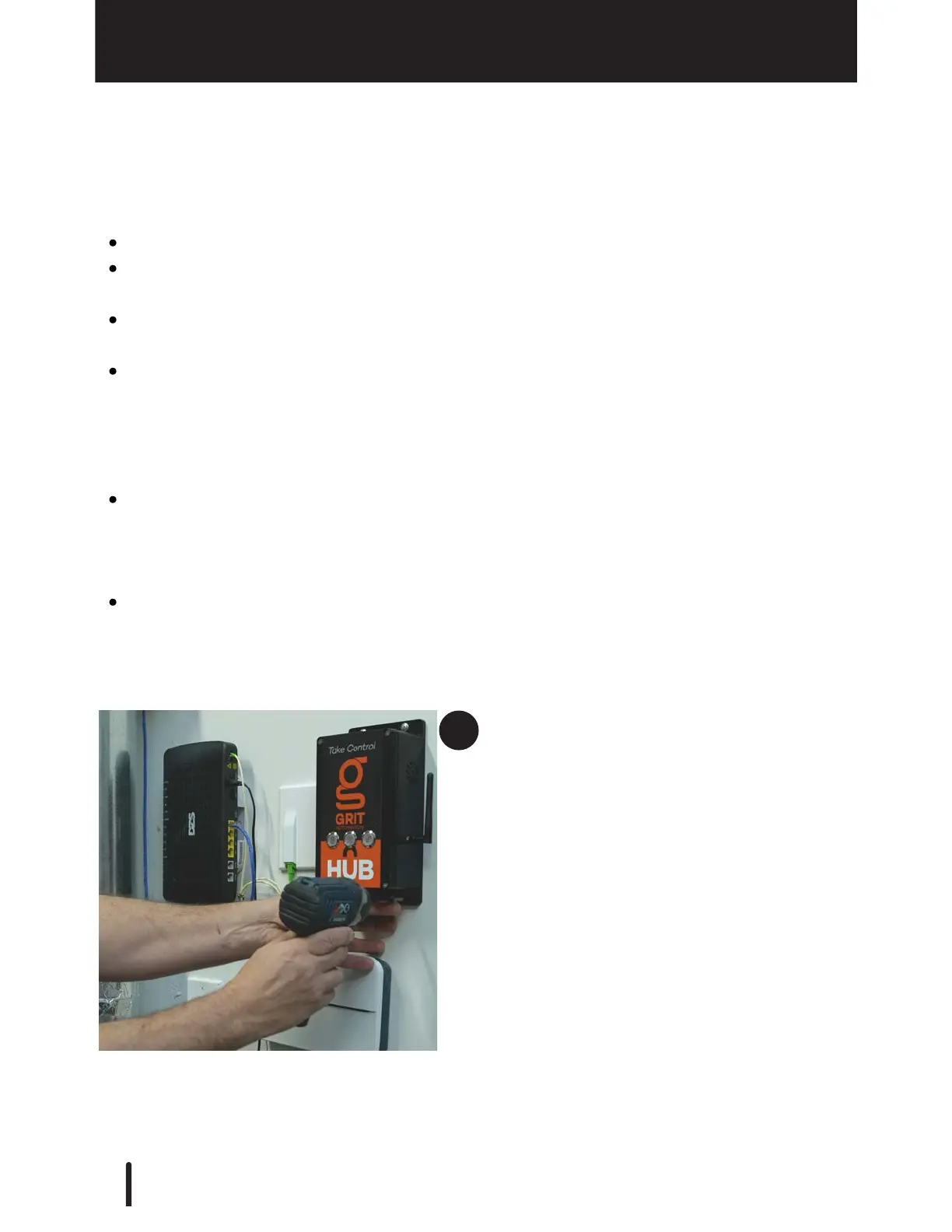
The more centrally located the GRIT Hub®, the better.
If your system will be connecting to your local network via ethernet cable, ensure that
its placement makes this connection easy.
If your system will be connecting to a local Wi-Fi network, make sure it is placed with
good signal strength.
If your shop has any thick concrete walls or thick metal walls that separate portions of
the space, try to position the Hub central to this barrier. This will ensure the best
communication between the areas. If your space has many rooms spread over large
distances you may need to purchase the GRIT Mesh Xtndr device to bridge the long
distances.
If your system will not be using GRIT Track® (RFiD), physical access to the hub should
be considered to limit access by unauthorized persons (i.e., In a locked closet or
office). If your system includes GRIT Track® (RFiD), the GRIT Lock® buttons on the
front of the device are not used.
Access to 120v power is required to power the GRIT Hub®.
The GRIT Hub® can be installed anywhere as long as it can connect to a single device to
form the GRIT Mesh Network. However, the following should be considered to avoid having
to move it later.
When mounting the Hub make sure it has no obstructions that might hinder the
communication with the GRIT Mesh Network.



 To Next Page