GST5000 Intelligent Fire Alarm Control Panel
Installation and Operation Manual (Generic Part)
The Intelligent Solution
Page 36
DISABLED LED will be lit if the device is disabled.
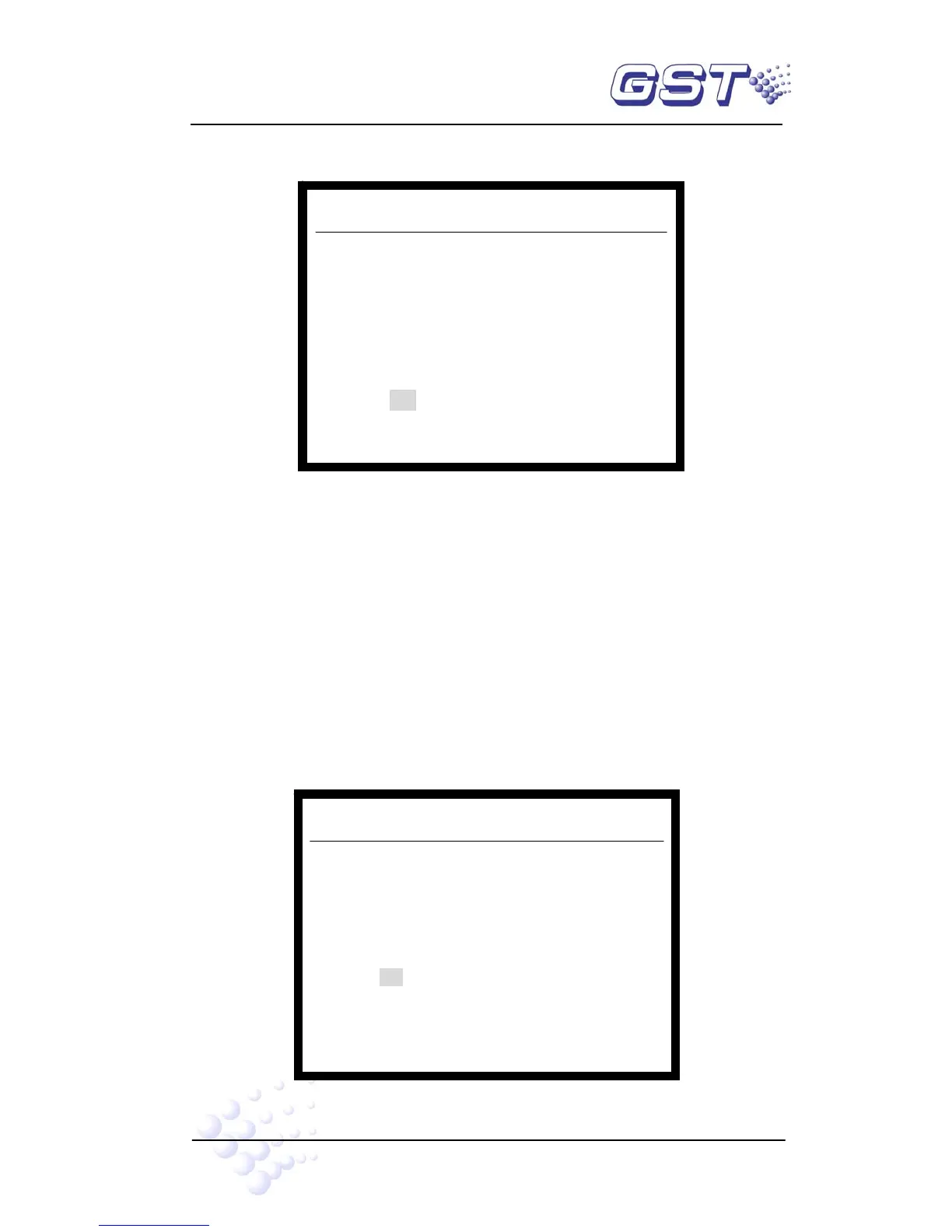
Pressing DISABLE key, the screen will show as in Fig. 5-5.
Fig. 5-5
Suppose user code of the optical smoke detector to be disabled is 001016. The steps
for disablement are as follows:
Step One: Input zone number “001” of the device.
Step Two: Press TAB, the highlight position moves to next input zone.
Step Three: Input device code number “016”.
Step Four: Referring to “Appendix 2 Device Type List”, input the device type “03”.
Press ENTER to save. If the device has been disabled, the screen will show “Input Err”,
if not, the screen will add the device to the disablement information.
2) Enabling the device
Pressing ENABLE, the screen will show like Fig. 5-6.
Fig. 5-6
Ver V4.05f
System running
Enable > 001 Zone 016 Num 03-Optical
Ver V4.05f
System running
Disable> 001 Zone 016 Num 03-Optical



 To Next Page