GST5000 Intelligent Fire Alarm Control Panel
Installation and Operation Manual (Generic Part)
The Intelligent Solution
Page 55
8.2 Regular Checks and Replacement
The device should be checked regularly:
1. The print paper should be replaced as required prior to running out.
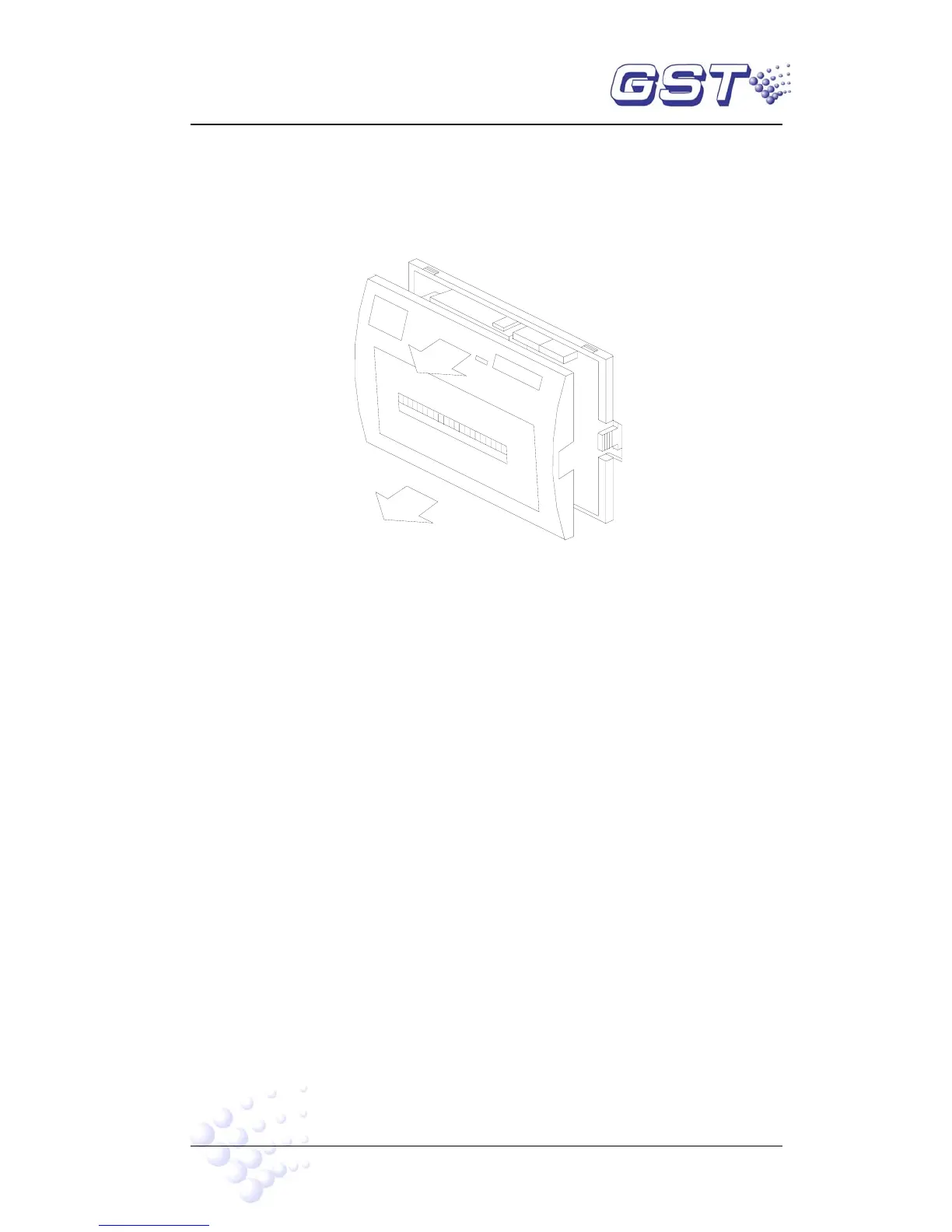
Fig. 8-1
1) Remove the printer front cover as shown in Fig.8-1.
2) Remove the whole printer from the panel. Please nip the movable tongues on the
two sides with fingers according to Fig.8-2, remove the whole printer from the panel
gently. Note: Before removing the printer, make sure to turn off the power to
the printer.
Remove



 To Next Page