On
P12
1
P01
1
P12
1
P01
2
P01
2
P30
2
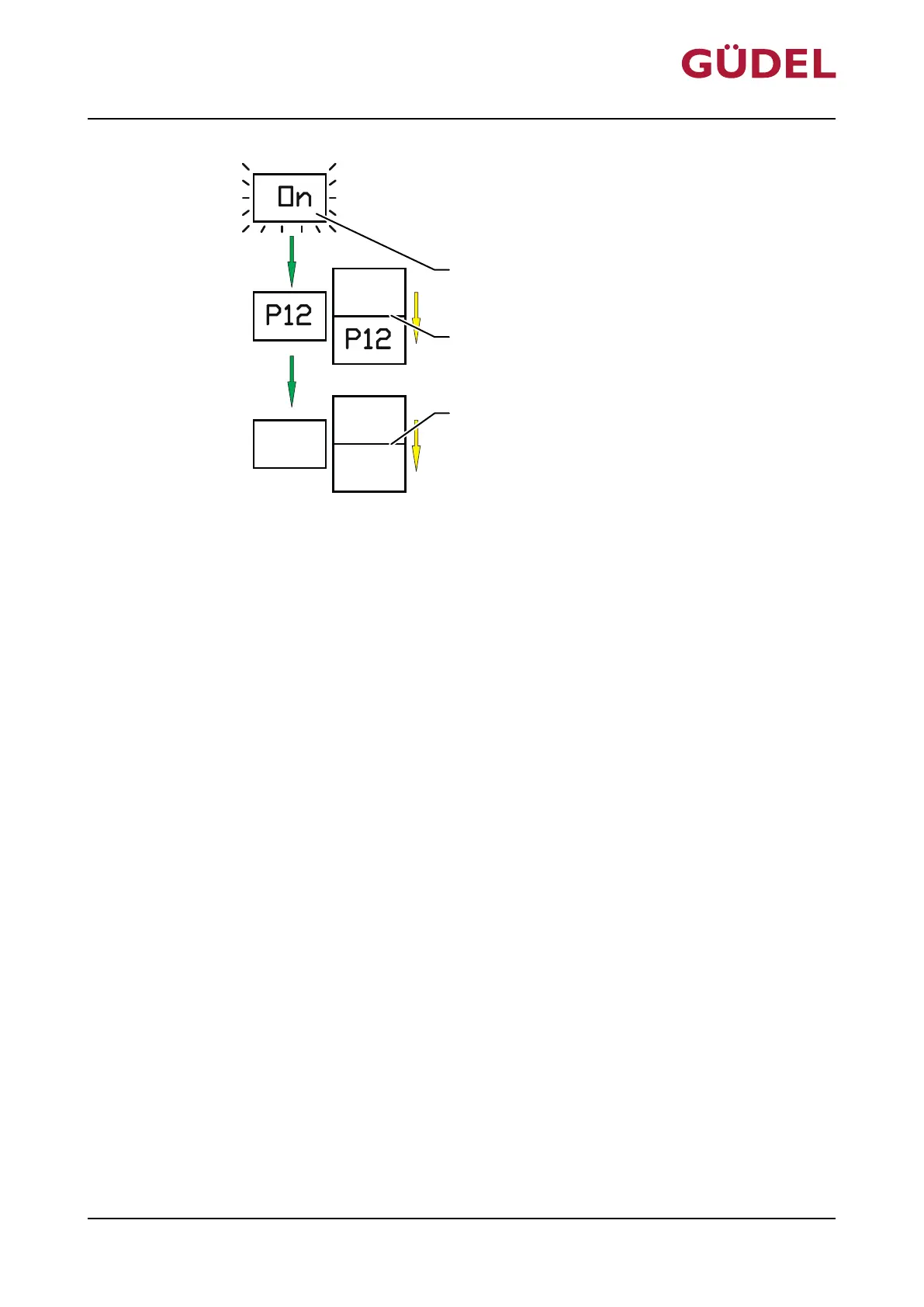
Fig.6-3 Set lubrication cycle
A LCD display
B Display emptying time P1 of cartridge in
months (minimum and maximum)
C Display lubrication quantity P2 (mini-
mum and maximum)
You can adjust the lubrication cycle as follows:
1 Switch on FlexxPump
2 Wait for ON to flash in the display
3 Touch the active surface with the magnetic peg
4 Wait until P1 is displayed
5 Set emptying time P1 using magnetic peg
5.1 Briefly touch active surface: Value increases by 1
5.2 Touch active surface longer: Value runs automatically
6 Wait for next display (approx. 2 seconds)
7 Set the lubrication quantity P2 using a magnetic peg according to step
5.1/5.2
The lubrication cycle is set.
6.5 Malfunctions
Find information on fixing malfunctions Ü2106
Operation
OPERATING MANUAL Automatic lubrication system
FlexxPump 402 / 402B
90071992656444683_v9.0_EN-US
71



 To Next Page