Adjustments and tool changes
1.2 Setting the height/angle of cut (standard configuration)
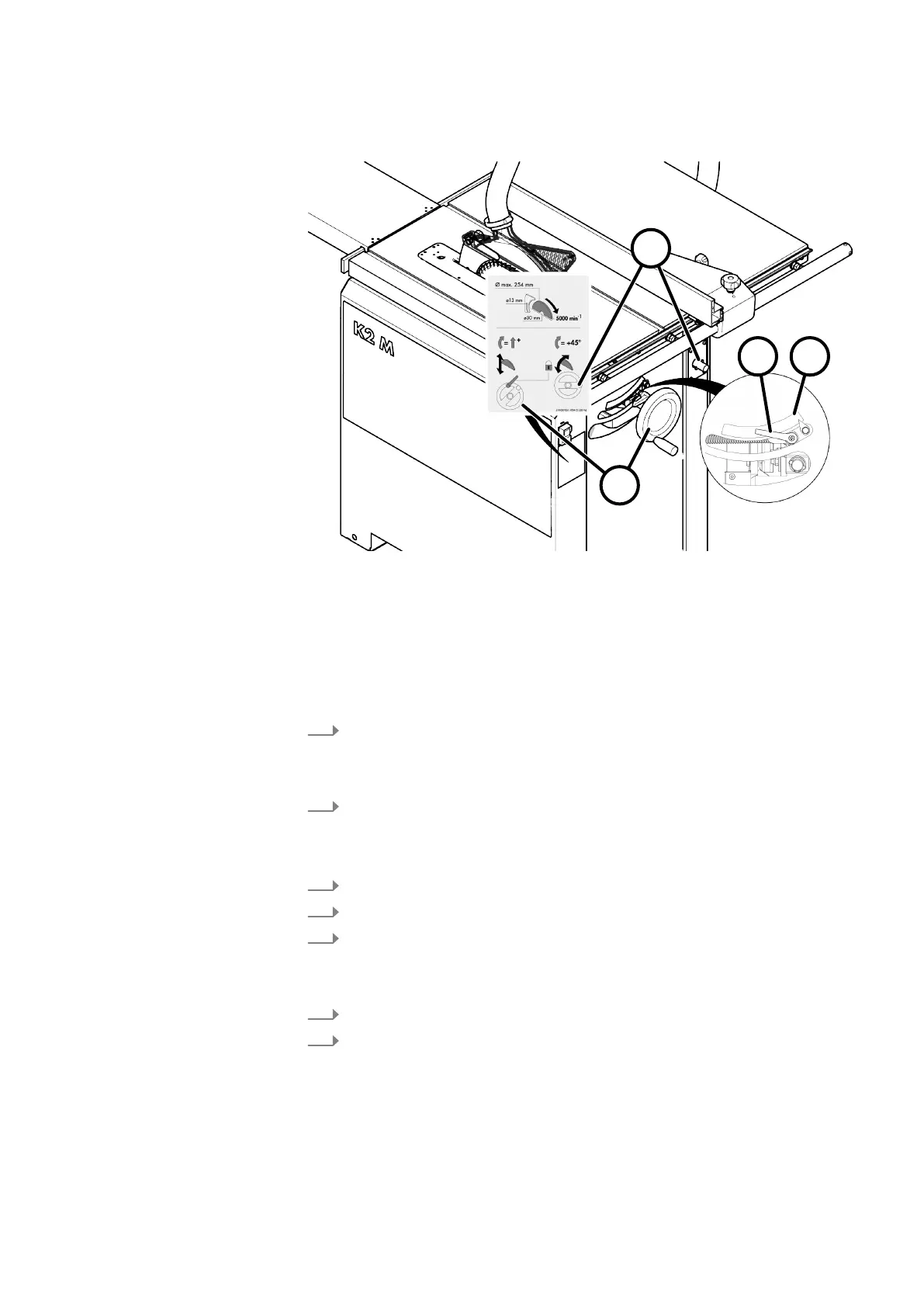
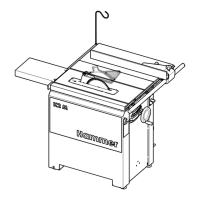
Fig. 5: Adjusting the cutting height / cutting angle
1 Handwheel height adjustment
2 Handwheel angle adjustment
3 Clamping lever cutting angle adjustment
4 Scale cutting angle
Adjusting the cutting height
Onl
y set the cutting height to the height actually required.
1.
Adjust the cutting height with the handwheel on the side.
● Clockwise: higher
● Anti-clockwise: lower
2.
Check the set cutting height with a measuring device on the saw blade.
A
djusting the cutting angle
When tilting beware of any possible collisions between fences, workpieces etc.
1.
Pull off the handwheel and put it on the tilt arbour.
2.
Release the cutting angle adjustment clamping lever.
3.
Adjust the cutting angle using the right handwheel.
● Clockwise: towards 45°
● Anti-clockwise: towards 0°
4.
Read the cutting angle set on the scale.
5.
Lock the clamping lever for cutting angle adjustment.


 To Next Page