4 Troubleshooting
4.1 What to do in the event of a malfunction
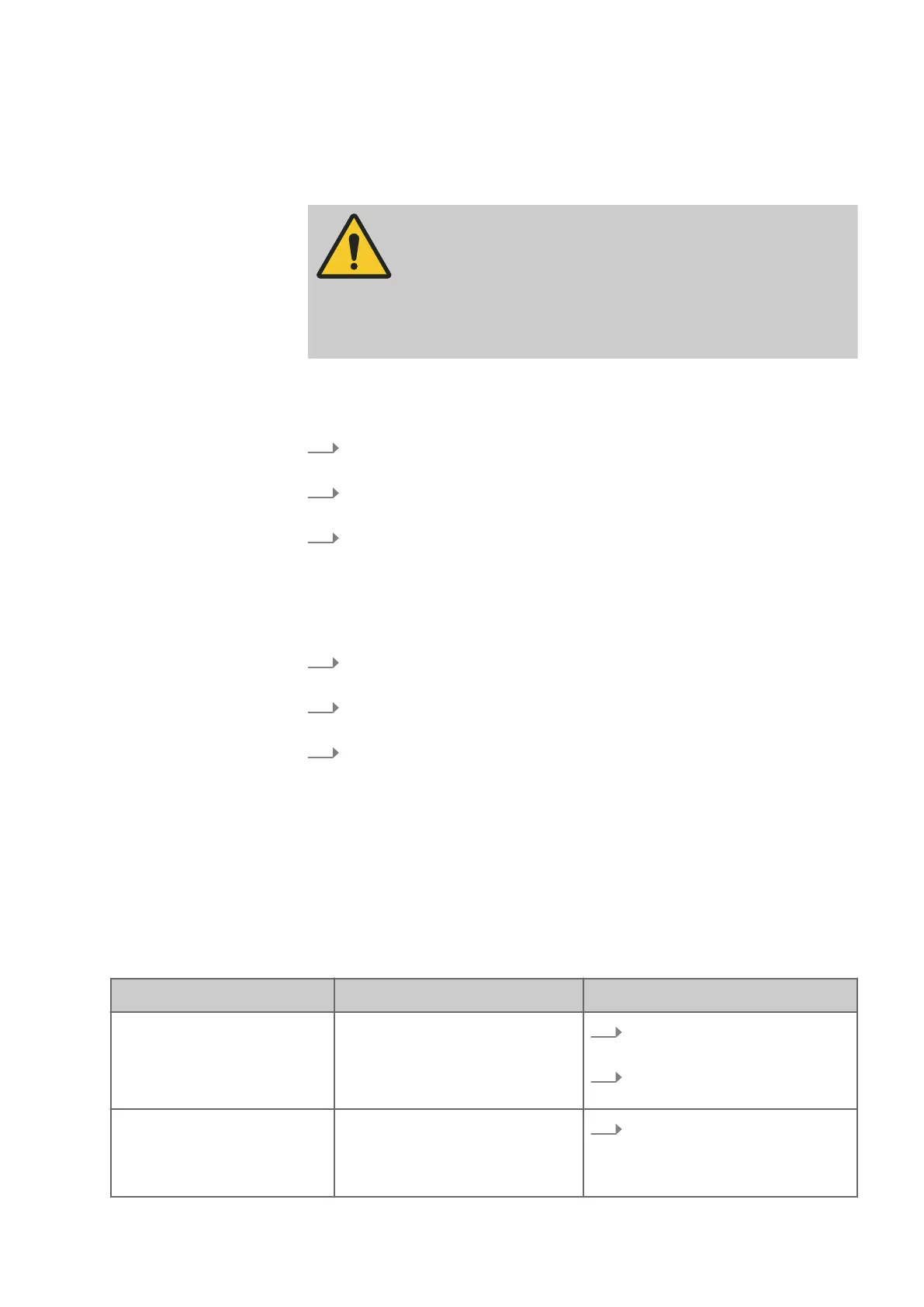
WARNING
Improper troubleshooting
S
evere injuries and damage to property
− Troubleshooting may only be carried out by authorised, trained
per
sonnel who are familiar with how to operate the machine
and are in strict observance of all safety instructions.
In the event of malfunctions that pose an immediate threat to persons, equipment
or oper
ational safety:
1.
Stop the machine immediately pressing either the [Emer
gency Stop] or the
red [Stop] button.
2.
Disconnect the machine from the mains and ensure it can not be switched
on ag
ain.
3.
Have an authorised specialist determine the cause and repair the malfunc-
t
ion.
4.2 What to do after rectifying the fault
Check,
1.
if the malfunction and cause of the malfunction have been professionally
r
emedied.
2.
whether all safety equipment has been installed in accordance with regula-
t
ions and are technically and functionally in perfect condition.
3.
whether, there are no individuals located within the danger area of the
mac
hine.
4.3 Faults, causes and repairs
The following examples highlight possible undesired conditions of the machine.
This list makes no claim to completeness.
This information is designed to help operators recognise faults when operating the
machine and to rectify them.
Fault on the machine - saw unit
Fault description Cause Remedy
The red [S
top] button will not
stop the machine immediately
Fault in the electrical system
1.
Disc
onnect the machine from the
mains power supply.
2.
Contact Felder-Group service
c
entre.
Safety limit switch without func-
t
ion
Fault in the electrical system
1.
Disc
onnect the machine from the
mains power supply.


 To Next Page