H E Y E R P a s i t h e c
32 / 106 HEYER Pasithec, Operator’s manual Rev. 0.2 Draft - 12/09
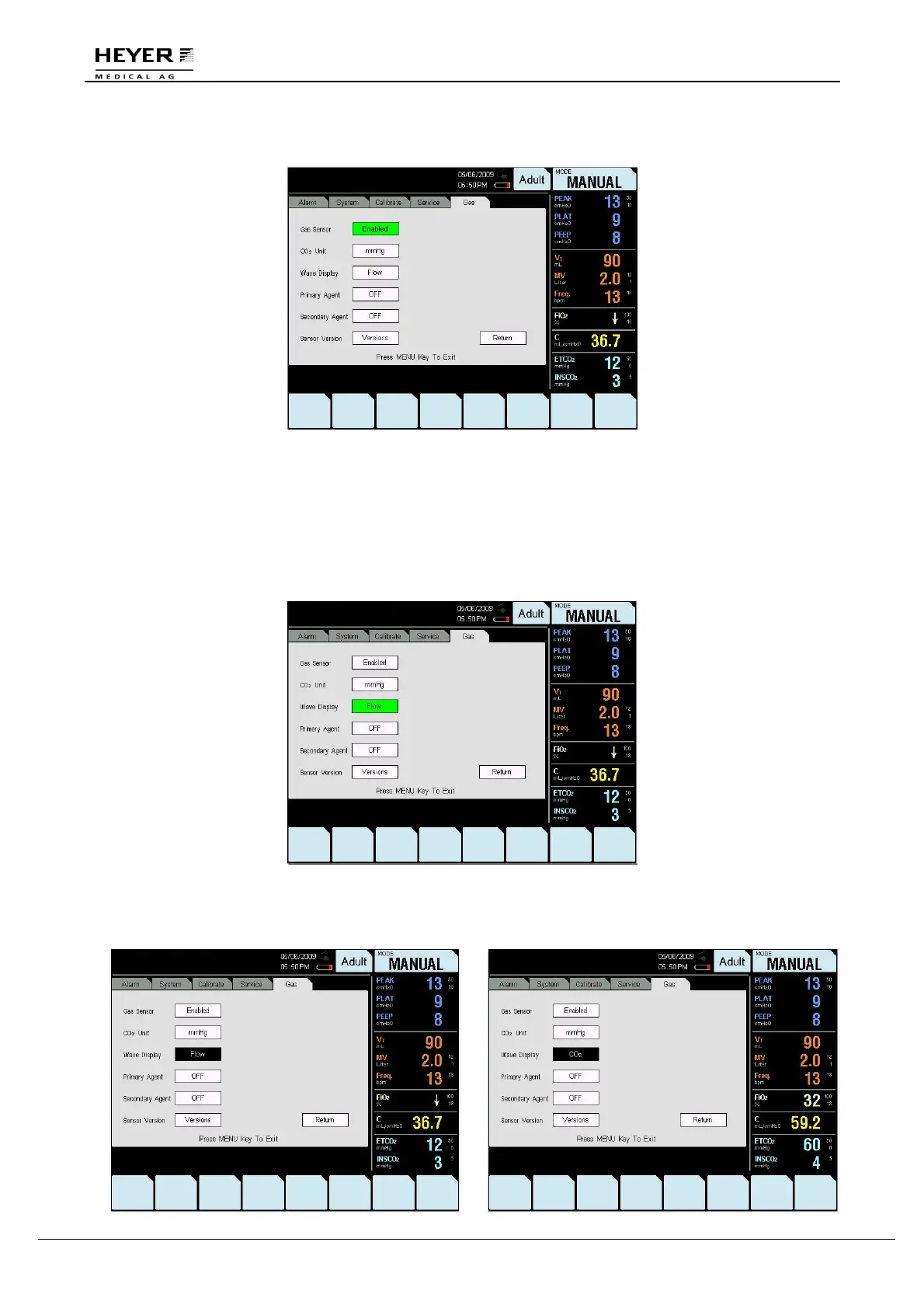
Step 3: Press the knob to save the setting.
When the Wave Display is in “Flow” mode, flow-time wave is displayed.
When the Wave Display is in “CO
2
” mode, CO
2
-time wave is displayed.
The Wave Display default setting is “Flow” when the machine is turned on.
To adjust Wave Display settings, follow these instructions:
Step 1: Turn the knob to select “Wave Display.”
Step 2: Press the knob, and then turn it to change the setting.



 To Next Page