Copyright © 2019, 2021, Hitachi, Ltd.
DKC910IHitachi Proprietary
[INST(IN)01-01-10]
Rev.1
INST(IN)01-01-10
1. Procedures for Installing Storage System
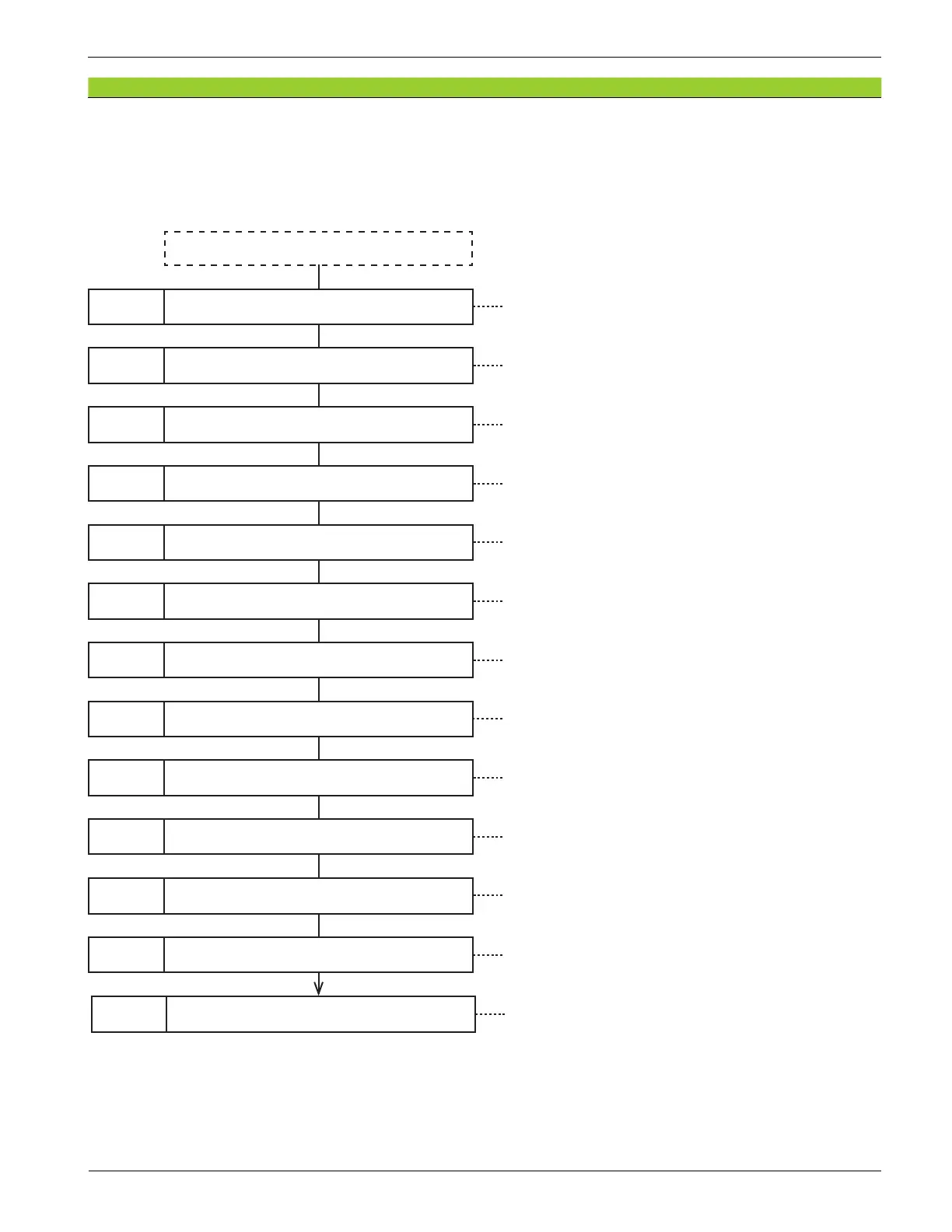
1. Procedures for installation on the rack frame
In case of a new introduction or moving the Storage System, perform the installation after making sure of
the following necessary works.
Carrying in
Work-8 Connecting the Cables
Work-2 Installing Rails See “3. Installing Rails”.
Work-6 Fastening the Storage System See “7. Fastening Storage System”.
Work-3 Unpacking a Storage System See “4. Unpacking Storage Systems”.
Work-1 Unpacking and installing rack frame See “2. Unpacking and Installing the Rack Frame”.
Work-4 Removing components See “5. Removing Components”.
Work-5 Mounting on rack frame See “6. Mounting on a Rack Frame”.
Work-7 Installing Components See “8. Installing Components”.
See “9. Connecting Cables”.
Work-9 Attaching Decoration Panels See “10. Attaching Decoration Panels”.
Work-10 Powering ON the storage system See “Storage System Power On” (INST(GE)05-01-10).
Work-11 TOD (Time Of Day) setting
See ”TOD (Time Of Day) setting” (SVP02-01-10)
Work-12 Executing LAN Check
See “LAN Check Procedure” (DIAG03-10).
Work-13 Storage System powering off
See “Storage System Power Off (Planned Shutdown)”
(INST(GE)05-02-10).




 To Next Page