EasyManua.ls Logo

Hitachi VM-E530A - Using the INST.ZOOM; Using Macro

Hitachi VM-E530A
56 pages
Print Icon
To Next Page IconTo Next Page
To Previous Page IconTo Previous Page
Loading...
Using
the
INST.
ZOOM
(Instant
Zoom)
Button
The
instant
zoom
feature
activates
the
digital
zoom
to
magnify
the
subject
15
times
regardless
of
zooming
engaged
by
the
power
zoom
Tand
W
controls,
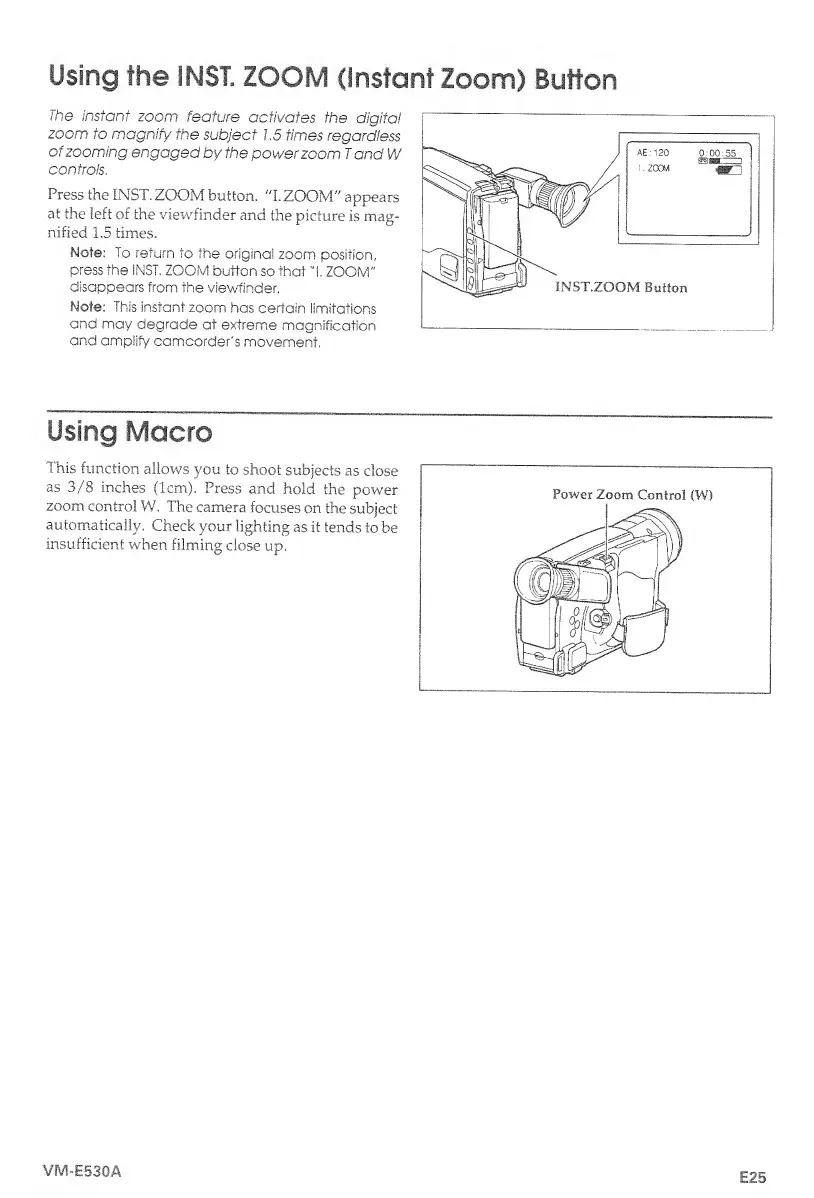
Press
the
INST.
ZOOM
button.
"I.
ZOOM"
appears
at
the
left
of
the
viewfinder
and
the
picture
is
mag¬
nified
1.5
times.
Note:
To
return
to
the
original
zoom
position,
press
the
iNST.
ZOOM
button
so
that
"I.
ZOOM'"
disappears
from
the
viewfinder.
Note:
This
instant
zoom
has
certain
limitations
and
may
degrade
at
extreme
magnification
and
amplify
camcorder's
movement.
Using
Macro
This
function
allows
you
to
shoot
subjects
as
close
as
3/8
inches
(1cm).
Press
and
hold
the
power
zoom
control
W.
The
camera
focuses
on
the
subject
automatically.
Check
your
lighting
as
it
tends
to
be
insufficient
when
filming
dose
up.
VM-E530A
E25

Table of Contents

Related product manuals