SECURITY
Version 1.0, 12/2014. Copyright 2012 Hitron Technologies
100
Version 1.0, 12/2014. Copyright 2014 Hitron Technologies
100
Hitron CGNM-2250 User’s Guide
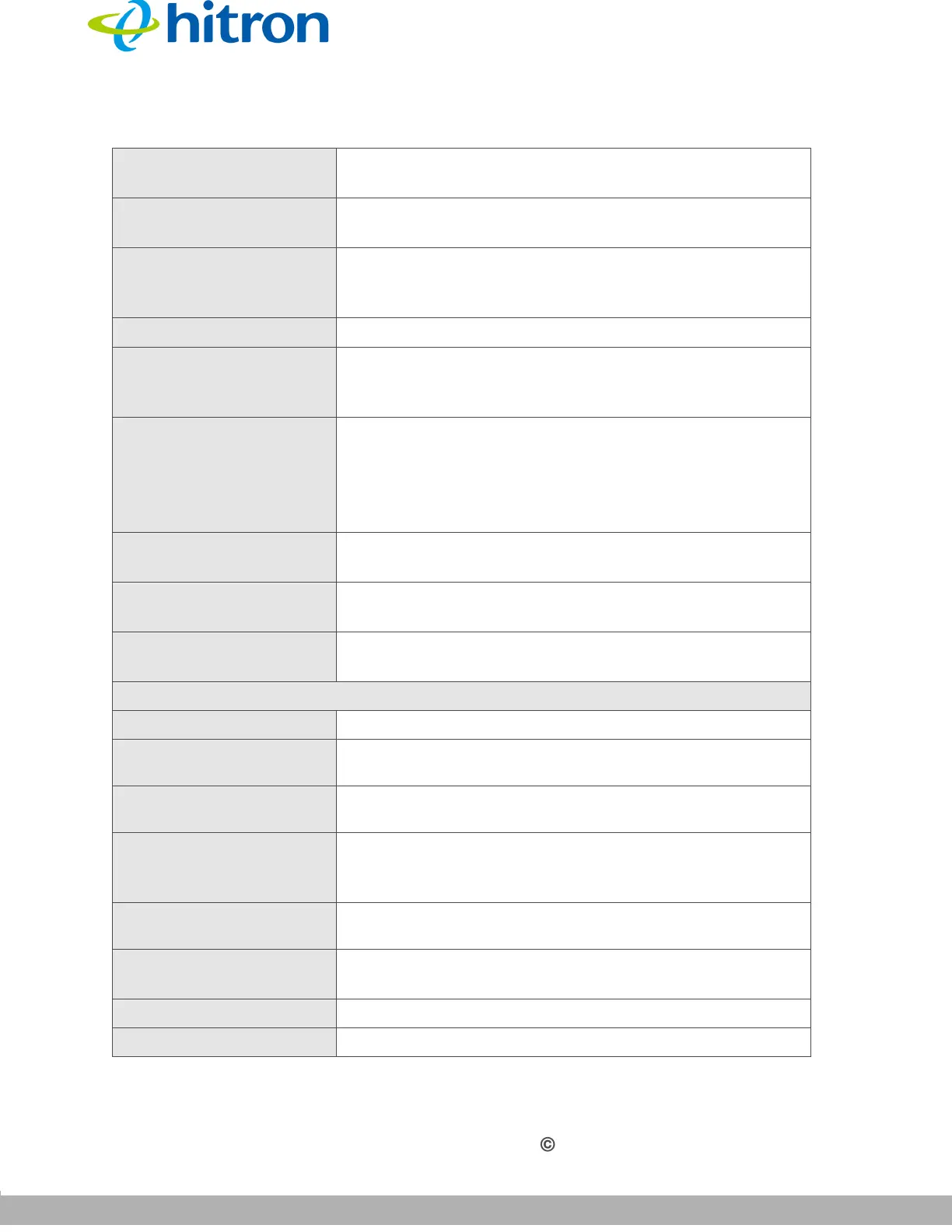
Port Range This displays the start and end port for which this
filtering rule applies.
Managed Weekdays This displays the days of the week on which this rule
applies.
Managed Time This displays the start (From) and end (To) of the time
period during which this rule applies, on the specified
Managed Weekdays.
Status This displays the status of a service filter rule.
Manage Click Manage to make changes to a port blocking rule
(see Adding or Editing a Service Filter Rule on page
101).
Action Click Delete to remove the existing service filter from the
list.
NOTE: The deleted rule’s information cannot be
retrieved.
Add Managed Service Click this to add a new service filtering rule (see Adding
or Editing a Service Filter Rule on page 101).
Save Changes Click this to save your changes to the fields in this
screen.
Help Click this to see information about the fields in this
screen.
Trust PC List
Host Name This displays the name of the trust device connected.
IP Address This displays the IP address of the trust network device
connected.
Status This displays whether or not the service filter rule is
enabled to the trust device connected.
Manage
Click Manage to make changes to the trust device’s
service filter status
(see Adding or Editing a Trust PC List
on page 103).
Action Click Delete to remove the existing trust device from the
list.
Add Trust Device
Click this to add a new Trust Device.
(see Adding or
Editing a Trust PC List on page 103).
Save Changes Click this to save your changes to the fields in this screen.
Help Click this to see information about the fields in this screen.
Table 36: The Security: Service Filter Screen (continued)



 To Next Page