SETUP WIZARD
Version 1.0, 12/2014. Copyright 2012 Hitron Technologies
27
Version 1.0, 12/2014. Copyright 2014 Hitron Technologies
27
Hitron CGNM-2250 User’s Guide
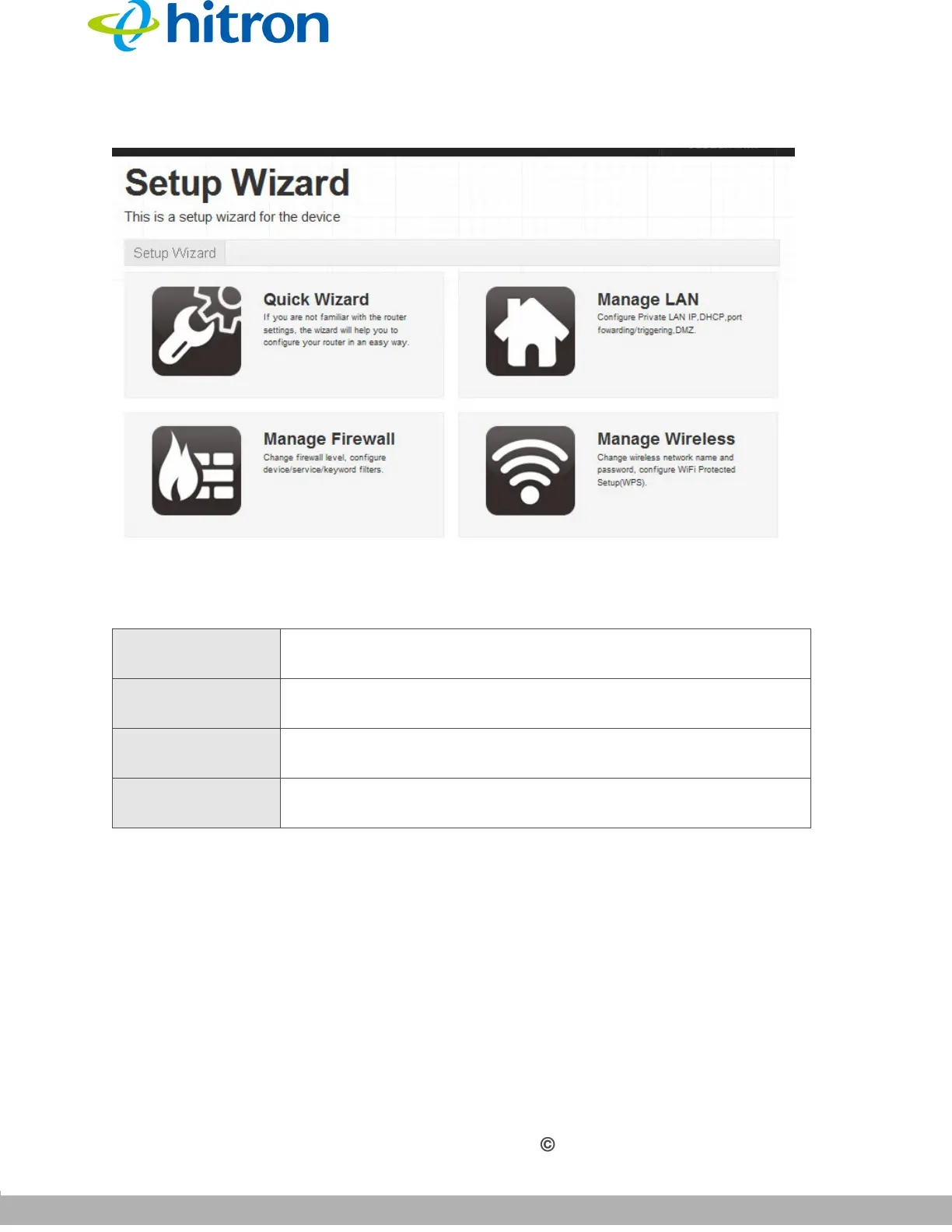
Figure 7: The Setup Wizard Screen
2.3 The Welcome Screen
This screen displays the welcome message of the Quick Wizard.
Click Quick Wizard. The following screen displays.
The following table describes the labels in this screen.
Table 5: The Setup Wizard Screen
Quick Wizard Click to customize the CGNM-2250’s password and common
Wi-Fi settings.
Manage LAN Click to manage the CGNM-2250’s firewall settings. See The
LAN Setup Screen on page 56.
Manage Firewall Click to manage the CGNM-2250’s firewall settings. See The
Firewall Screen on page 96.
Manage Wireless Click to manage the CGNM-2250’s wireless settings. See The
Basic Settings Screen on page 74.



 To Next Page