SETUP WIZARD
Version 1.0, 12/2014. Copyright 2012 Hitron Technologies
29
Version 1.0, 12/2014. Copyright 2014 Hitron Technologies
29
Hitron CGNM-2250 User’s Guide
2.5 The Wireless Settings Screen
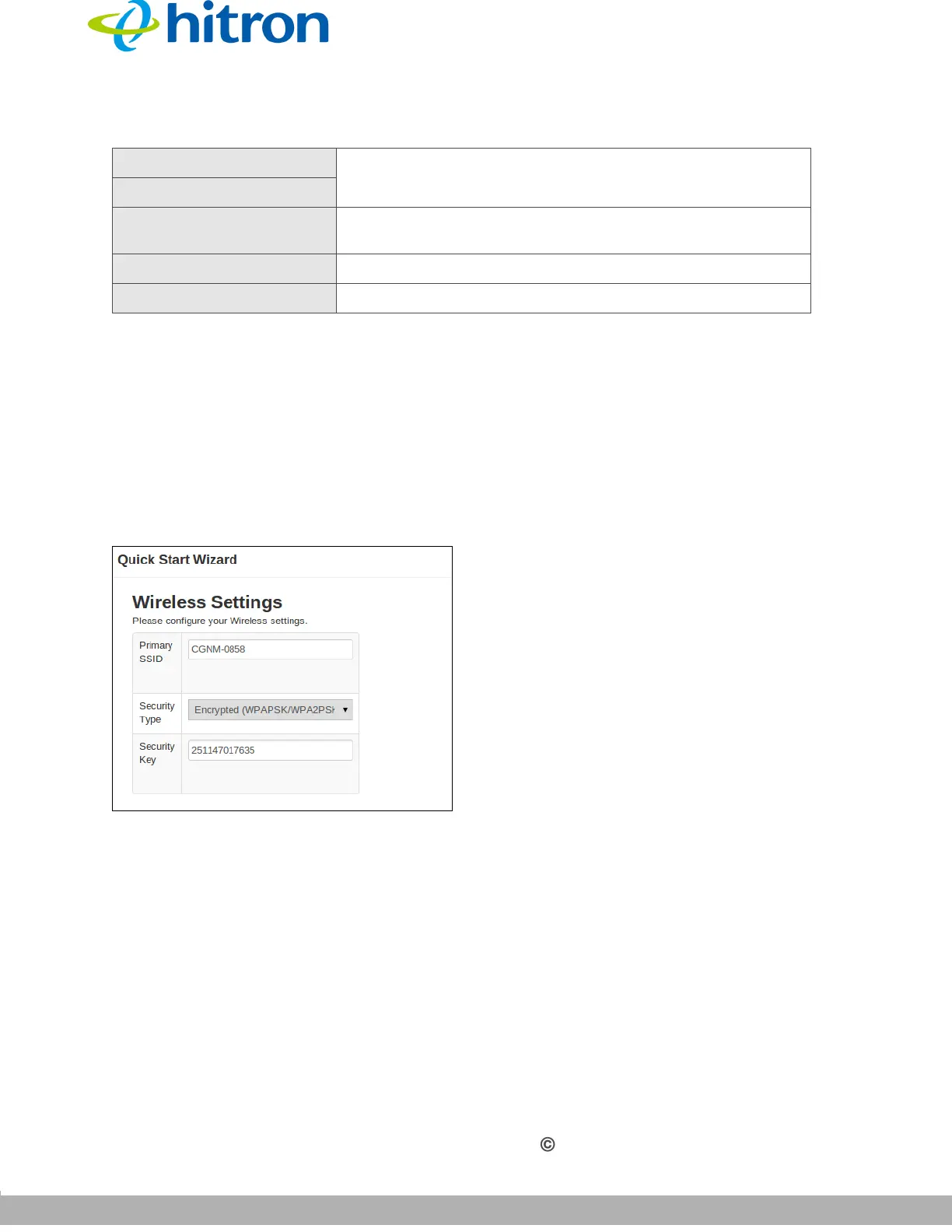
Use this screen to configure the CGNM-2250’s wireless settings.
Click Next in the Quick Wizard: Setting Password screen. The following screen
displays.
Figure 10: The Quick Wizard: Wireless Settings Screen
New Password Enter and re-enter the password you want to use to log
into the CGNM-2250 for this account.
Confirm New Password
Exit
Click this to return the fields in this screen to their last-
saved values without saving your changes.
Prev Click this to return to the previous screen.
Next Click this to continue to the next screen.
Table 6: The Setup Wizard: Setting Password Screen (continued)



 To Next Page