SETUP WIZARD
Version 1.0, 12/2014. Copyright 2012 Hitron Technologies
28
Version 1.0, 12/2014. Copyright 2014 Hitron Technologies
28
Hitron CGNM-2250 User’s Guide
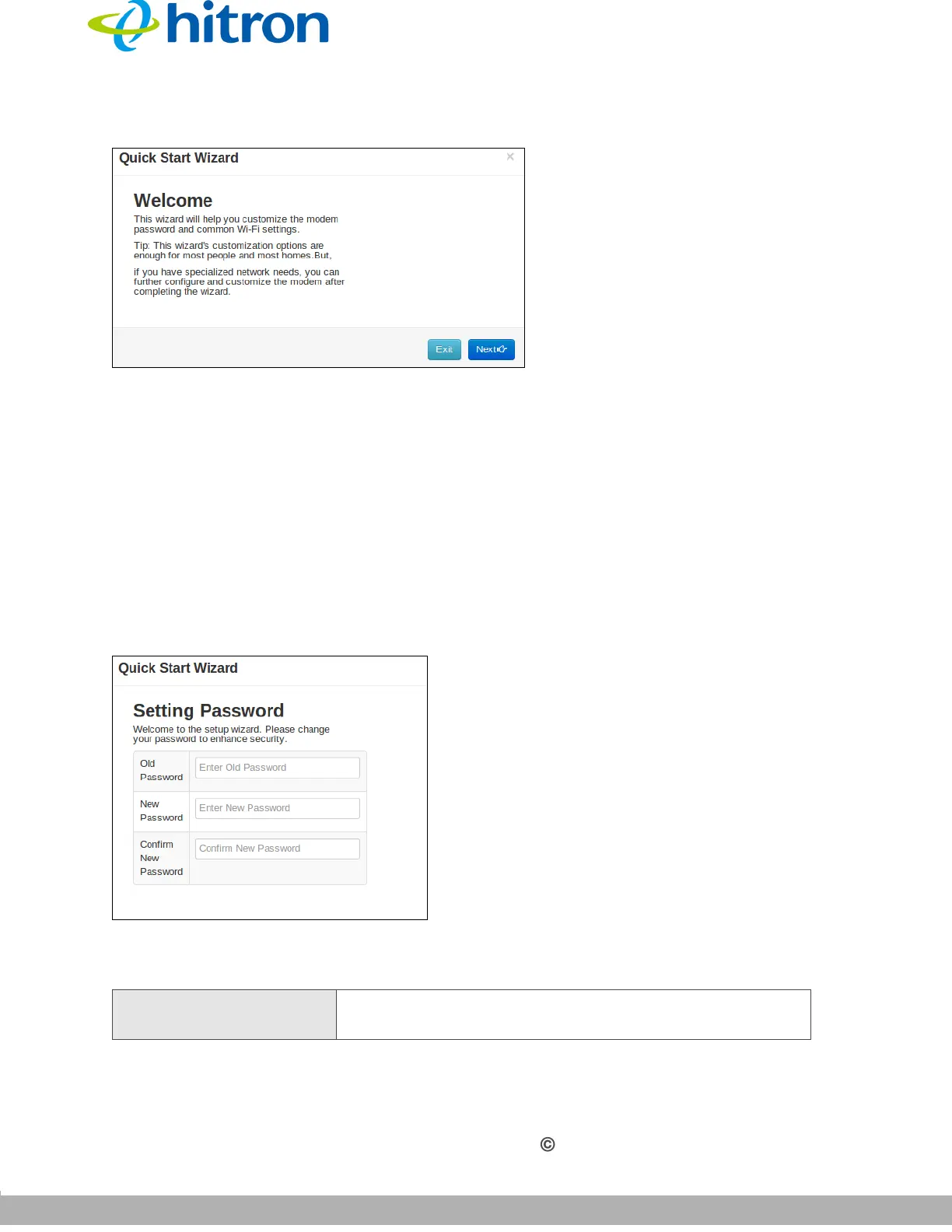
Figure 8: The Quick Wizard: Welcome Screen
2.4 The Setting Password Screen
Use this screen to customize the CGNM-2250’s password settings.
Click Next in the Quick Wizard: Welcome Screen. The following screen displays.
NOTE: It is strongly recommended that you change the CGNM-2250’s password
from its factory default.
Figure 9: The Quick Wizard: Setting Password Screen
The following table describes the labels in this screen.
Table 6: The Setup Wizard: Setting Password Screen
Old Password Enter the password with which you currently log into the
CGNM-2250 for this account.



 To Next Page