ADMIN
Version 1.0, 12/2014. Copyright 2012 Hitron Technologies
94
Version 1.0, 12/2014. Copyright 2014 Hitron Technologies
94
Hitron CGNM-2250 User’s Guide
6.7 The Device Reset Screen
Use this screen to back up your CGNM-2250’s settings to your computer, to load
settings from a backup you created earlier, to reboot your CGNM-2250, or to return it
to its factory default settings.
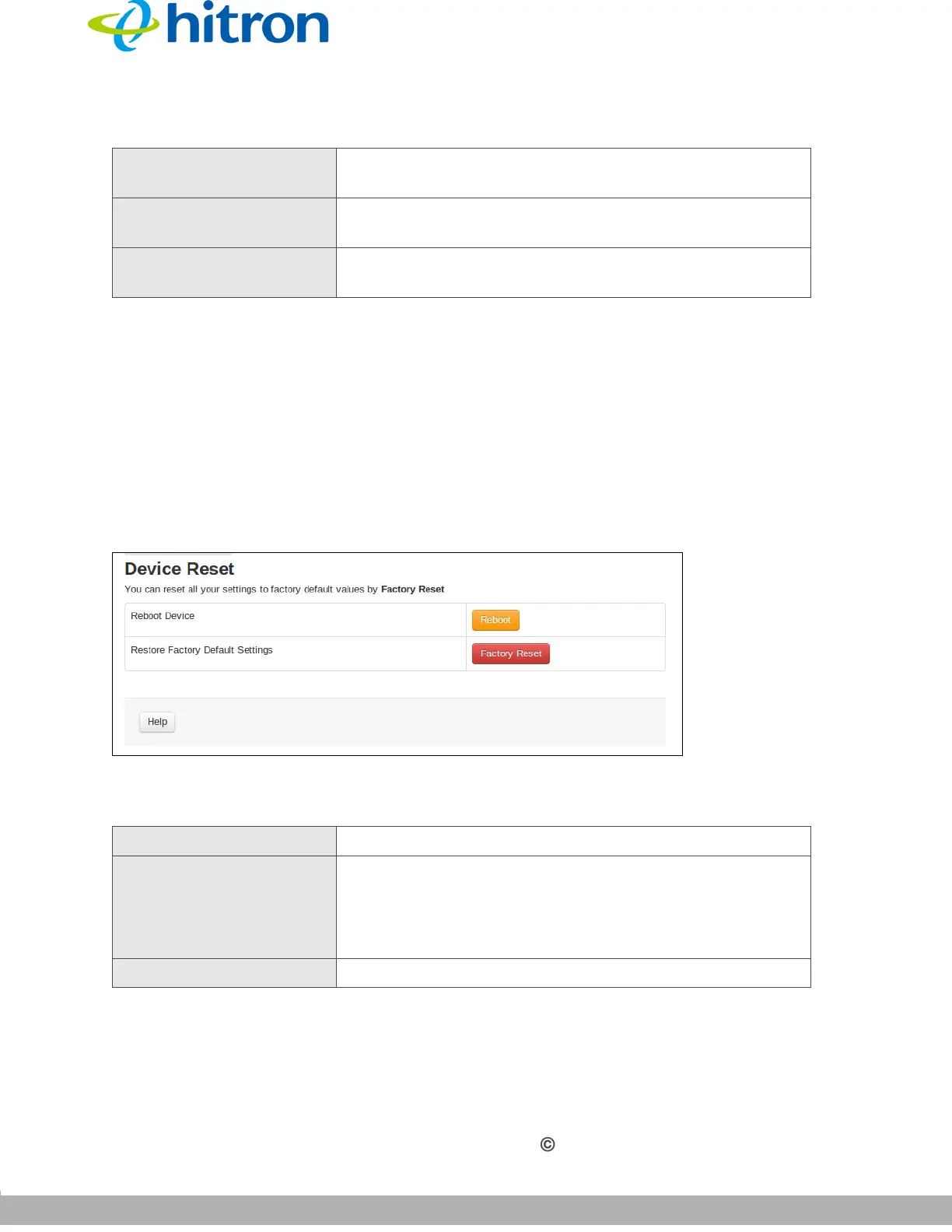
Click Admin > Device Reset. The following screen displays.
Figure 39: The Admin: Device Reset Screen
The following table describes the labels in this screen.
Save Changes Click this to save your changes to the fields in this
screen.
Cancel Click this to return the fields in this screen to their last-
saved values without saving your changes.
Help Click this to see information about the fields in this
screen.
Table 34: The Admin: Device Reset Screen
Reboot Device Click Reboot to restart your CGNM-2250.
Restore Factory Default
Settings
Click Factory Reset to return your CGNM-2250 to its
factory default settings.
When you do this, all your user-configured settings are
lost, and cannot be retrieved.
Help Click this to see information about the fields in this screen.
Table 33: The Admin: USB Storage Screen (continued)



 To Next Page