INTRODUCTION
Version 1.0, 12/2014. Copyright 2012 Hitron Technologies
17
Version 1.0, 12/2014. Copyright 2014 Hitron Technologies
17
Hitron CGNM-2250 User’s Guide
1.3 LEDs
This section describes the CGNM-2250’s LEDs (lights).
LAN1 Use these ports to connect your computers and other
network devices, using Category 5 or 6 Ethernet cables
with RJ45 connectors.
LAN2
LAN3
LAN4
CABLE Use this to connect to the Internet and coax network via
an F-type RF cable.
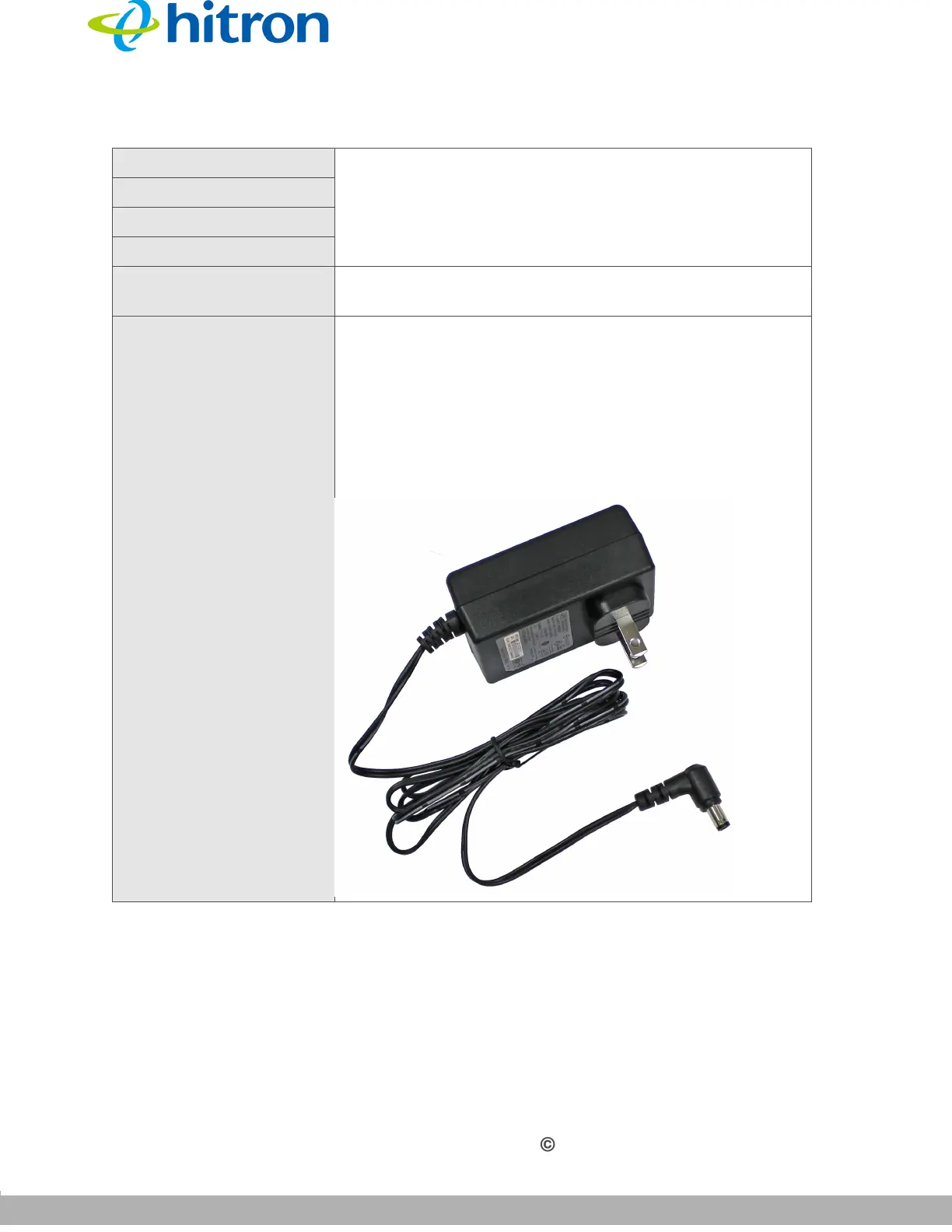
POWER Use this to connect to the 12v/2A power adapter that
came with your CGNM-2250.
NEVER use another power adapter with your
CGNM-2250. Doing so could harm your CGNM-
2250.
Figure 3: Power Adaptor
Table 2: Hardware Connections



 To Next Page