STATUS
Version 1.0, 12/2014. Copyright 2012 Hitron Technologies
53
Version 1.0, 12/2014. Copyright 2014 Hitron Technologies
53
Hitron CGNM-2250 User’s Guide
Broadcast SSID This field displays Enabled when the 5 GHz wireless
network’s SSID is being broadcast, and displays
Disabled when it is not.
WMM This field displays Enabled when the 5 GHz wireless
network, and displays Disabled when it is not.
Security Mode This displays the type of security the CGNM-2250’s 5
GHz wireless network is currently using.
Security Key This displays the password for the CGNM-2250’s 5 GHz
wireless network.
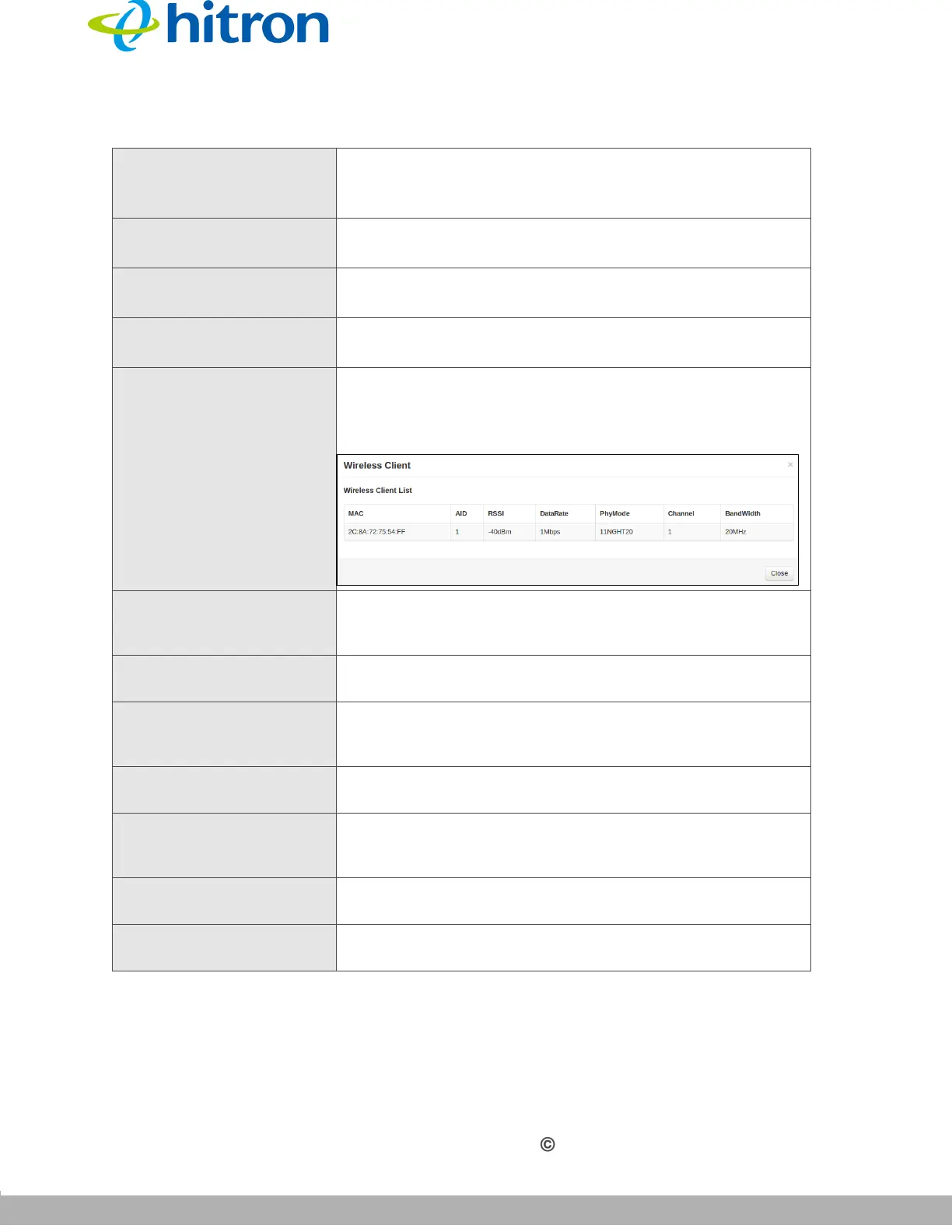
Wireless Client This displays the wireless client of the CGNM-2250’s
wireless network.
Figure 19: Wireless Client List
MAC
This displays the MAC (Media Access Control) address of
each wireless client connected to the device’s wireless
network.
AID
This displays the AID (Association ID) of each wireless
client connected to the device’s wireless network.
RSSI
This field display the Received Signal Strength Indication
from each wireless client connected to the device’s
wireless network.
DateRate
This displays the transfer speed of each wireless client
connected to the device’s wireless network.
PhyMode
This displays the Physical Mode (IEEE 802.11a,b,g or n)
of each wireless client connected to the device’s wireless
network.
Channel
This displays the wireless channel on which the device is
connected.
BandWidth
This displays the bandwidth (20/40MHz) of each wireless
client connected to the device’s wireless network.
Table 15: The Status: Wireless Status Screen (continued)



 To Next Page