STATUS
Version 1.0, 12/2014. Copyright 2012 Hitron Technologies
51
Version 1.0, 12/2014. Copyright 2014 Hitron Technologies
51
Hitron CGNM-2250 User’s Guide
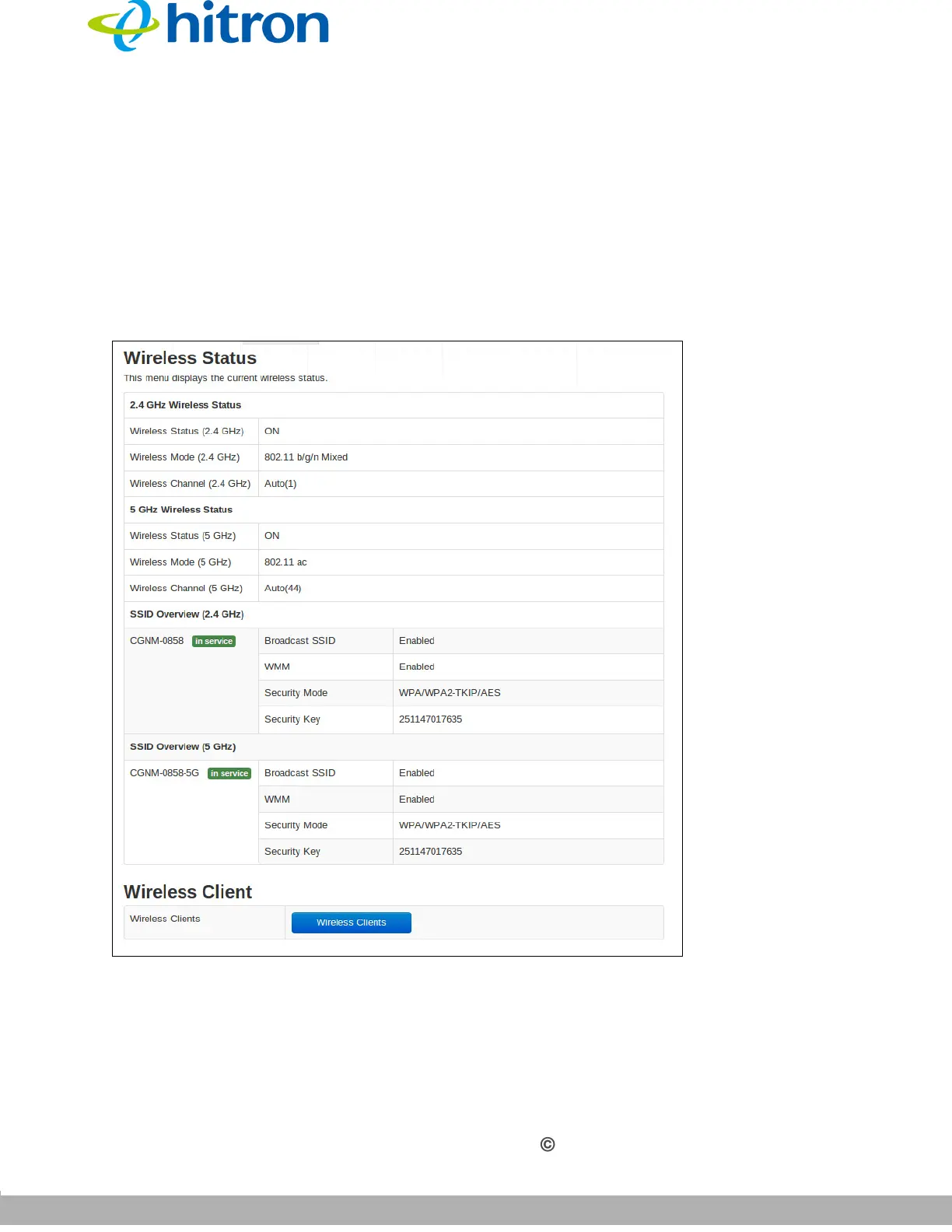
3.7 The Wireless Screen
Use this screen to view general information about the CGNM-2250’s WiFi-related
settings. You can modify many of the fields in this screen using the Wireless > Basic
Setting screen;
see The Basic Settings Screen on page 74
Click Status > Wireless. The following screen displays.
Figure 18: The Status: Wireless Screen



 To Next Page