INTRODUCTION
Version 1.0, 12/2014. Copyright 2012 Hitron Technologies
19
Version 1.0, 12/2014. Copyright 2014 Hitron Technologies
19
Hitron CGNM-2250 User’s Guide
DS Green, blinking The CGNM-2250 is searching for a downstream
frequency on the CABLE connection.
Green, steady The CGNM-2250 has successfully located and
locked onto a downstream frequency on the
CABLE connection.
Blue, blinking The CGNM-2250 is ranging on the downstream
frequency.
Blue, steady Downstream frequency is locked or online with
channel bonding.
Off There is no downstream activity on the CABLE
connection.
US Green, blinking The CGNM-2250 is searching for an upstream
frequency on the CABLE connection.
Green, steady The CGNM-2250 has successfully located and
locked onto an upstream frequency on the CABLE
connection.
Blue, blinking The CGNM-2250 is ranging on the upstream
frequency.
Blue, steady Upstream frequency is locked or online with
channel bonding.
Off There is no upstream activity on the CABLE
connection.
STATUS Blinking The CGNM-2250’s cable modem is registering with
the service provider’s CMTS.
On The CGNM-2250’s cable modem has successfully
registered with the service provider and is ready for
data transfer.
LAN Off No device is connected to one of the LAN ports.
Green, blinking A device is connected to one of the LAN ports and
is transmitting or receiving data.
Green, steady A device is connected to one of the LAN ports but is
not transmitting or receiving data.
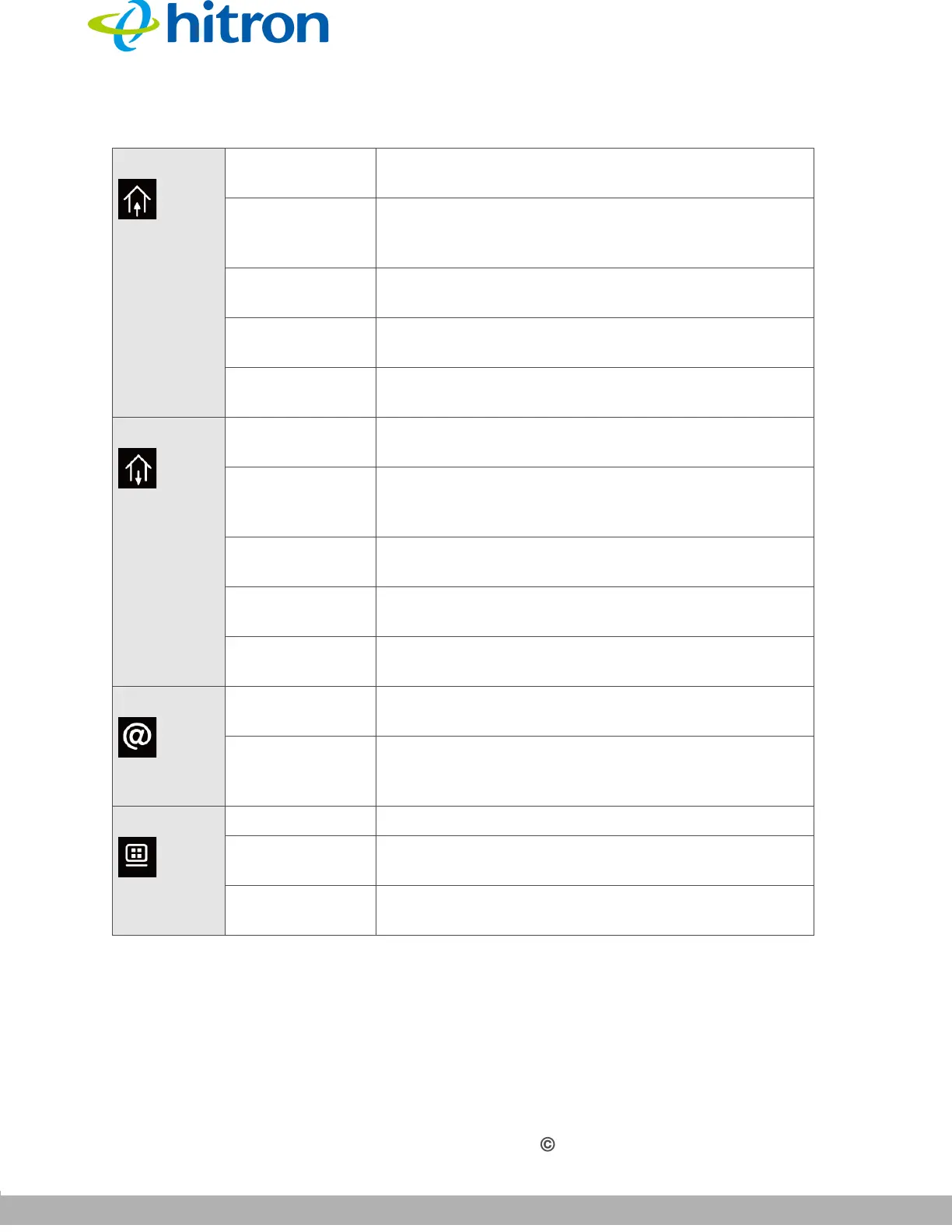
Table 3: LEDs



 To Next Page