WORKING WITH THE COMPACT CRANE
U.C10.00.00.EN Version 2.0 29
6.2.2 Function mapping
This function allows you to assign different functions to the levers. As standard, it is set to default. If you set it to
custom, then it is set the same as many lorry loader cranes.
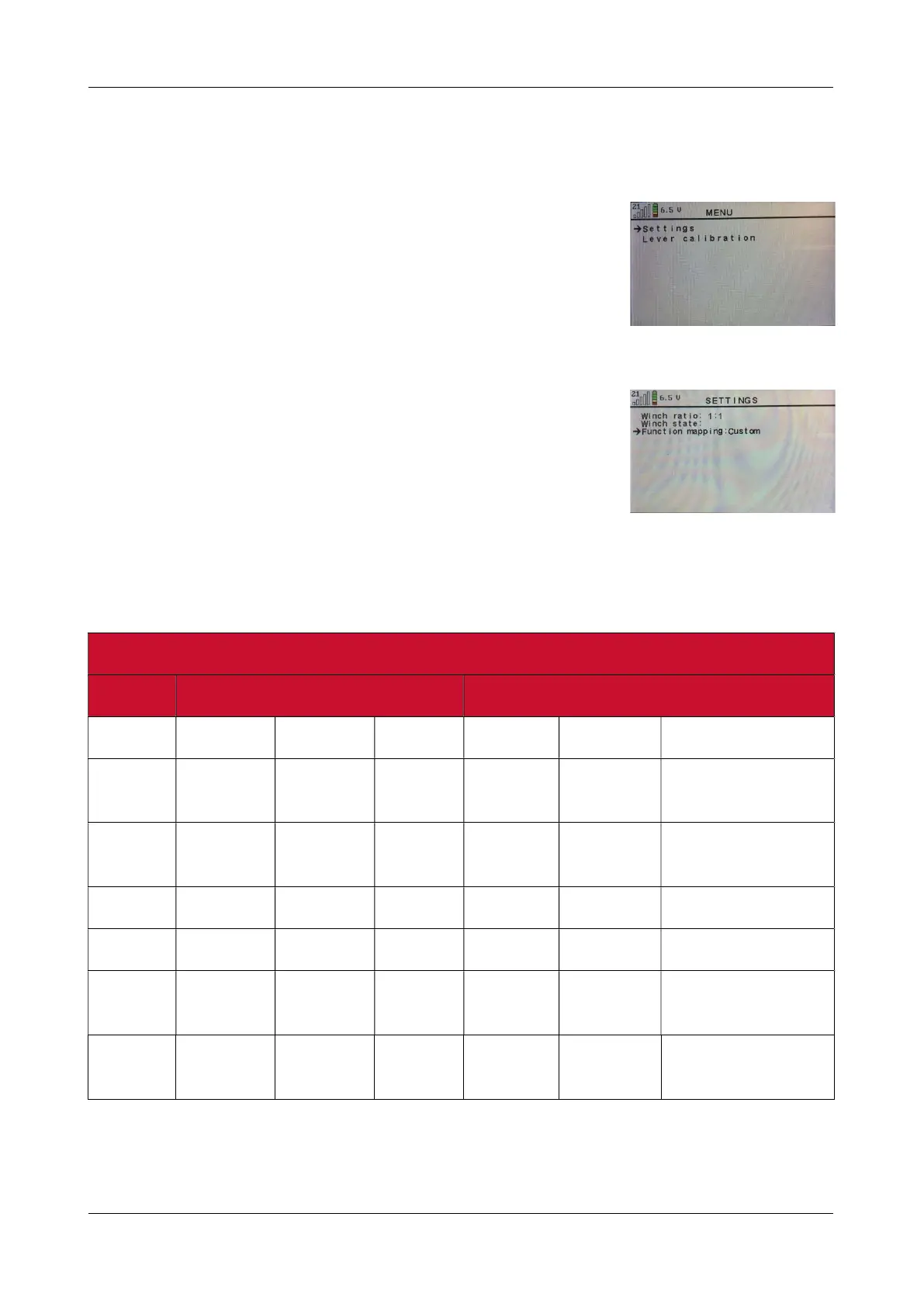
Switch on the remote control and activate the remote control menu by
pressing the ✓ button (see figure 16).
Then open settings by pressing the ✓ button and use the button to go to
function mapping (see figure 17).
Then press the ( ) button to set the custom function (see figure 17).
The table below shows the new functions of the levers.
Levers in standard Default
Key switch in position 1 Key switch in position 2
Number Lever Backwards Forwards Lever Backwards Forwards
1 LF
outrigger
Up Down Slewing Left Right
2 LR
outrigger
Up Down Main
boom
Retract Extend
3 L track Backwards Forwards Jib Retract Extend
4 R track Backwards Forwards Winch Raise Lower
5 RR
outrigger
Up Down Jib Extend Retract
6 RF
outrigger
Up Down Main
boom
Extend Retract
Figure: 16
Figure: 17



 To Next Page