Selenia User Guide
Chapter 3—System Components and Controls
22 MAN-03270 Revision 003
3.2 Film Printer
Selenia accepts film printers. Printed films display the patient information, exposure
techniques, projection, and facility information.
3.3 System Power Controls
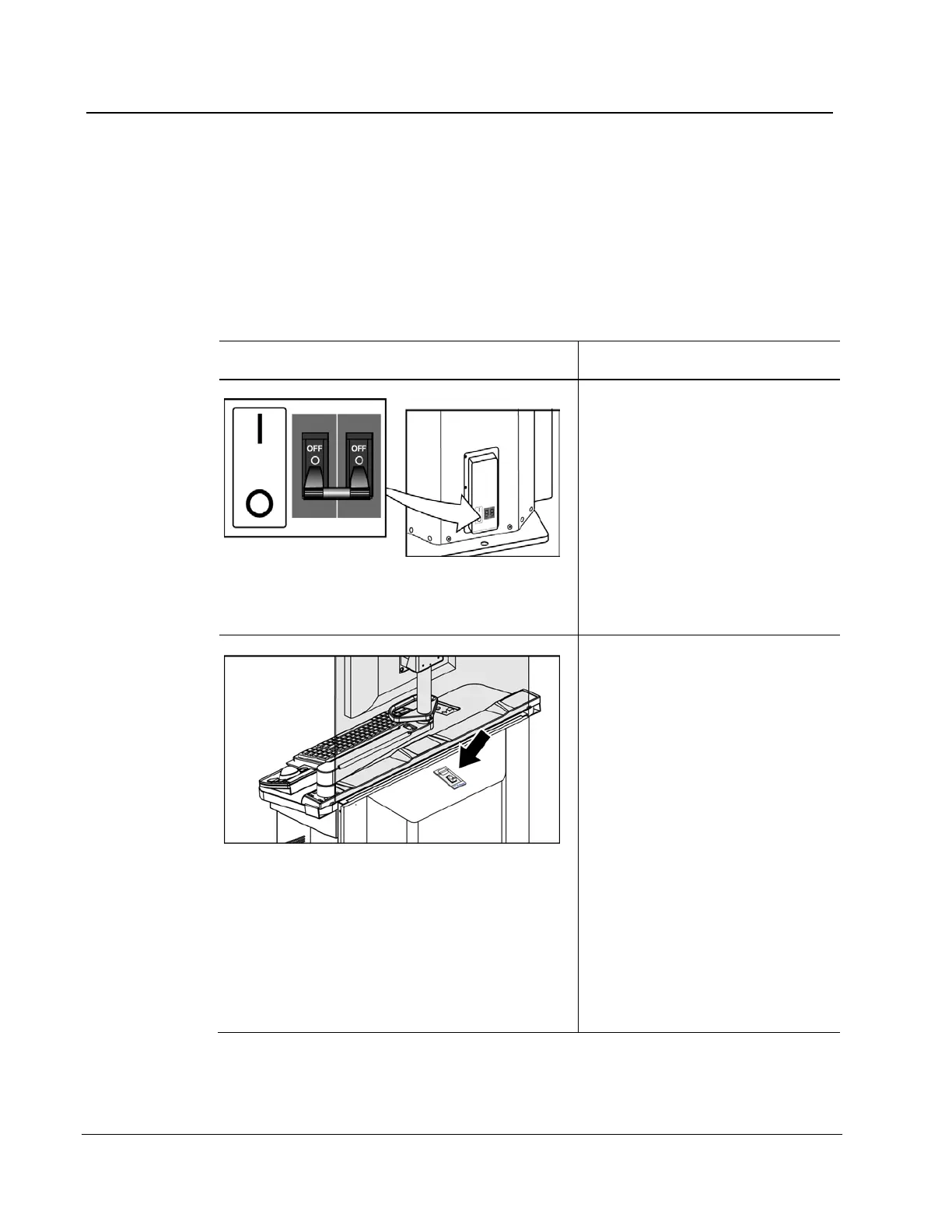
3.3.1 Input Power Circuit Breakers
Location of Circuit Breaker Description
Figure 4: Gantry Circuit Breaker
• At the lower right corner of
the back panel
• Removes the power for
service or in an emergency
• Up is turned On. Down is
turned Off.
• When turned off, a system
restart is required. Restart
the system following
Procedure for Startup on page
31.
Figure 5: Acquisition Workstation Circuit Breaker
• On the back of the
Acquisition Workstation
behind the shield. The Value
Console Circuit Breaker
shown) is on the back of the
Value Console.
• Use only in an emergency.
• If the circuit breaker was
used, wait until the beeps
stop, then turn on the circuit
breaker. The system
automatically restarts. If the
UPS does not respond
automatically, reset the
UPS. (See How to Turn On or
Reset the Uninterruptible
Power Supply (UPS) on page
39.)












 To Next Page