Selenia User Guide
Chapter 3—System Components and Controls
26 MAN-03270 Revision 003
3.4.4 Keyboard and Screen Controls
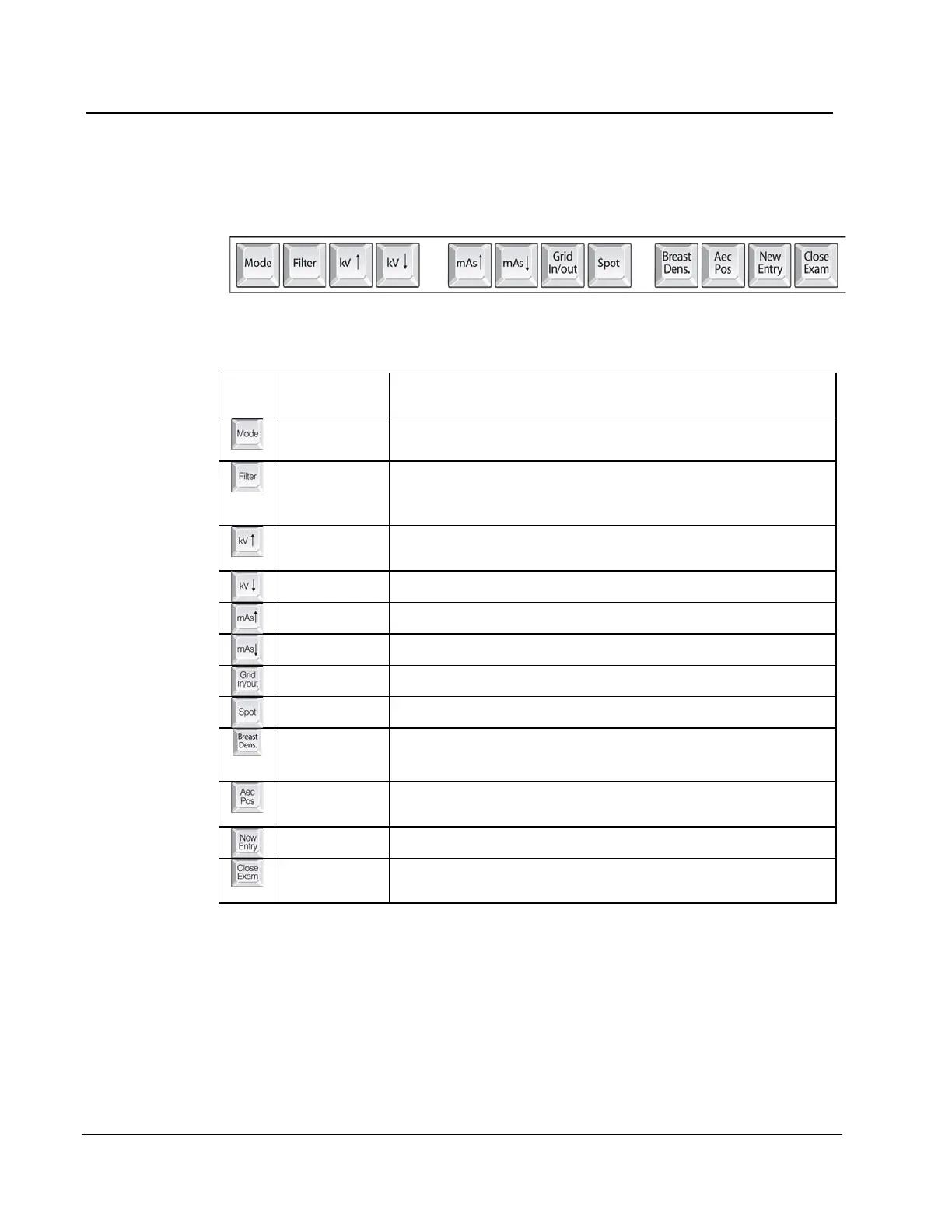
Use the trackball or the function keys to change Exposure techniques.
Figure 14: Selenia Function Keys on the Keyboard
Changes AEC, TEC, and Manual exposure modes.
The Filter options depend on the x-ray tube. The Molybdenum
system has Mo and Rh. The Tungsten system has Rh and Ag.
Changes the Grid Position (In or Out).
Changes the Focal Spot size (Small or Large).
Changes the TEC Breast Density settings.
Moves the AEC Sensor position.
Opens the New Patient Entry dialog box.
Procedure
Closes the Procedure. (Disabled when MPPS is installed).
3.4.5 Bar Code Scanner
The Bar Code Scanner speeds the entry of data from records with bar codes.












 To Next Page