Selenia User Guide
Chapter 6—The User Interface
MAN-03270 Revision 003 103
6.4.5.3 How to Reject an Accepted Image
To reject an Accepted Image:
1. In the Patient View screen, select the Review button.
2. In the dialog box, select the tab for the View to reject.
3. Select the Accepted Image.
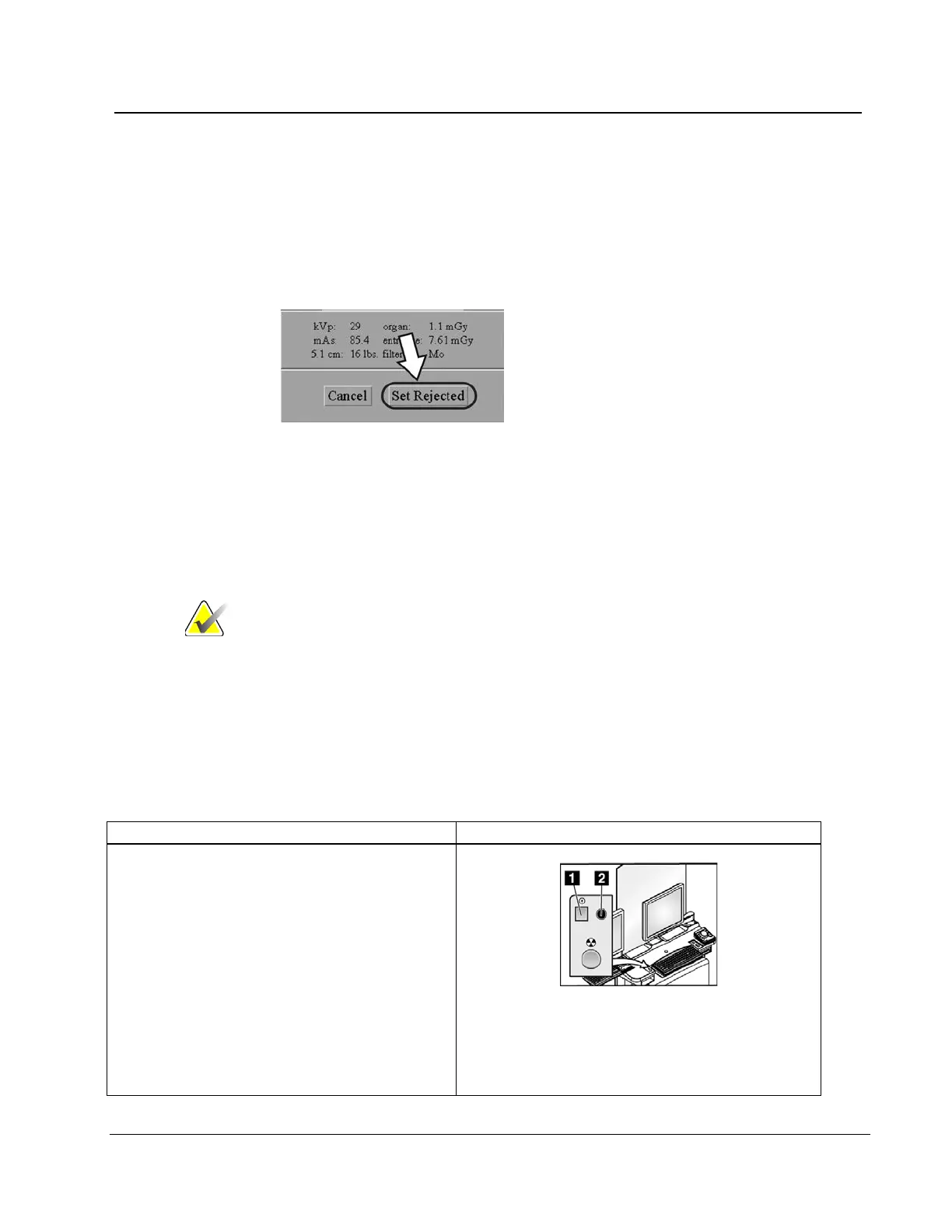
Figure 80: Set Rejected Button
4. Select the Set Rejected button.
5. Select a reason for the reject. (See the figure The Reject Reasons List on page 100.)
6. Select the Reject button.
7. Select the OK button. The displayed thumbnail image disappears from the Patient
View screen.
Note After you reject an Image with this method, the image is not
removed from the output queues. To delete the image from
the queues, see the table in Manage Queues on page 74. The
Rejected Image is added to the Reject Analysis Bin for
tracking purposes.
6.5 A Screening Exam Sequence Suggestion
Workflow Suggestions to Select a Patient and Acquire an Image
1. Start up the system and log in to Operating
System and Application. (See Procedure for
Startup on page 31.)
Figure Legend
1. Power On button
2. Power On indicator light












 To Next Page