Selenia User Guide
Chapter 6—The User Interface
62 MAN-03270 Revision 003
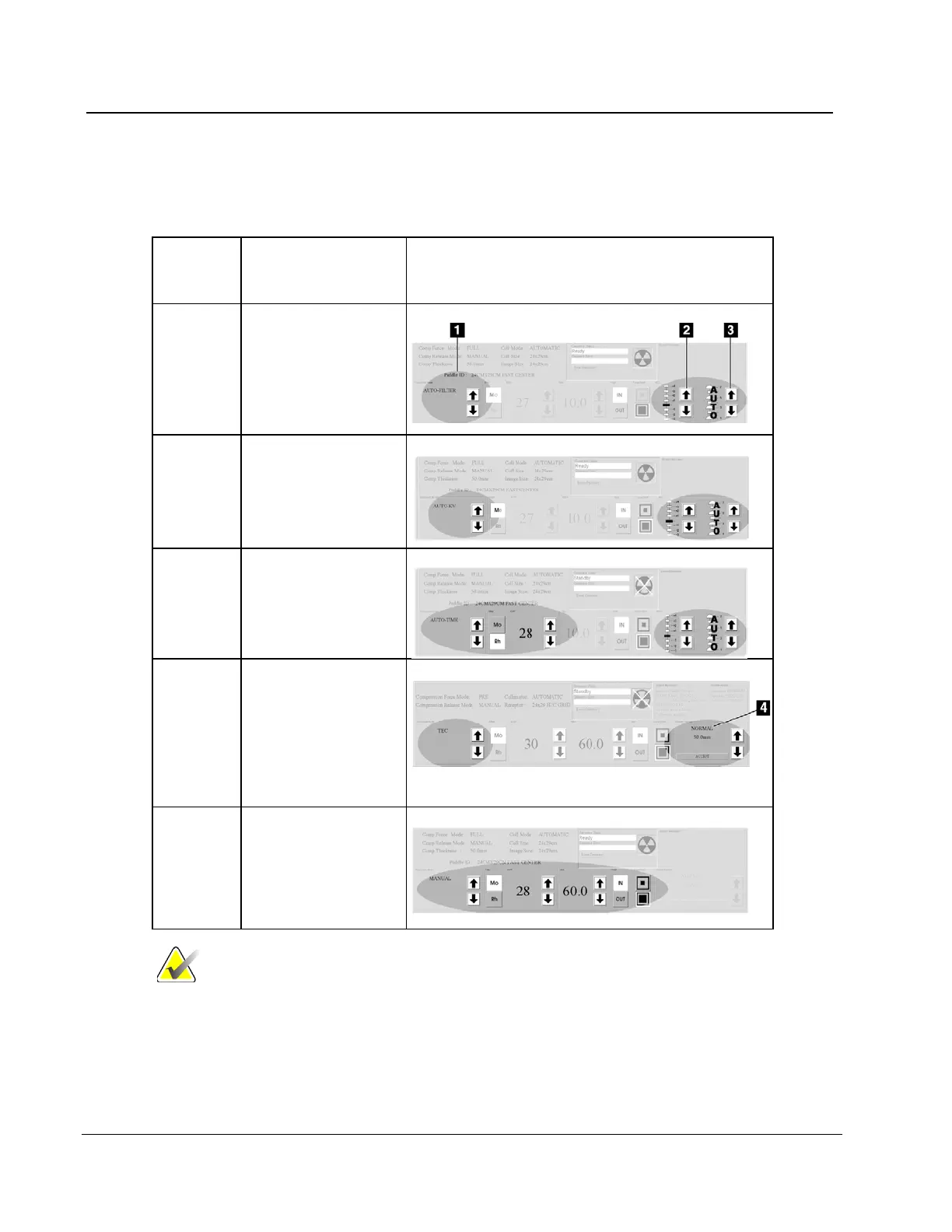
6.2.7.2 About Exposure Modes
Modes
(Item 1)
Adjustments
Where the function is in the Techniques Pane
Adjustment (item 2);
AEC Sensor (item 3)
(Positions 1-7 or
Auto).
Adjustment; AEC
Sensor.
Exposure Adjustment;
AEC Sensor.
TEC Select Breast
Density (item 4), then
select Accept or
change the Exposure
Techniques, which
puts you in Override
and select all x-ray
techniques and
Exposure Factors (kV,
Filter, and mAs).
Note
When you change the mode, all Exposure Techniques reset
to the default values for that mode.












 To Next Page