Selenia User Guide
Chapter 6—The User Interface
58 MAN-03270 Revision 003
6.2.5 New, Edit, Add a Procedure
6.2.5.1 How to Add a New Procedure
1. Open an existing patient.
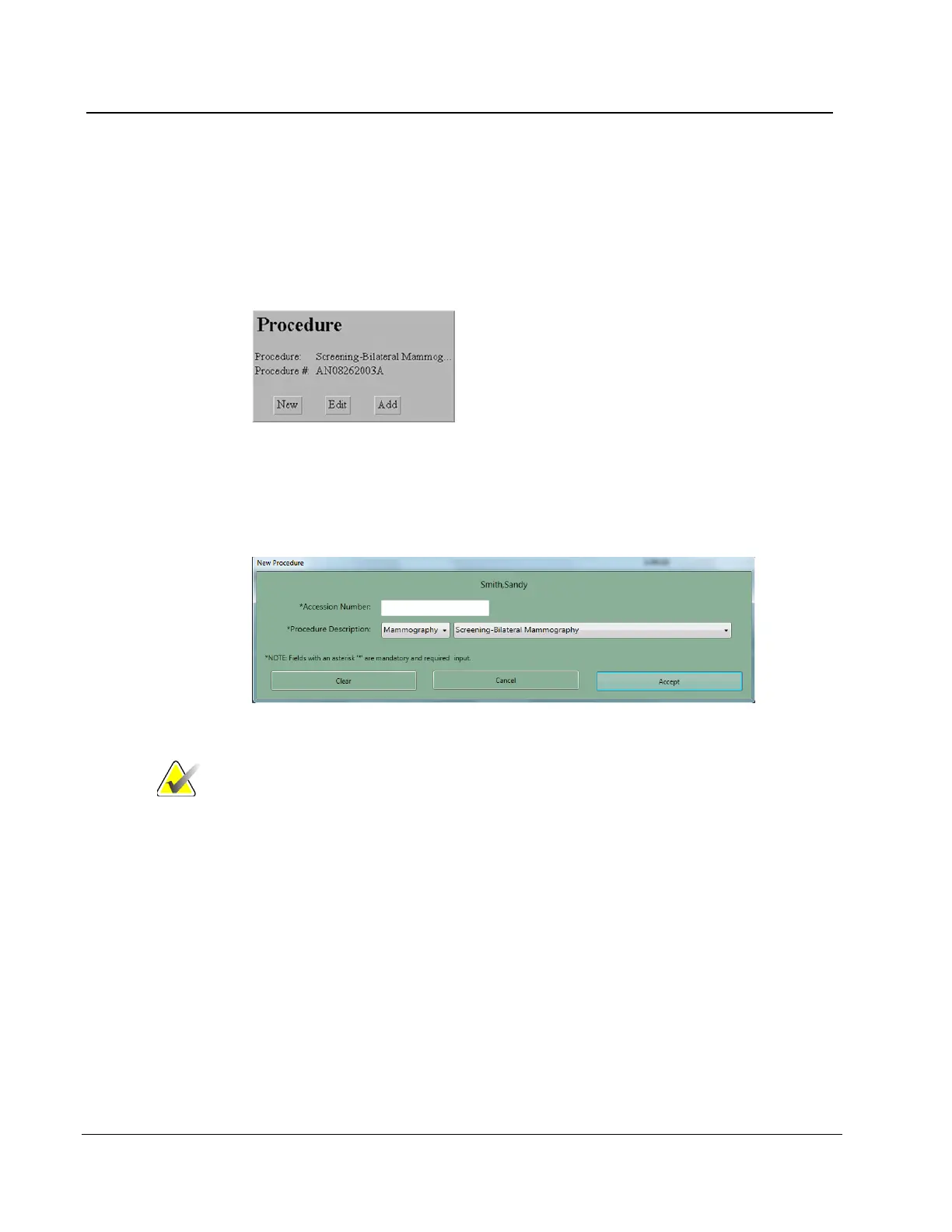
2. Select New in the Procedure pane.
Figure 40: New Procedure, Edit a Procedure, and Add a Procedure Buttons
3. Select Yes in the Creating a New Procedure will close the current Procedure dialog
box. Any open procedure will close.
4. When the New Procedure dialog box appears, enter a new Accession Number.
Figure 41: New Procedure Dialog Box
Note The Cancel button closes the dialog box without any
changes. The Clear button clears the Accession number.
5. Select the Procedure Description from the drop-down list.
6. Select the Accept button.












 To Next Page