Selenia User Guide
Chapter 6—The User Interface
MAN-03270 Revision 003 59
6.2.5.2 How to Edit a Procedure
1. Select the Edit button in the Procedure area of the screen.
2. Change the Accession Number. You cannot change the Procedure selection.
3. Select the Accept button.
6.2.5.3 How to Add a Procedure
The Add a Procedure function allows you to have many procedures open at the same
time.
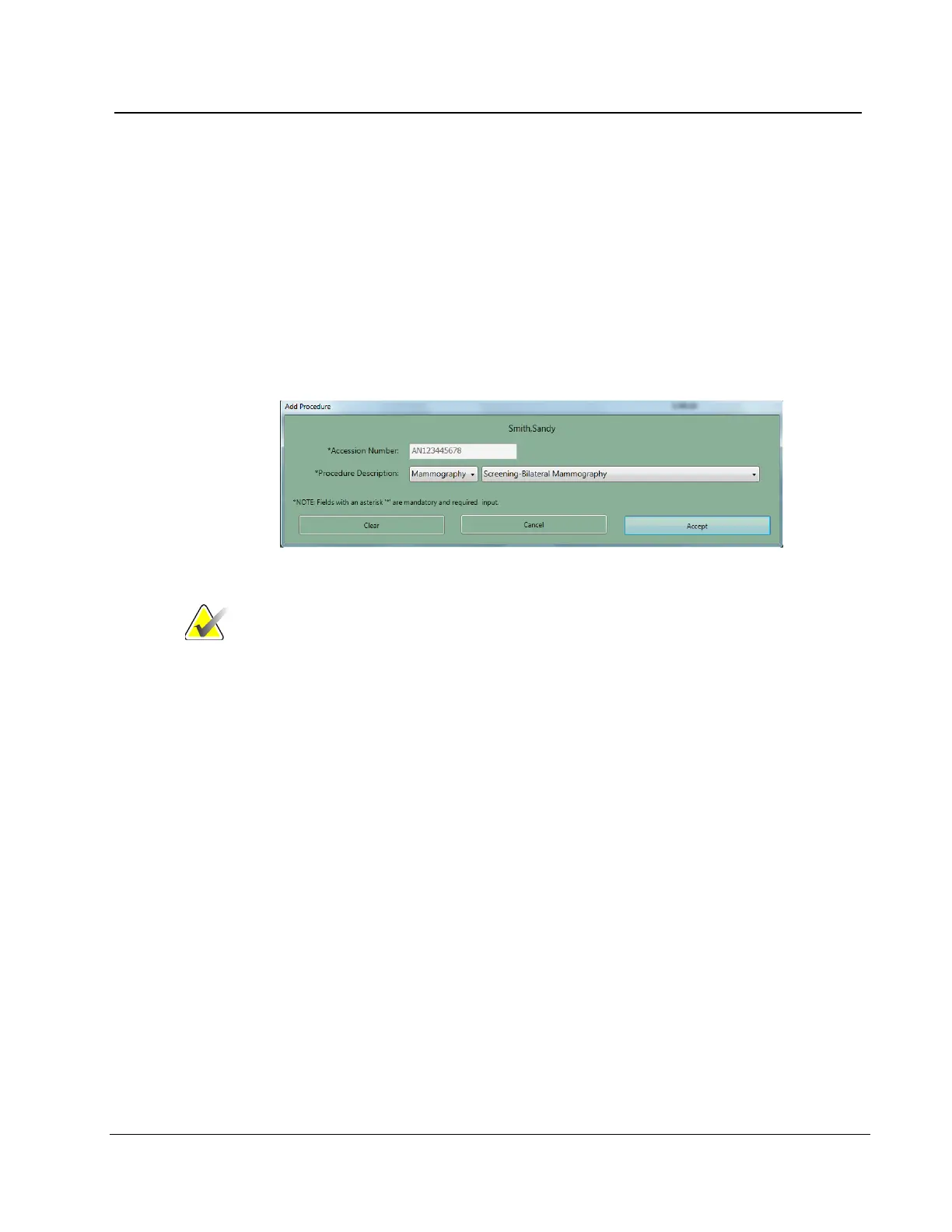
1. Select the Add button in the Procedure pane.
Figure 42: Add a New Procedure Dialog Box
Note
The added procedure must use the same Accession Number
as the open procedure. If you do not plan to use the same
Accession Number, select the New button and follow How to
Add a New Procedure on page 58.
2. From the drop-down list, select the Procedure to add.
3. Select the Accept button.












 To Next Page