Selenia User Guide
Chapter 4—Startup, Functional Tests, and Shutdown
MAN-03270 Revision 003 33
Note
If the system was turned off for 30 minutes or longer, the
detector temperature needs time to adjust. Allow a
minimum of 1 hour before you acquire images on a patient.
The Launch dialog box disappears when the wait time is
finished.
If it has been less than 30 minutes, click Dismiss in the
Launch dialog box.
Note
If during the internal checks, the system detects a fault
condition, a message appears and startup is suspended until
the problem is resolved.
4.2 Controls and Functional Tests
Perform these functional tests monthly.
Note
The C-
arm movement is disabled when compression force of
58 N (13 lb.) or greater is applied.
Table 5: Monthly Control Function Tests
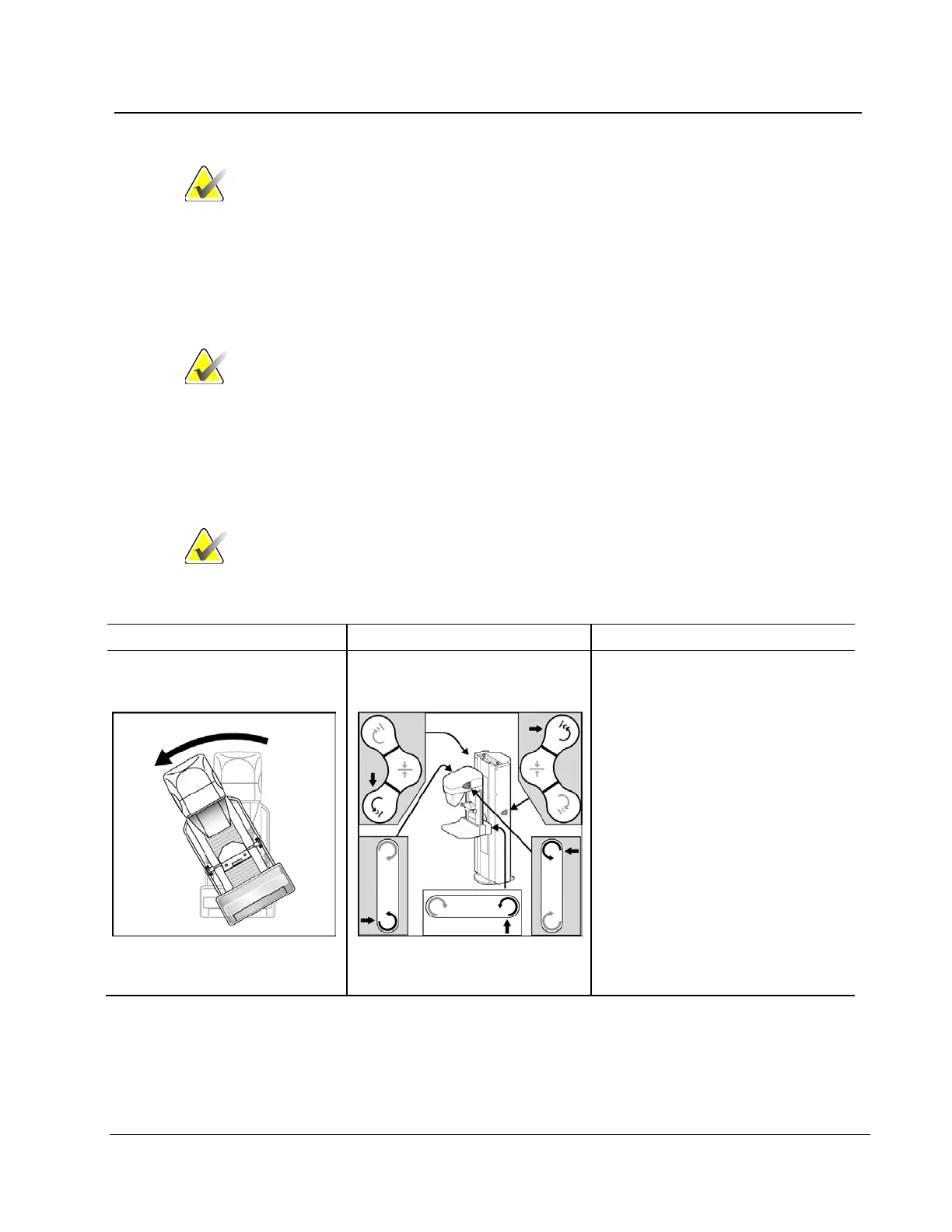
Rotation
C-arm and Gantry Rotation
Switches
Press and hold the C-arm button and
confirm the following actions:
• C-arm rotates
• Angle display changes
• Rotation stops when you
release the button.
• Press and hold a Center
button and confirm C-arm
moves to zero degree
position.












 To Next Page