Selenia User Guide
Chapter 6—The User Interface
70 MAN-03270 Revision 003
6.2.8.1.4 Add or Edit a User
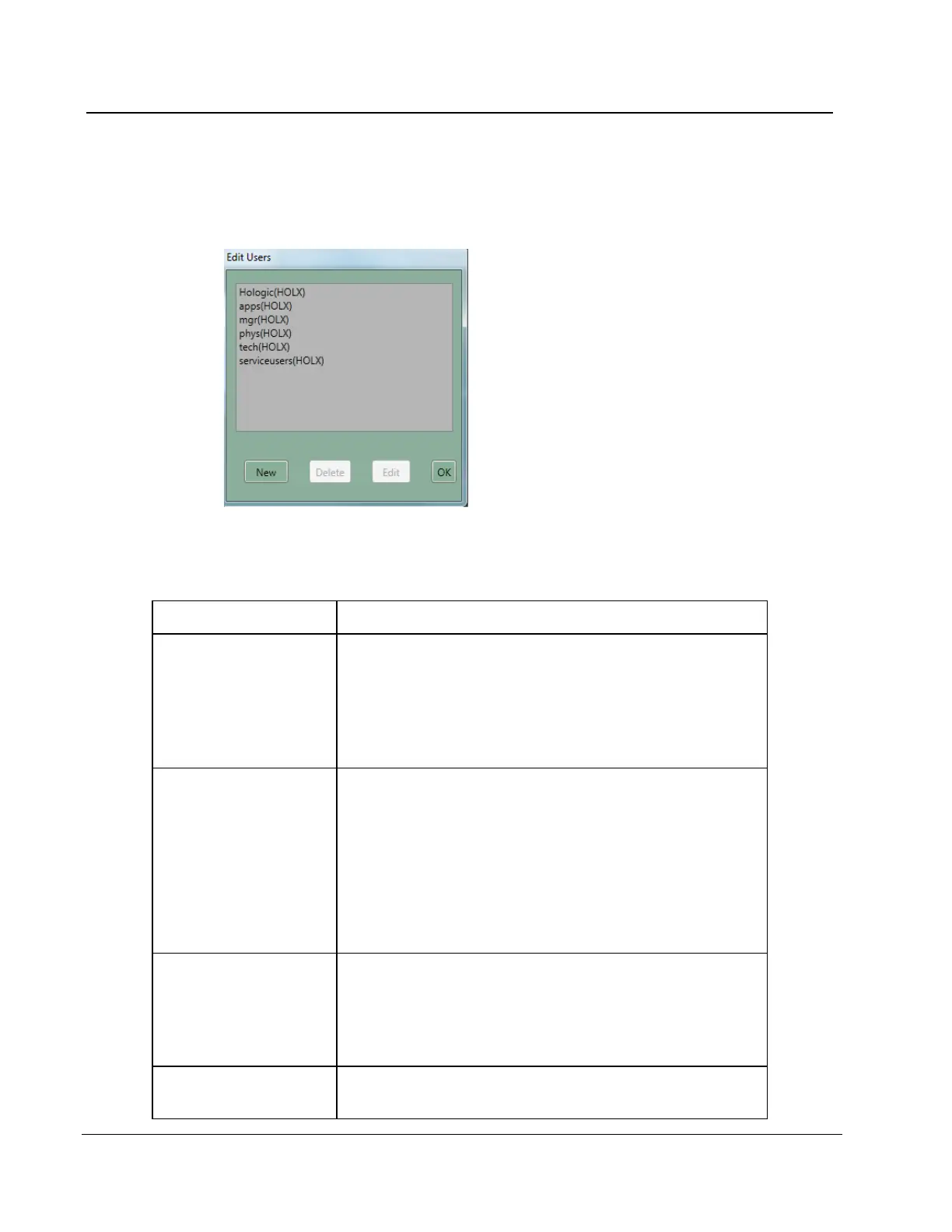
A signed-in user can add or delete a user at the same or lower level. To access the Edit
User options, select Edit>User Setup.
Figure 51: The Edit Users Dialog Box
Table 10: User Setup Options
• Add a new user
1. Select New.
2. Enter the requested information. The password must
contain a minimum of 6 characters.
3. Select the Accept button.
• Edit a user 1. Select your name from the list.
2. Select Edit.
3. Change the Initials, if necessary.
4. If requested, enter the Password. The password must
contain a minimum of 6 characters.
5. Select the Accept button.
• Delete a user
1. Select the User to delete.
2. Select the Delete button.
3. Select the Yes button to the confirmation prompt.
• Close the dialog
box
1. Select the OK button to close the Edit Users dialog box.












 To Next Page