Selenia User Guide
Chapter 4—Startup, Functional Tests, and Shutdown
40 MAN-03270 Revision 003
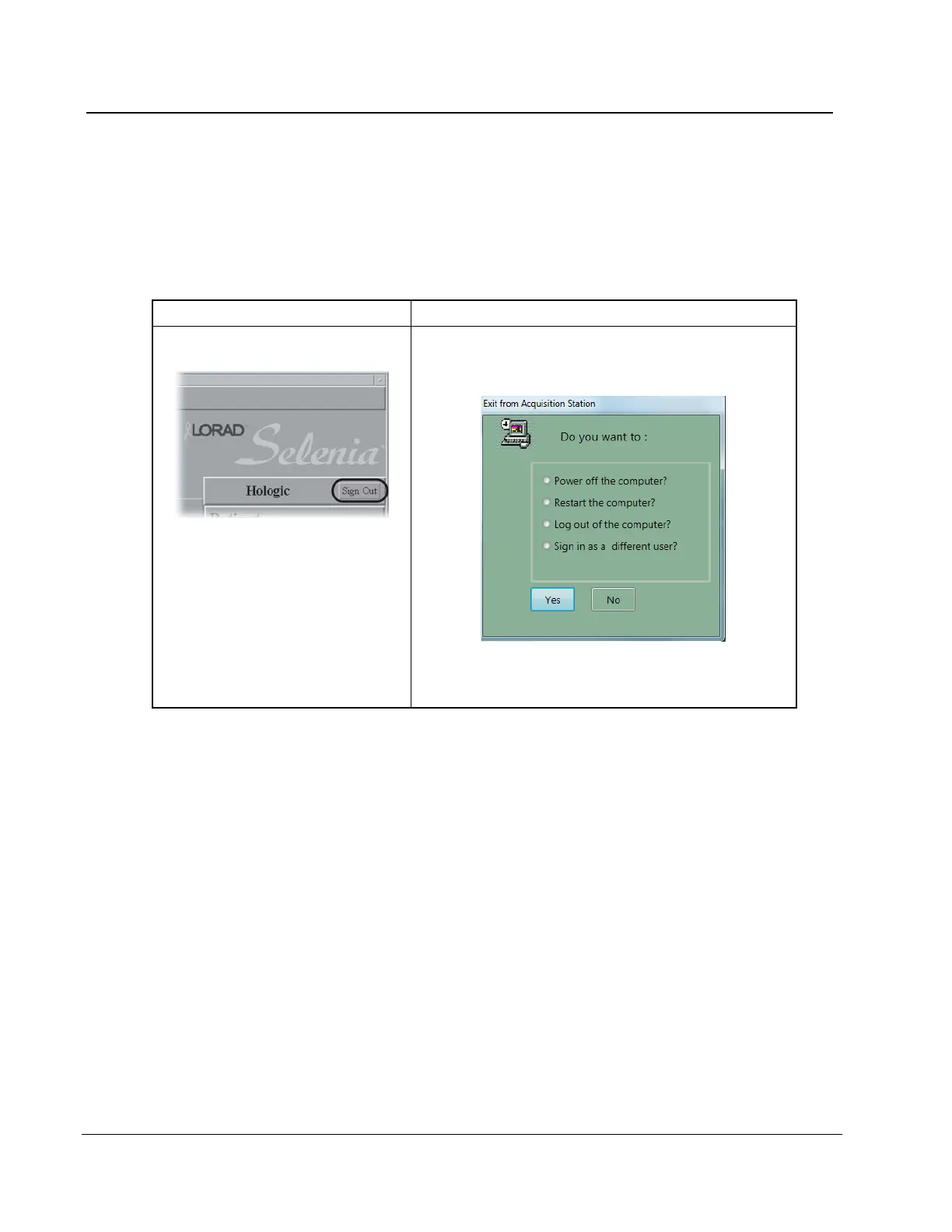
4.5 How to Log Out
There are two methods to log out of the application. The system will remain on and
another user can log in to use it.
Table 6: The Log Out Methods
1. Select the Sign Out button.
Figure 25: The Sign Out Button
2. Select the Exit button.
3. Select Yes.
1. Select File>Exit.
2. Select Log out of the computer?.
Figure 26: Exit from Acquisition Station Dialog Box
3. Select Yes.












 To Next Page