Selenia User Guide
Chapter 6—The User Interface
MAN-03270 Revision 003 71
6.2.8.1.5 Outputs
To Add New Output Groups:
1. Select Edit > Outputs.
2. Select New.
3. Enter the name for this Output.
4. Select OK.
5. Select the new name in the Edit Outputs dialog box.
6. Select Edit.
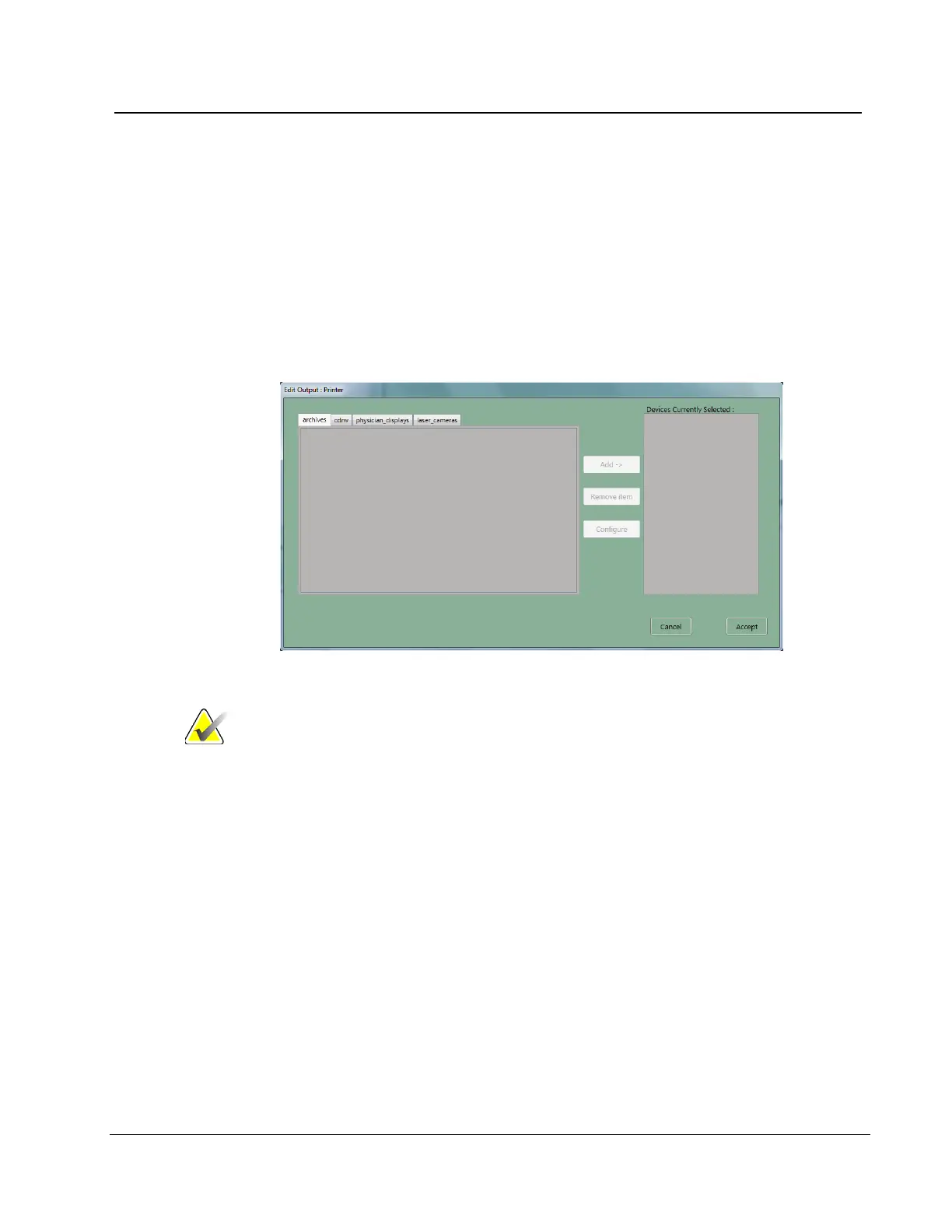
Figure 52: Edit Output Device Dialog Box
Note
Outputs are first created during installation.
7. Select the tab for the type of device.
• CDRW = CD-RW
• Laser Camera = Printer
• Physician Display = Diagnostic Review Workstation, Technologist Review
Workstation, CAD, etc.
• Archive = PACS
8. Select the device name.
9. Select the Add button to move it to the right column.
10. To add another output device to the new group, select the tab for the device type.
11. Select the device name.
12. Select the Add button.
13. Select the Accept button when finished with the group.
14. Select the OK button.












 To Next Page