Selenia User Guide
Chapter 6—The User Interface
MAN-03270 Revision 003 69
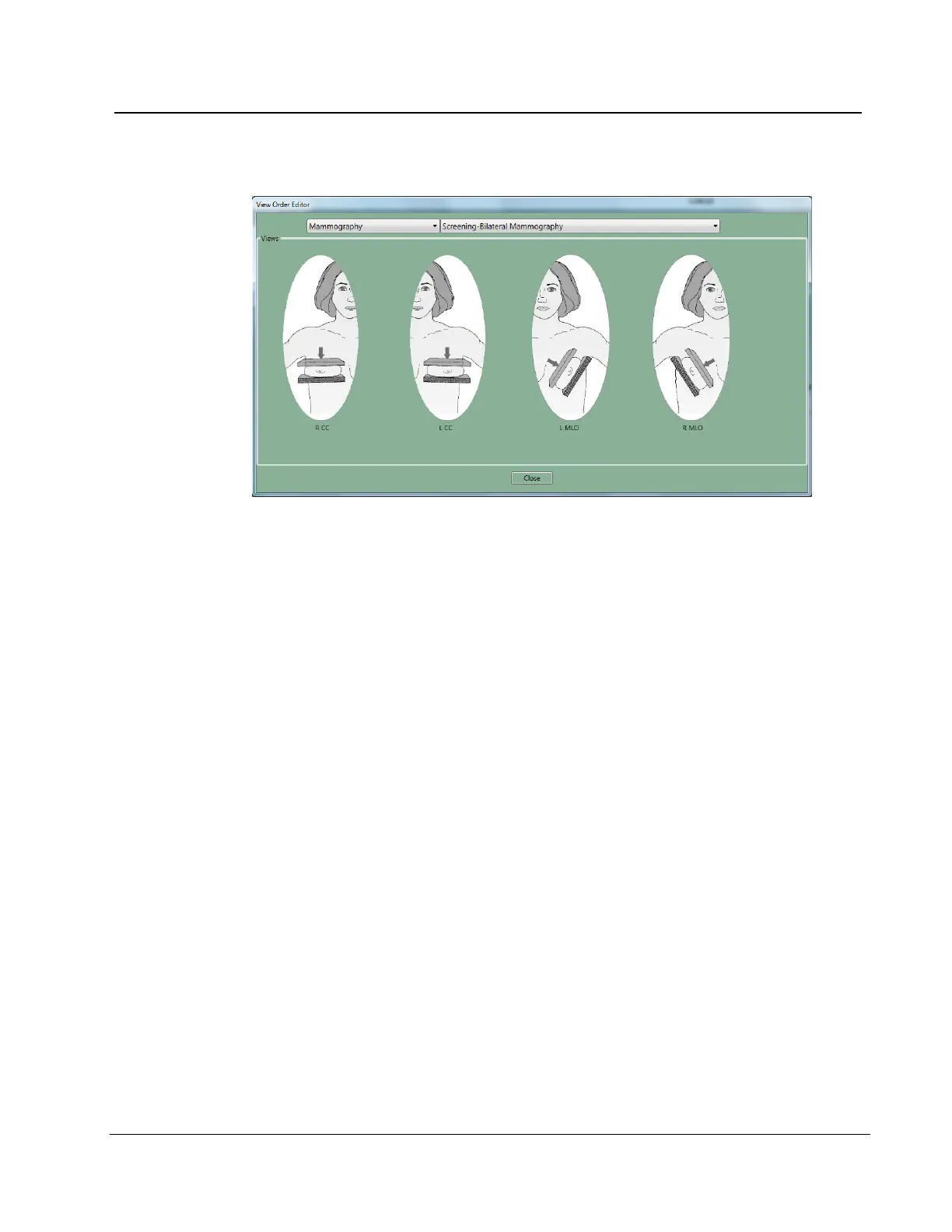
6.2.8.1.3 View Order Editor
Figure 50: View Order Editor
1. Select Edit>View Order Editor.
2. Select the procedure from the drop-down menus.
3. Select the Views for each Procedure:
4. Left click and hold on the View icon to move and change the order.
5. Select Close. Your view order preferences load when you log in.












 To Next Page