Selenia User Guide
Chapter 6—The User Interface
68 MAN-03270 Revision 003
6.2.8.1 Edit Menu Function
6.2.8.1.1 Standard Setup Screens
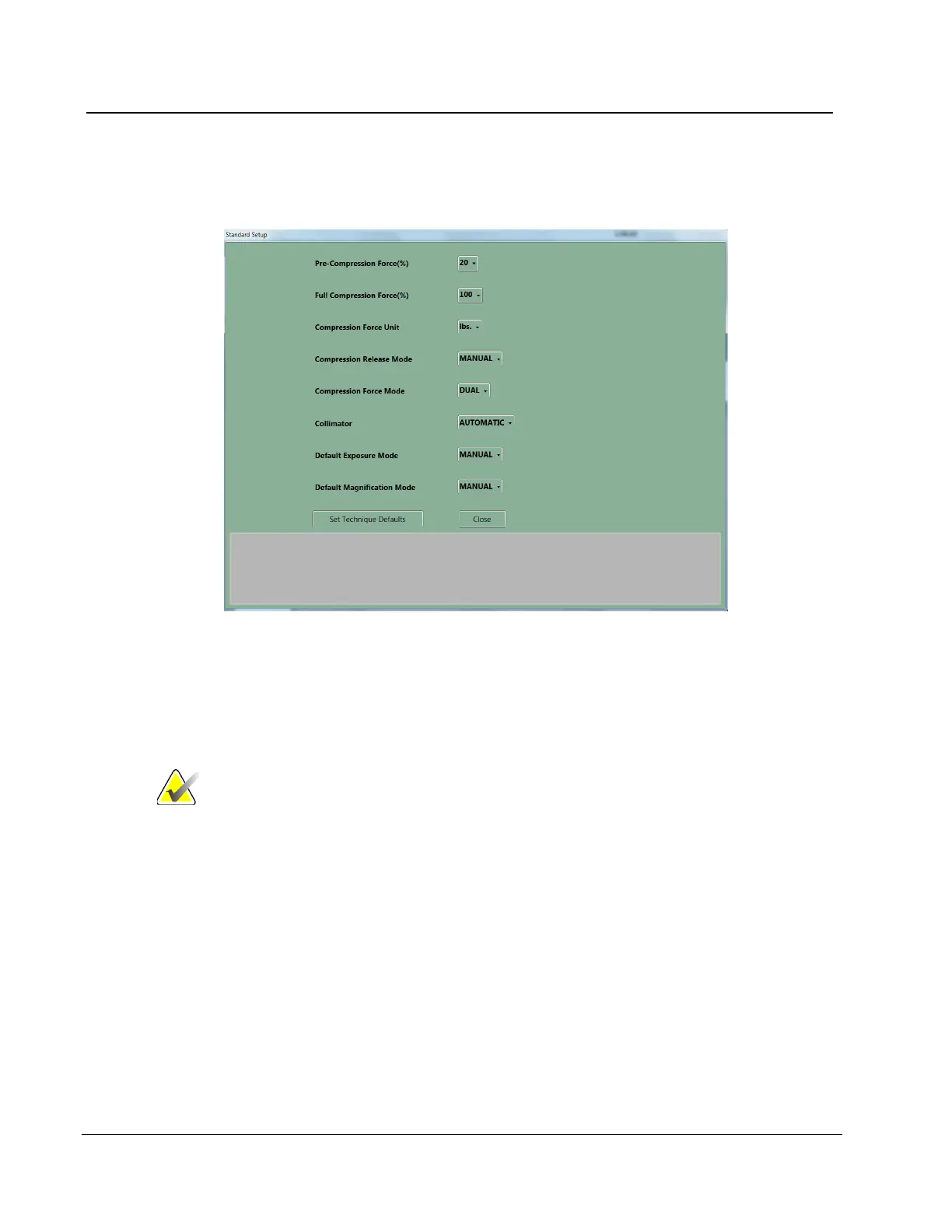
Figure 49: The Setup Screen
1. Select Edit>Standard Setup.
2. Use the trackball or the keyboard Tab key to move between fields.
3. Use the trackball or arrow keys to display and select options.
4. Select the Close button to exit the dialog box.
Note
When Manual Collimation is selected, the function that
automatically changes the Collimation when a paddle is
changed or moved turns off.
6.2.8.1.2 Set Technique Defaults
Select the Set Technique Defaults button to display the Technique Default Setup screen.
You must set the default values for all modes.
1. Select Manual Exposure Mode and select the system startup defaults.
2. Change the mode to Auto-time and select the options.
3. Continue to change the mode and select the options for all remaining exposure modes
including Magnification modes.












 To Next Page