Selenia User Guide
Chapter 6—The User Interface
60 MAN-03270 Revision 003
6.2.6 Image Output
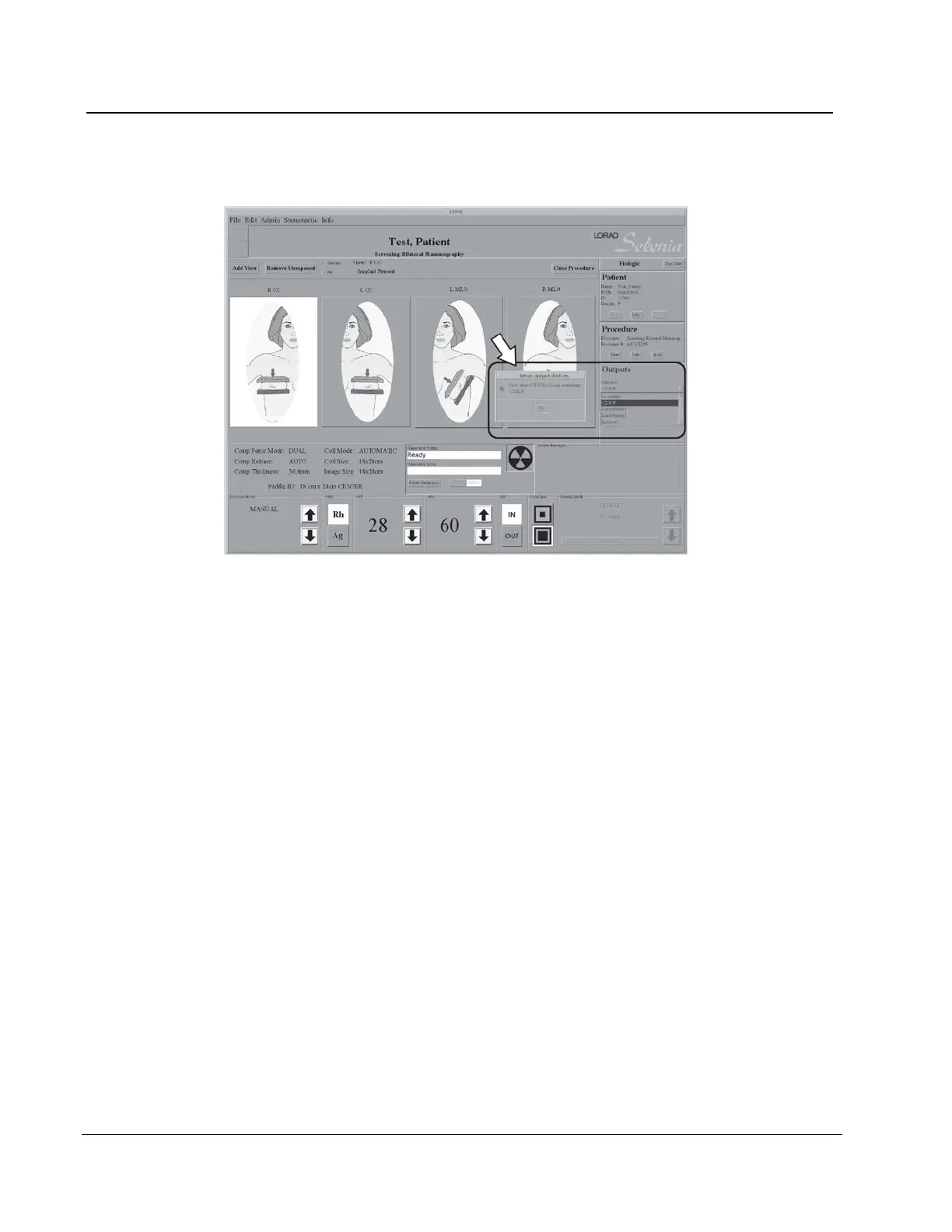
Figure 43: Select the Output
Before acquiring an image, verify that you selected the correct output. All patient images
must be printed or committed to a PACS. Select the Output group to use for this
procedure from the drop-down list. To edit existing or create new output groups, see
Outputs on page 71.
There is also a statement of the current number of Jobs in the Queue.












 To Next Page