Selenia User Guide
Chapter 6—The User Interface
MAN-03270 Revision 003 61
6.2.7 Exposure Information
6.2.7.1 The Exposure Pane
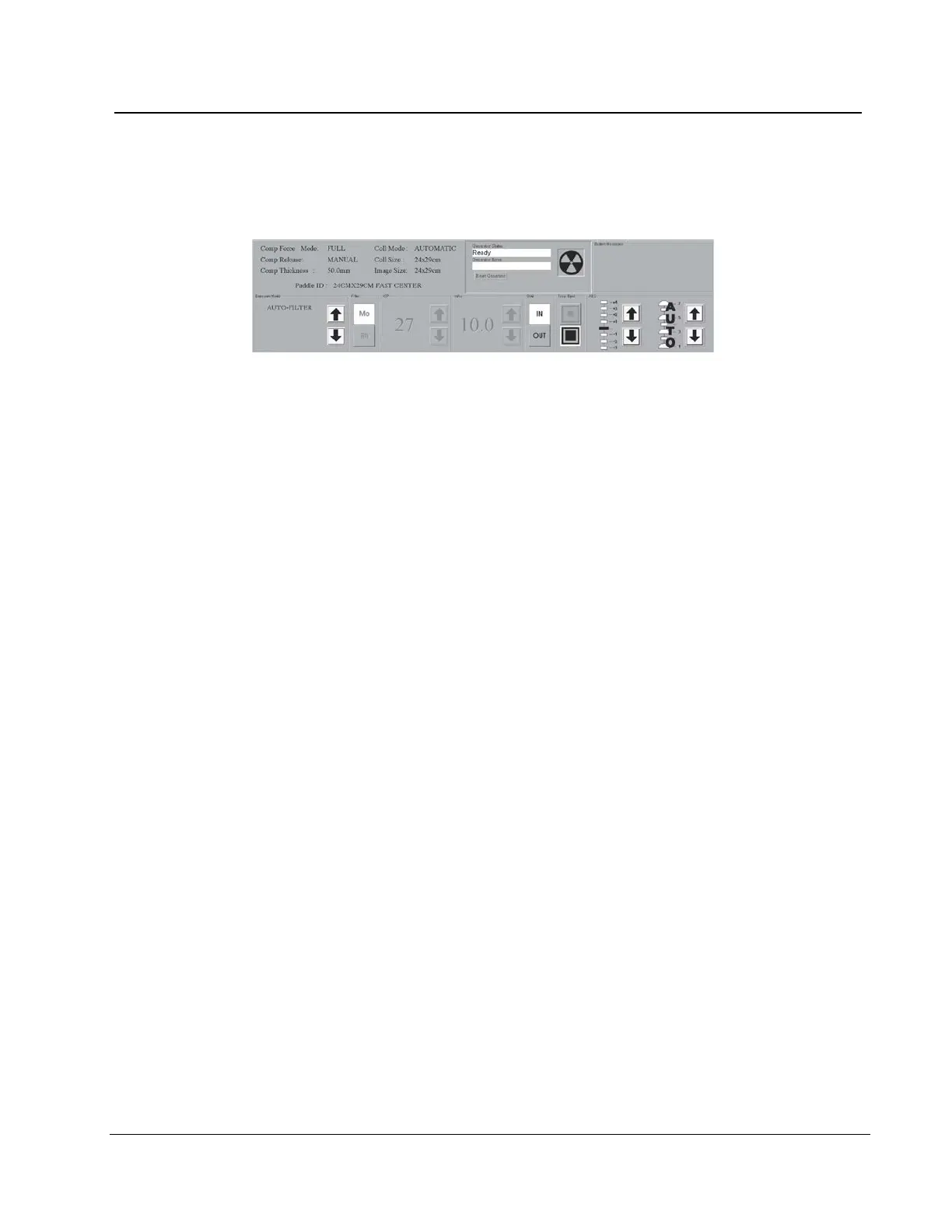
Figure 44: Exposure Techniques
The top, left side displays the status of these options:
• Compression Force Mode
• Compression Release
• Compression Thickness
• Collimation Mode
• Collimation Size
• Image Size
• Paddle ID (type and position)
Select Exposure Techniques in the bottom area. Use the up/down arrows in the Exposure
Mode area (the lower, far-left box) to select the Exposure Mode. The exposure default
values for that mode appear to the right.












 To Next Page