Selenia User Guide
Chapter 6—The User Interface
MAN-03270 Revision 003 63
6.2.7.2.1 About the Manual Exposure Mode
In the Manual mode the Operator sets all Exposure Techniques. The default values appear
when you select the View, then you make any necessary adjustment.
• To change an Exposure Technique with the trackball, scroll to the value with the
up/down arrows, or select the option box.
• To change an Exposure Technique with the keyboard, press the Function key for the
item (at the top of the keyboard).
6.2.7.2.2 About the TEC Exposure Mode
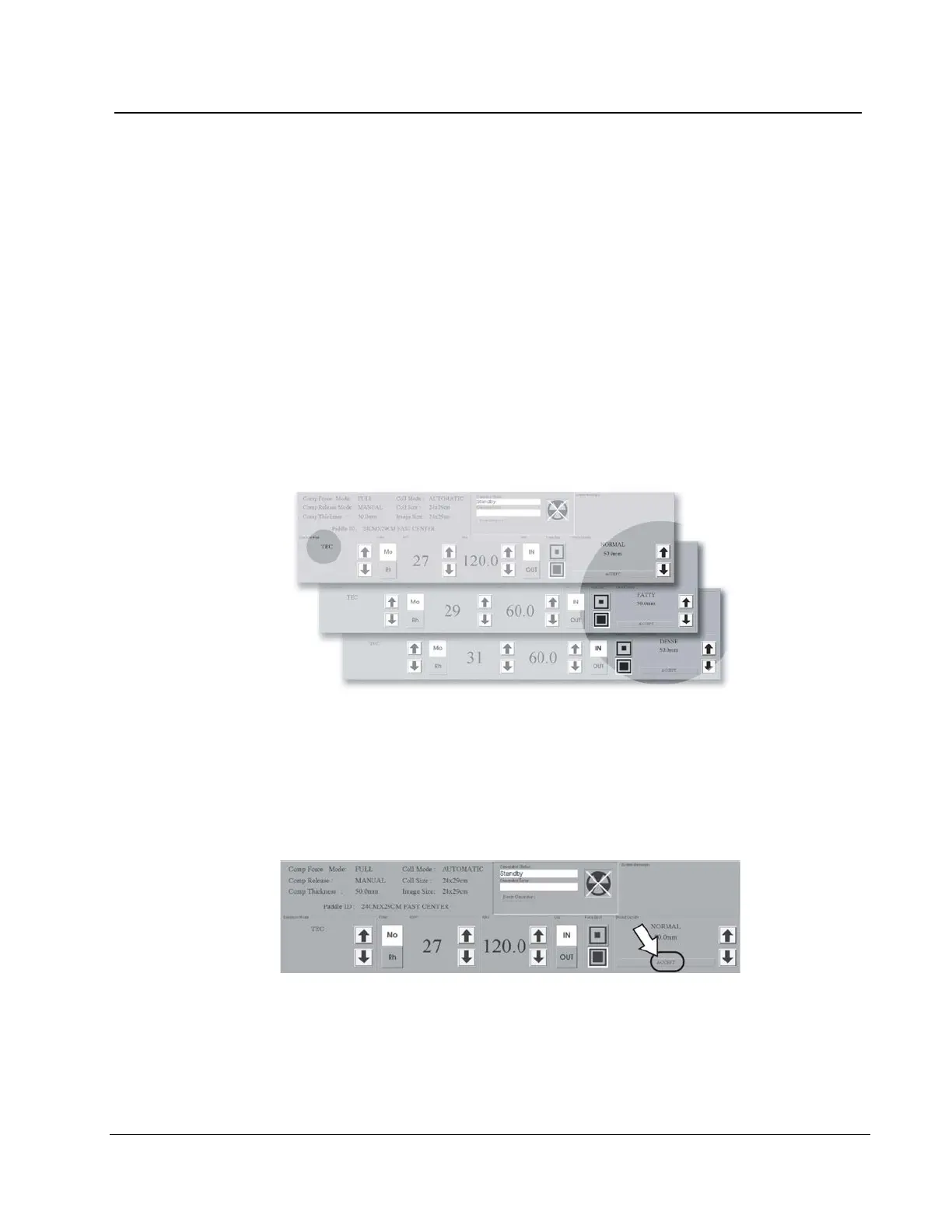
The Tissue Exposure Control (TEC) Mode is an enhanced Manual Exposure Control
mode.
1. Before you position and compress the breast, select the Breast Density type on the
Acquisition Workstation screen or press the Breast Density key.
Figure 45: Breast Density Options
2. Compress the breast. The x-ray exposure techniques for kV, mAs, and filter update.
3. Select the Accept button in the Breast Density area (or press the Enter key). When
"Ready" displays in the Generator Status message area, the system is ready to acquire
an image.
Figure 46: Accept TEC Exposure Techniques












 To Next Page