Selenia User Guide
Chapter 6—The User Interface
64 MAN-03270 Revision 003
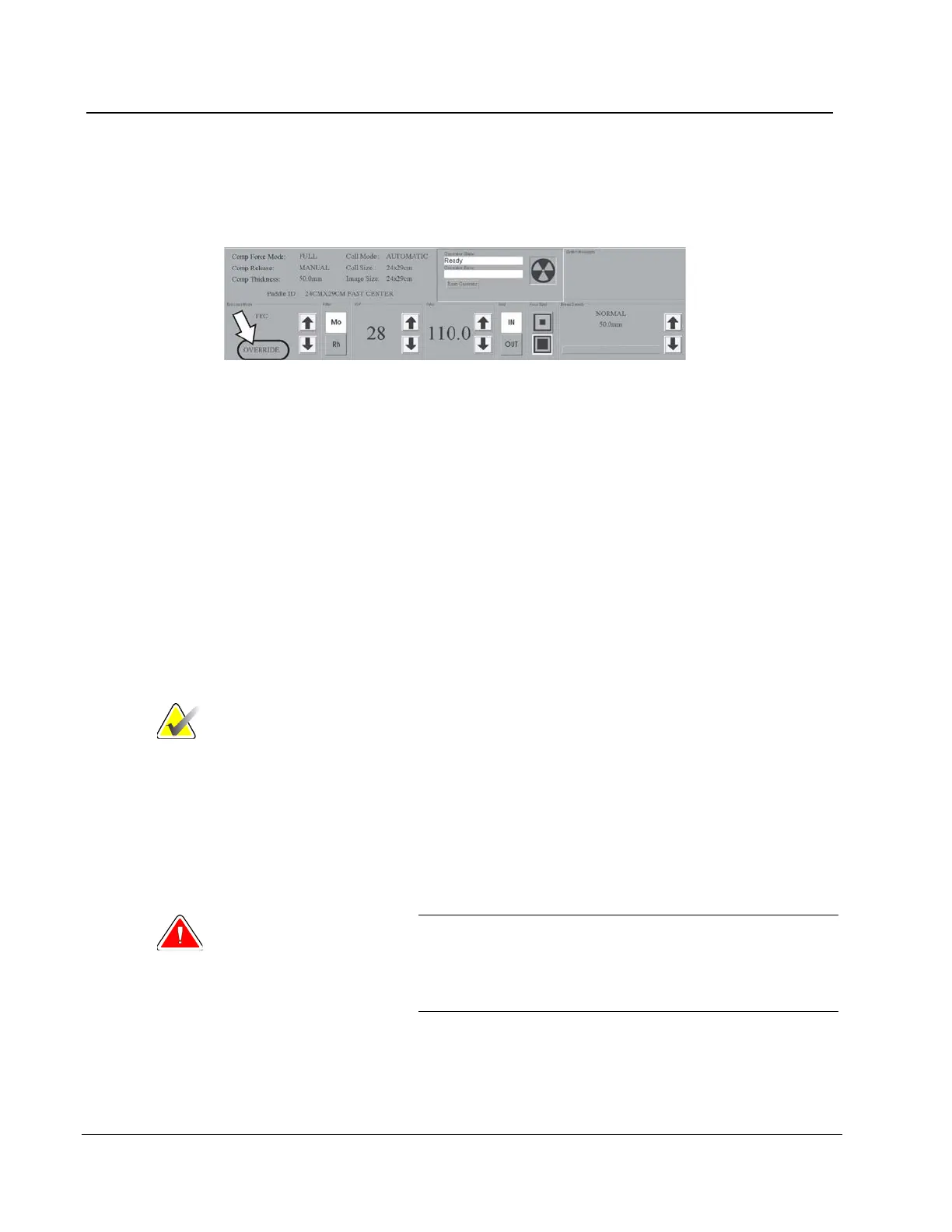
If you change one or more of the parameters (kV, mAs, or filter), the system enters the
Override Mode. When the Override message displays, the system is ready to acquire an
image.
Figure 47: The Override Mode
There are three methods to exit the Override Mode and return to TEC mode:
• Change the Breast Density setting.
• Release the compression then compress the breast.
• Select TEC mode a second time.
6.2.7.2.3 AEC Exposure Mode
The Automatic Exposure Mode (AEC) uses the pre-exposure Scout pulse, and for some
modes the compression thickness to calculate the exposure.
The AEC options are Auto-Filter, Auto-kV, and Auto-Time. See About Exposure Modes on
page 61 for the exposure technique selections available with each mode.
6.2.7.2.4 AEC Exposure Adjustment Settings
Note
AEC exposure adjustment is not available in all geographic
regions.
You can use the AEC Exposure Adjustment controls to increase or decrease the target
pixel value. Each step changes the target pixel value by approximately 15% and makes a
related change in dose. (See figure AEC Exposure and Sensor Position Adjustments on page
65.)
Set this control in a range from +4 to -3 to increase or decrease the exposure. This
adjustment remains until you change the adjustment or restart the system.
Warning:
You increase the patient dose to high levels when
you increase the AEC exposure adjustment. You
increase the image noise or decrease image quality
when you decrease the AEC exposure adjustment.












 To Next Page