Selenia User Guide
Chapter 6—The User Interface
100 MAN-03270 Revision 003
6.4.4 Accept or Reject
Select Accept or Reject to close the Preview screen. The sequence continues by
highlighting the next view.
6.4.4.1 Accept
To accept the image, select the Accept button.
• The full resolution image with all related attributes is marked as accepted in the pool.
• The system transmits the image to the selected output devices.
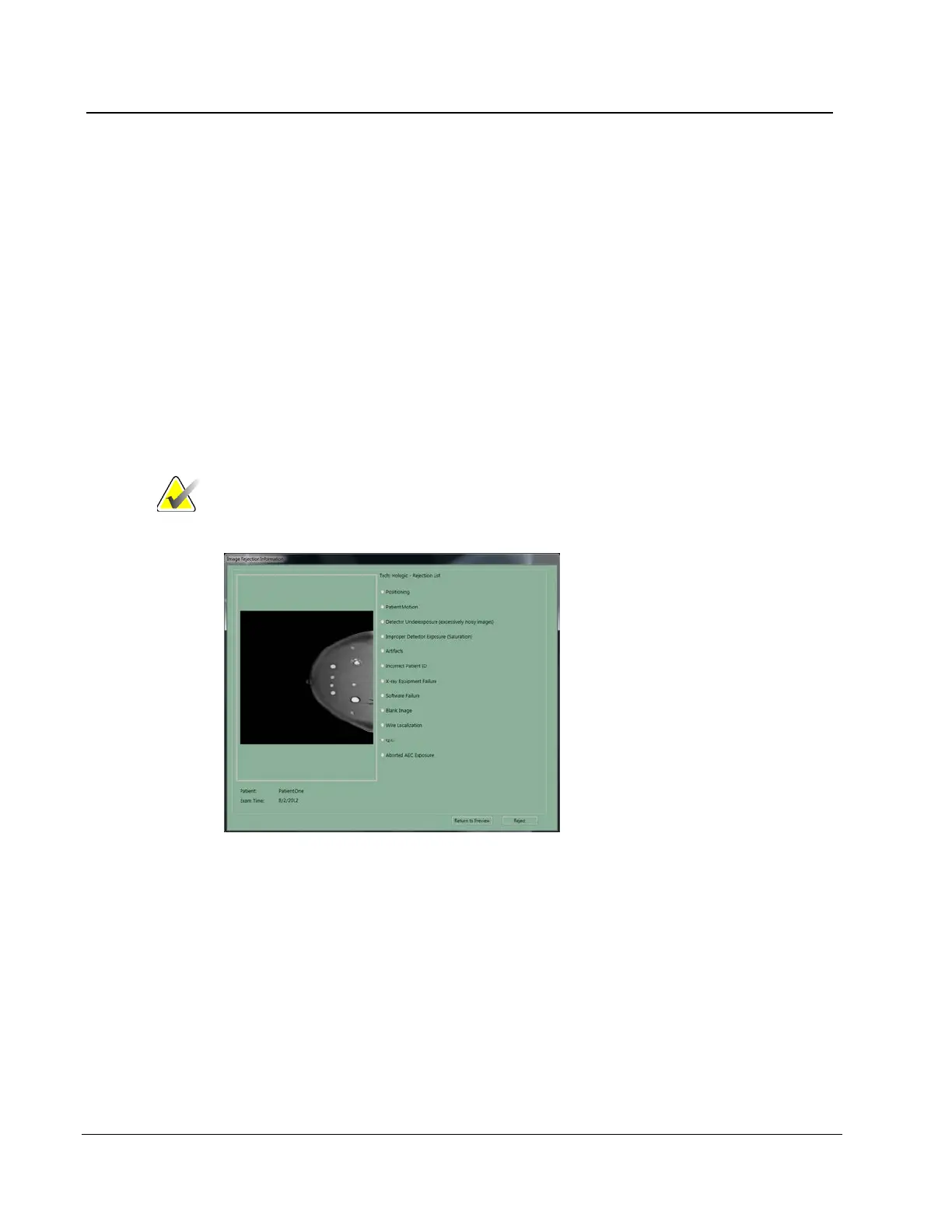
6.4.4.2 Reject
To reject the image:
1. Select the Reject button.
Note
Reject Analysis uses this information (required for Quality
Control).
Figure 76: The Reject Reasons List
2. Select the reason for the reject.












 To Next Page