Selenia User Guide
Chapter 6—The User Interface
MAN-03270 Revision 003 101
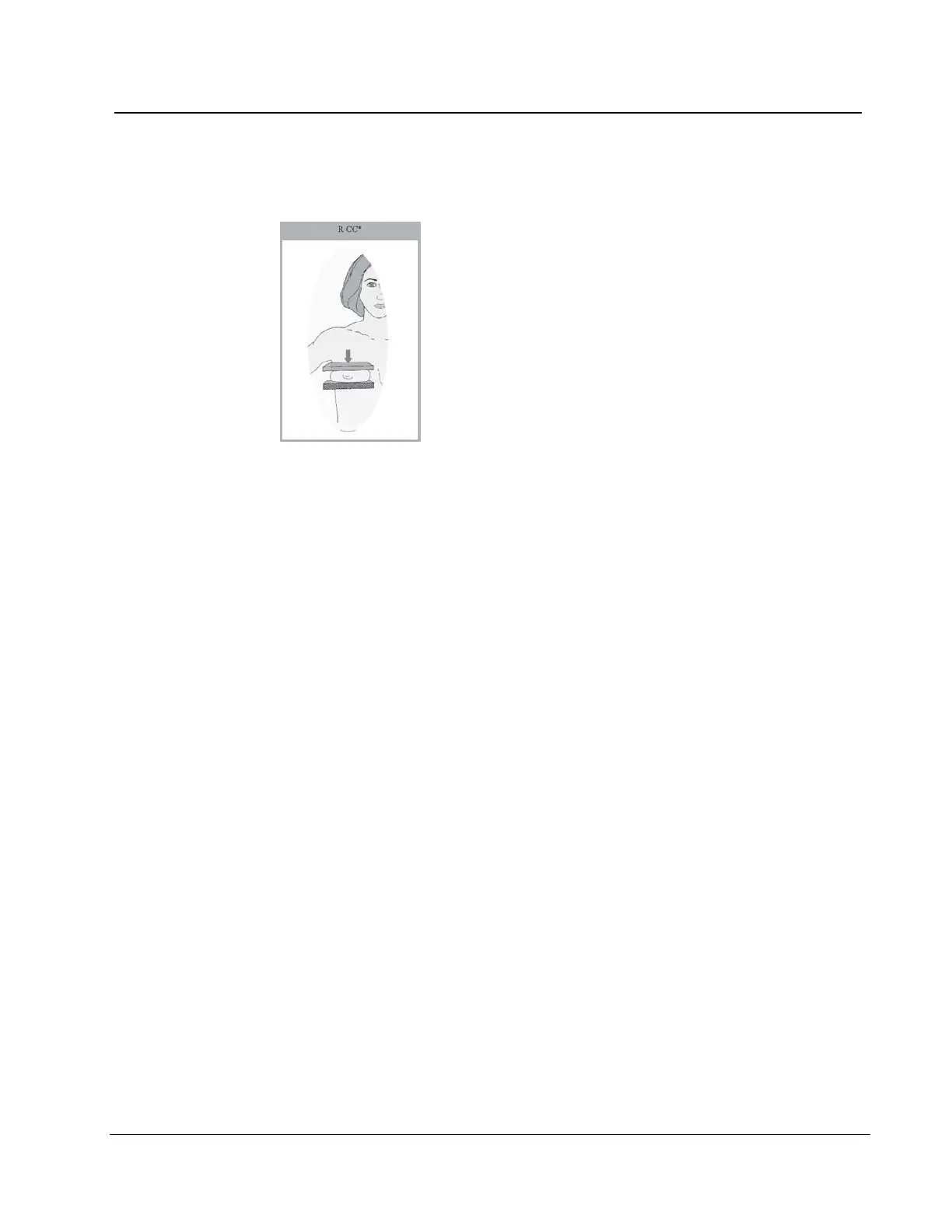
3. Select the Reject button. The system moves the image to the Reject Bin. An asterisk
displays next to the View label of a rejected image.
Figure 77: A Rejected Image
6.4.5 Additional information about Accepted/Rejected Images
After you reject an image, the Preview closes and you can:
• Re-acquire the rejected View.
• Select a different View.
• Close the Procedure.
6.4.5.1 The Image Repetition Information Dialog Box
When you accept a second image for the same View, the Image Repetition Information
dialog box appears.
1. Select the reason for the repeat.
2. Close the dialog box.












 To Next Page