Selenia User Guide
Chapter 6—The User Interface
MAN-03270 Revision 003 53
Chapter 6
Chapt er 6 The User Interface
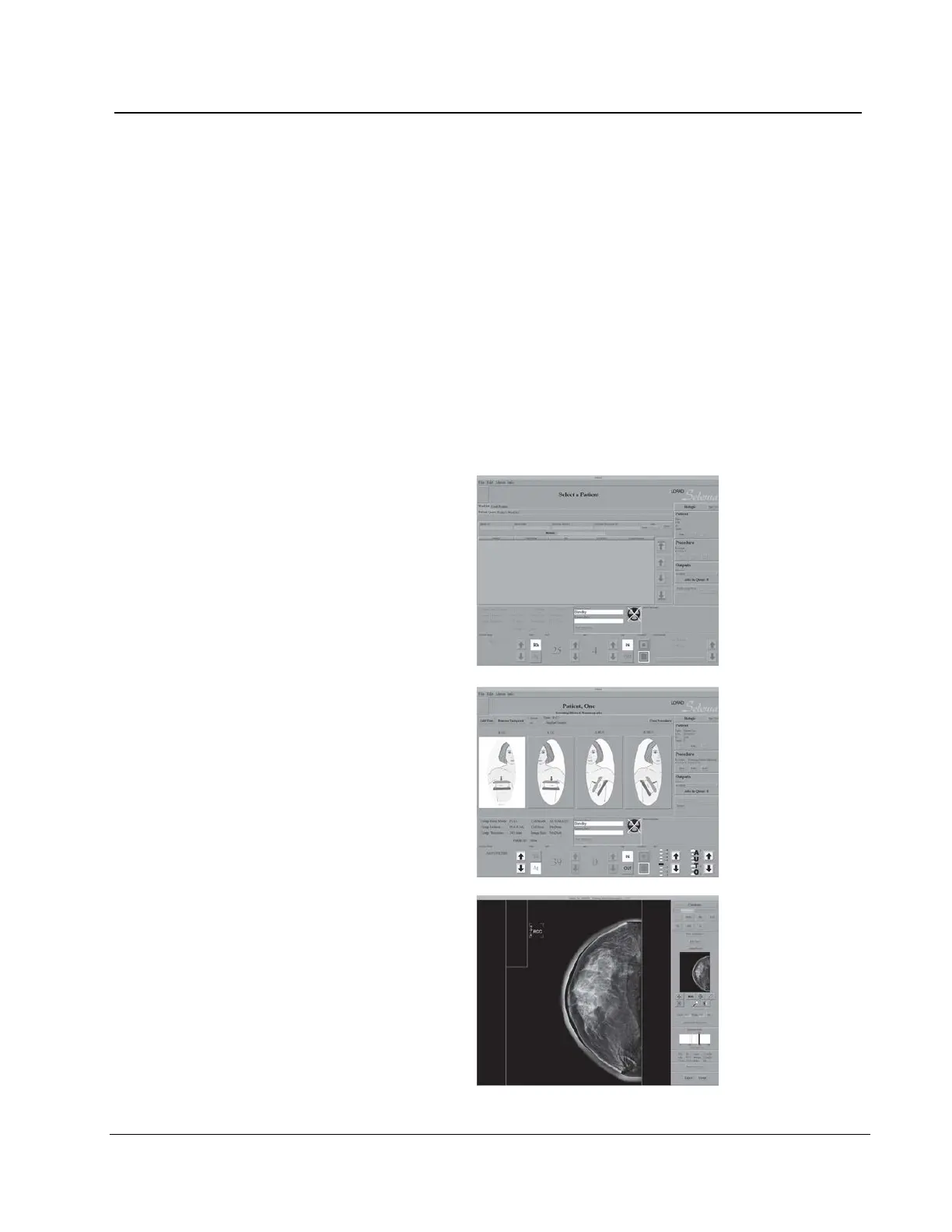
6.1 Introduction to the User Interface
The process of image acquisition, enhancement, and output is done through three screens:
• Select a Patient screen
• Patient Views screen
• Preview Images screen
When you select an option on a screen, other screens may appear for information entry or
selection of additional options. This manual covers the screens that appear while you are
logged in as a "tech".
• Select a Patient
• Patient Views
• Preview Image












 To Next Page