ThinPrep
®
Integrated Imager Operator’s Manual
4.13
OPERATION
Note:
The same beep that indicates mark/unmark is the beep for the audible alarm. The beep vol-
ume is adjusted via user preference (page 3.41). Blink and beep cannot occur together.
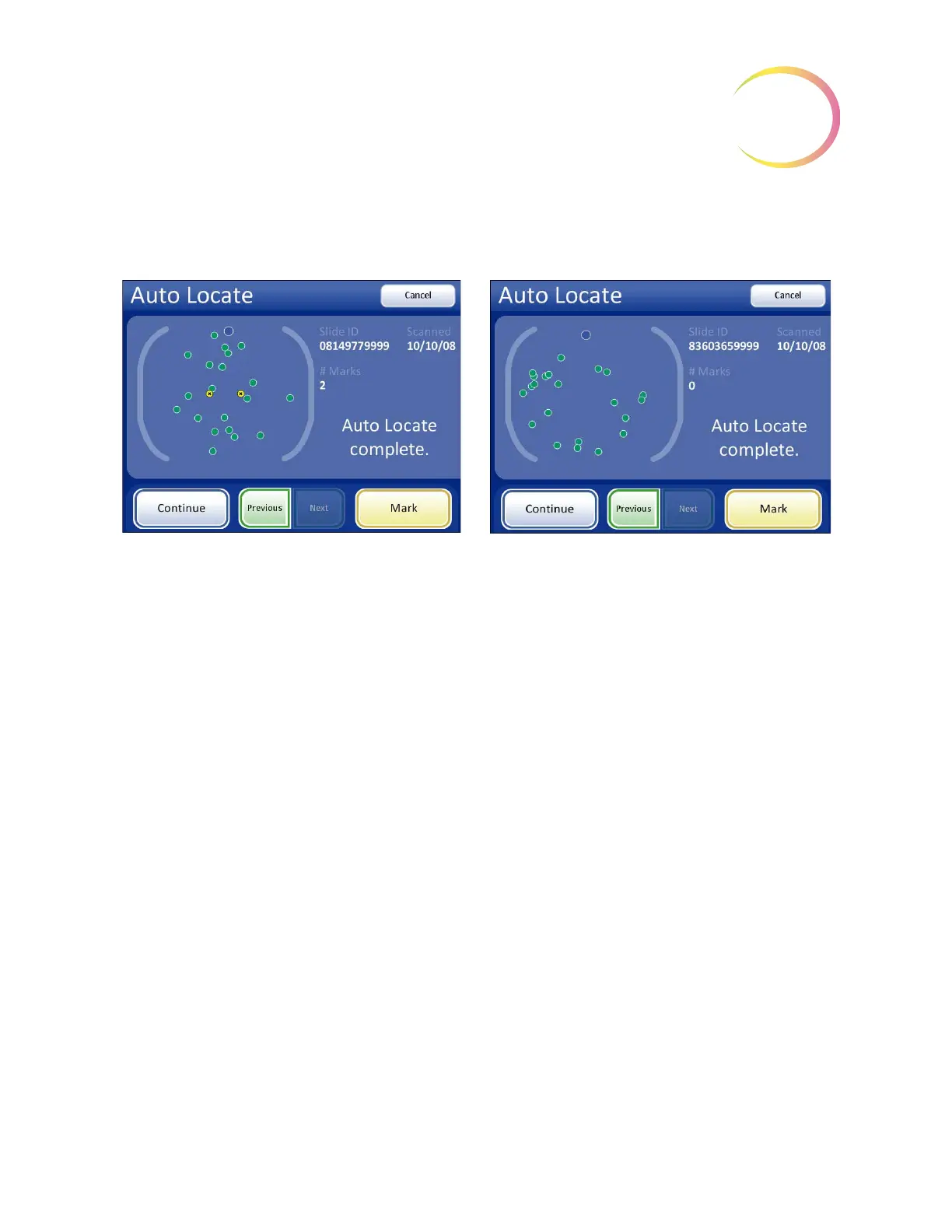
Figure 4-13 Auto Locate Complete
When all 22 fields have been viewed, an audible beep will sound. The display indicates the Auto
Locate function is complete. The system is in a paused state. You may go to previous locations and
continue to mark and unmark. See
Figure 4-13.
Note:
If a check for specimen adequacy or endocervical component is indicated, do it now before
leaving Auto Locate. See the next section.
Specimen Adequacy
After presenting the 22 fields of interest in the Auto Locate mode, the stage positions the cell spot at
the 6:00 position (on the stage) and stops. (On the user interface, the path through the fields of view is
removed.) See
Figure 4-14.
Auto Locate complete with marks made Auto Locate complete with no marks made



 To Next Page