OPERATION
4.18
ThinPrep
®
Integrated Imager Operator’s Manual
Note:
To facilitate marking the slide with the marking pen, press the
Review Marks
button and
mark as each location is presented to you.
• press
Complete Review
to save the slide review data to the database and return to the Load
Slide screen
• press
Cancel
to end slide review and return to the main screen. The slide data record will not
be updated with any data from the review session.
Complete the Review
If review of the slide is complete, press the
Complete Review
button.
Note:
If no electronic marks were made during Auto Locate, the review may be completed after
viewing the 22 fields of interest.
If electronic marks were made during Auto Locate, the review must be completed after per-
forming Auto Scan.
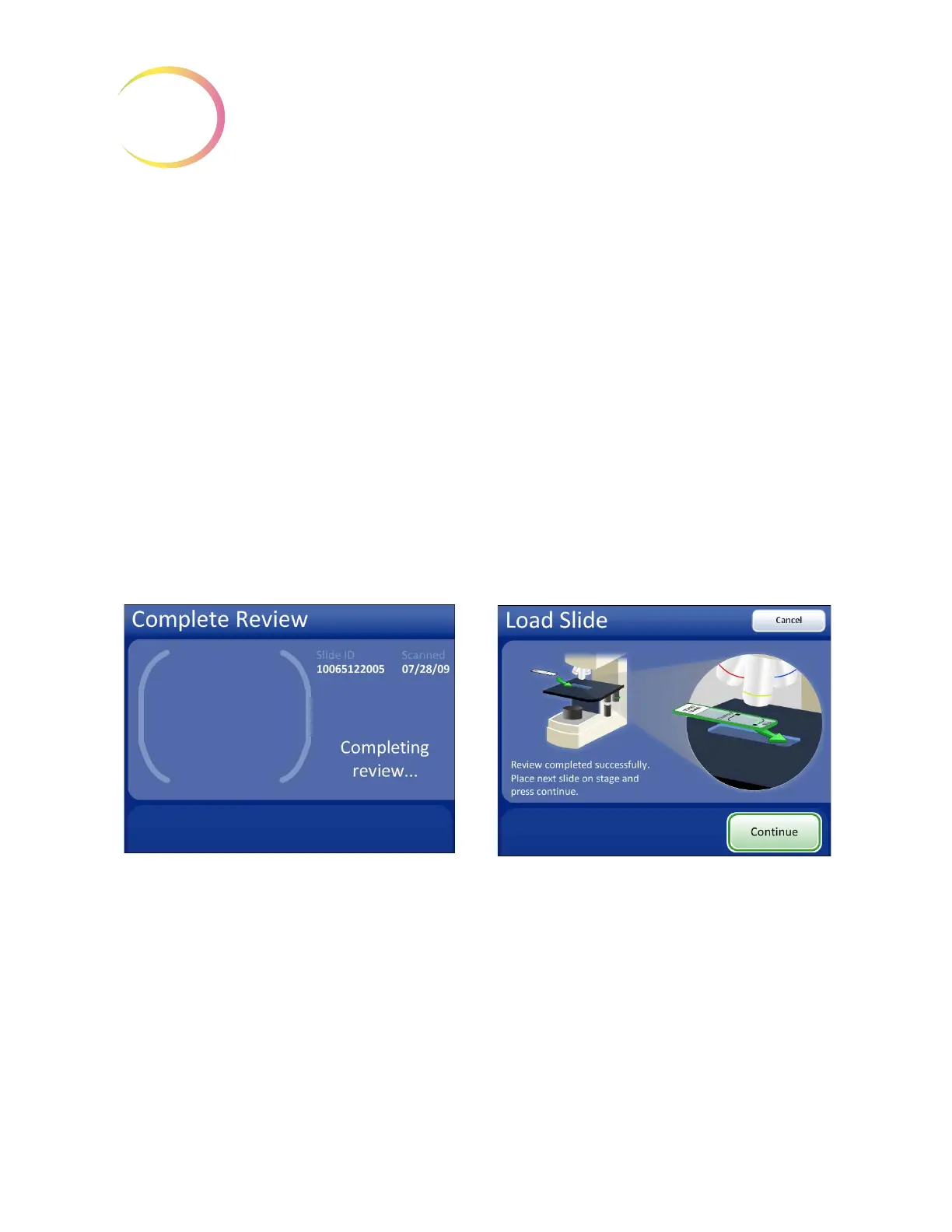
The instrument will check the fiducial marks and scan the slide ID. The slide review data is written to
the database. The stage is moved to the load/unload slide position, and the display transitions to the
Load Slide screen. See
Figure 4-19. The slide can be removed from the stage.
.
Figure 4-19 Completing Slide Review
If another slide is ready to be reviewed, load it onto the stage and press the
Continue
button.
If the slide has not been imaged, the Integrated Imager will automatically image it. (Refer to “Imag-
ing” on page 4.1.)
If the slide has been imaged already, the
Review Slide
button is displayed. (See Figure 4.8.)
The instrument does functional checks. The display prompts to load the next slide.



 To Next Page