USER INTERFACE
3.28
ThinPrep
®
Integrated Imager Operator’s Manual
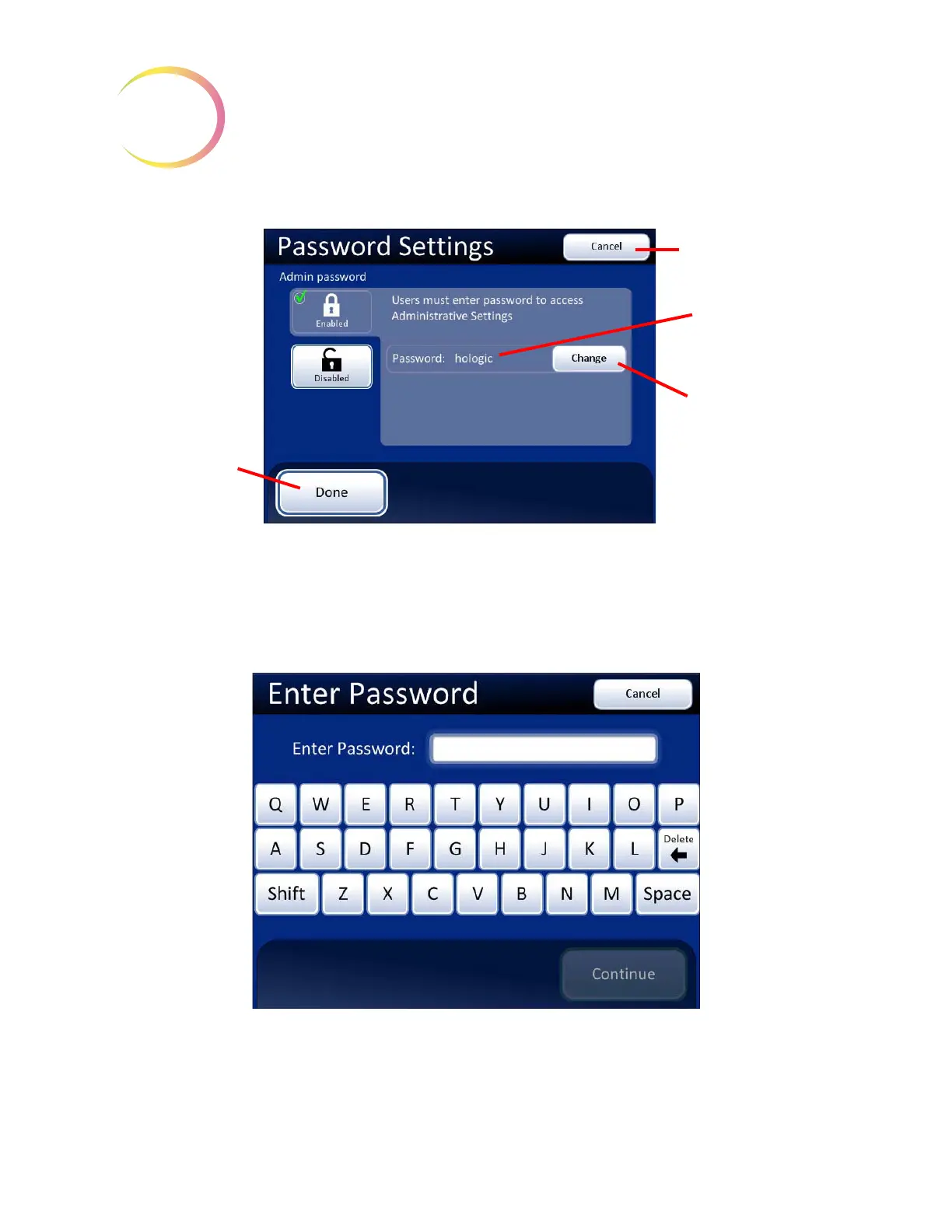
Figure 3-45 Password Enabled
Once Admin Options screen is exited, the system displays a keyboard and prompts for a password to
access that screen again. See
Figure 3-46.
If the password is lost or forgotten, contact Hologic Technical Support (Chapter 7, Service
Information).
Figure 3-46 Password Required
Cancel
, to return to
System Settings
screen
Password now
enabled
Change
button, to
alter or remove the
password
Done
button, to
accept changes and
return to System
Settings screen



 To Next Page