800-13897 - A - 01/2013
HRG DVR Management | 119
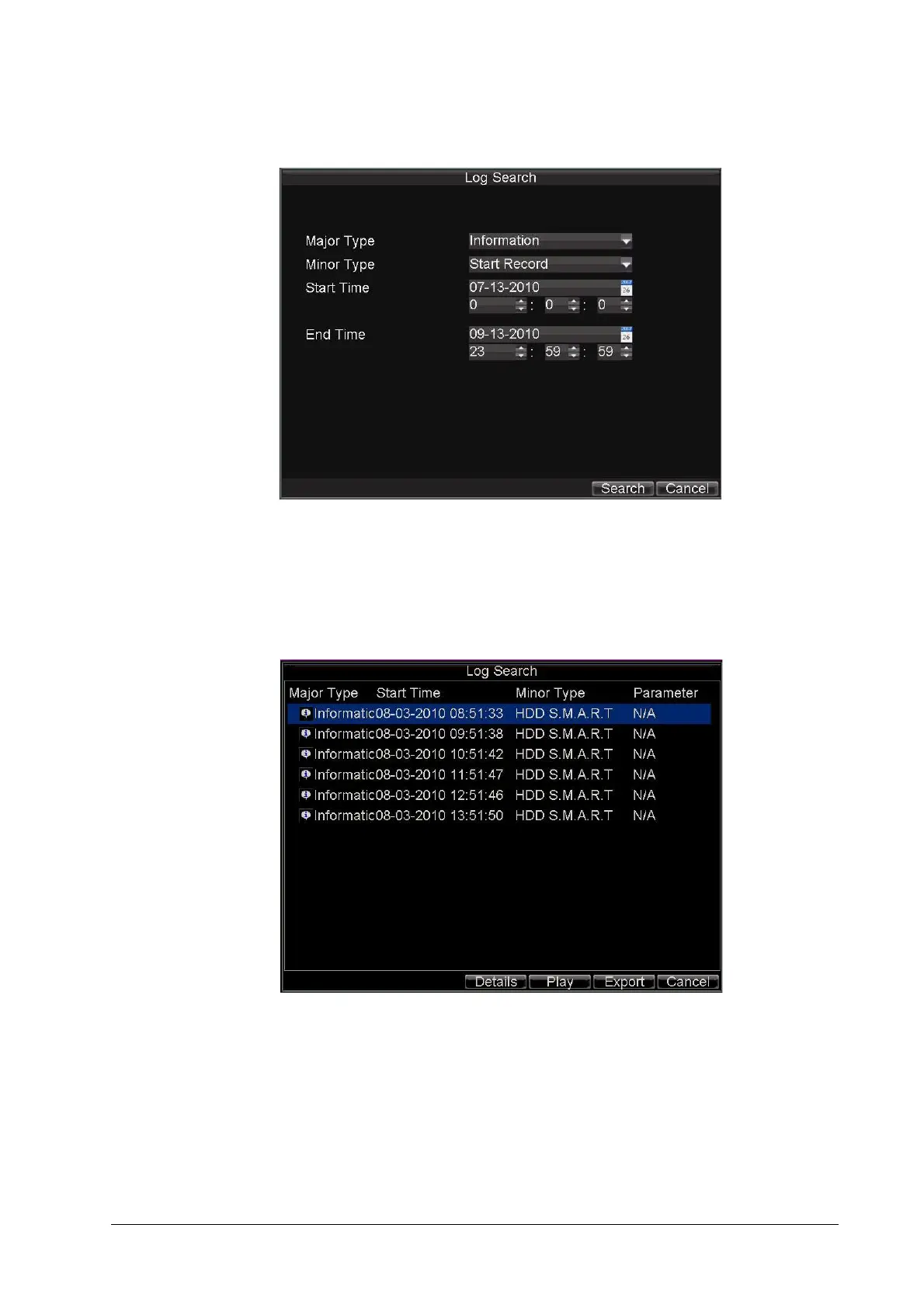
Figure 12-15 Log Search Menu
2. Set the search parameters.
3. Click Search to start the search.
If logs matching the search conditions are found, they will be displayed in a list of search
results (see Figure 12-16).
Figure 12-16 Log Search Results
4. To view more detailed information about a particular log entry, select the log, and then
click Details.
5. If applicable, you can also view the associated video to the selected log entry by clicking
Play.



 To Next Page
 Loading...


