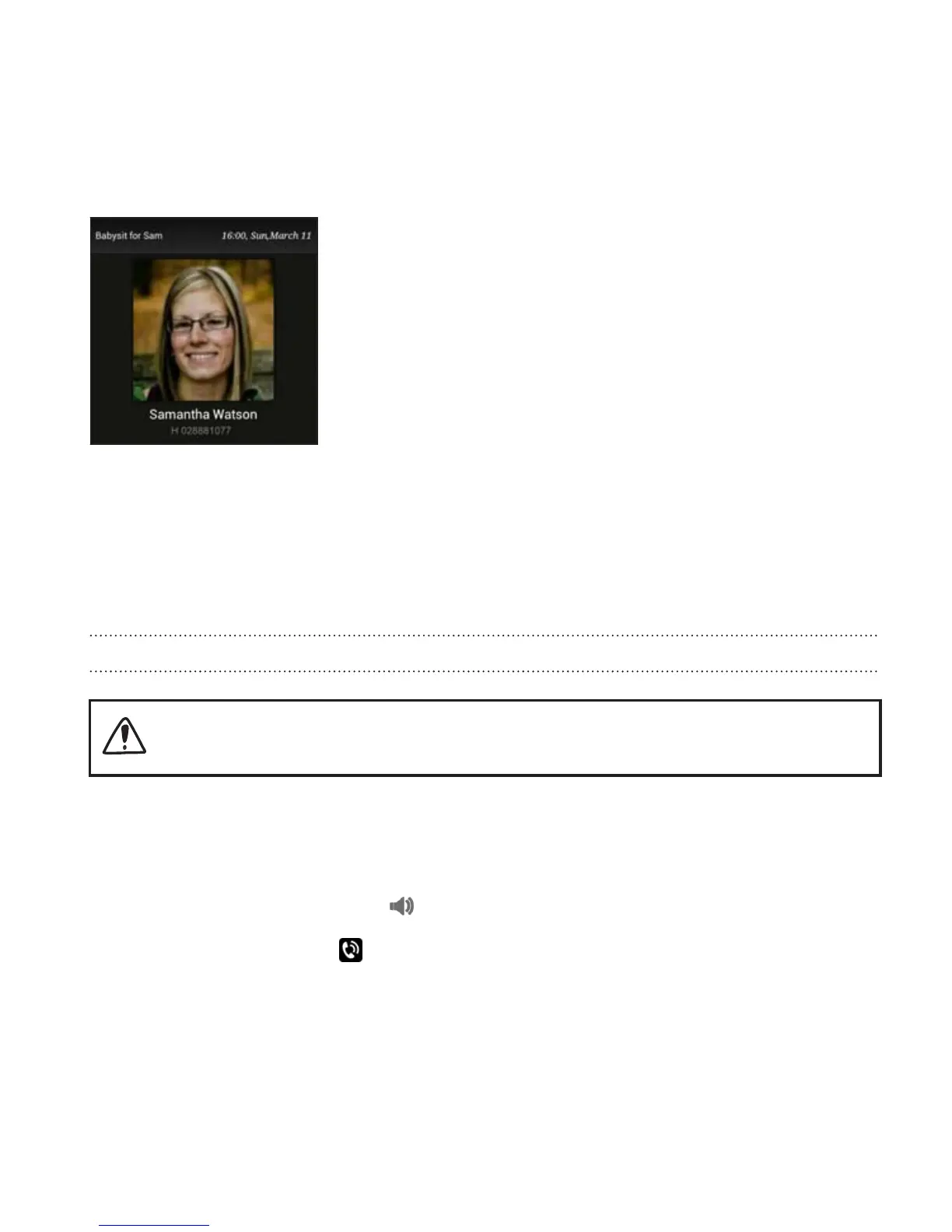
What can I do during a call
When a call is in progress, use the buttons onscreen to mute or unmute the
microphone or to turn the speakerphone on or off.
Turning the speakerphone on during a call
To decrease potential damage to your hearing, do not hold Droid
DNA by HTC to your ear when the speakerphone is on.
Do one of the following:
§ Flip Droid DNA by HTC over during a call (be sure that Flip for
speaker is selected in Sound settings).
§ On the call screen, tap .
The speakerphone icon appears in the status bar when the
speakerphone is on.
Phone calls 83










 To Next Page