Step 6 Run each cable that leave the cabinet in a PVC corrugated pipe, and then tie the pipe to the cable
hole in the cabinet.
----End
Installing the Power Cable Between the APM30H and the IBBS200D/IBBS200T
(APM:IBBS=1:2)
The power cables between the APM30H and the IBBS200T are the power cable for the batteries,
power cable for the fan in the IBBS200D, and power cable for the heating film in the IBBS200D.
The power cables between the APM30H and the IBBS200T are the power cable for the batteries
and power cable for the TEC cooler in the IBBS200T. The power cables feed power to the
IBBS200D/IBBS200T and equipment in them from the APM30H. The power cables between
the APM30H and the IBBS200D/IBBS200T are optional, which are delivered and used with the
IBBS200D/IBBS200T.
Prerequisite
l The tools, such as a Phillips screwdriver, a cable cutter, and a multi-purpose crimping tool,
are ready.
l The equipotential cables are installed.
Context
The IBBS200D and IBBS200T are alternatives. That is, only one type of cabinet can be
configured for the same site.
There are different proportions between the configured APM30Hs and the configured
IBBS200Ds/IBBS200Ts. Therefore, two installation schemes are available for the power cables
between the APM30H and the IBBS200D/IBBS200T. This section describes the procedure for
installing the power cables between the APM30H and the IBBS200D/IBBS200T in case that
the configuration proportion between them is 1:2.
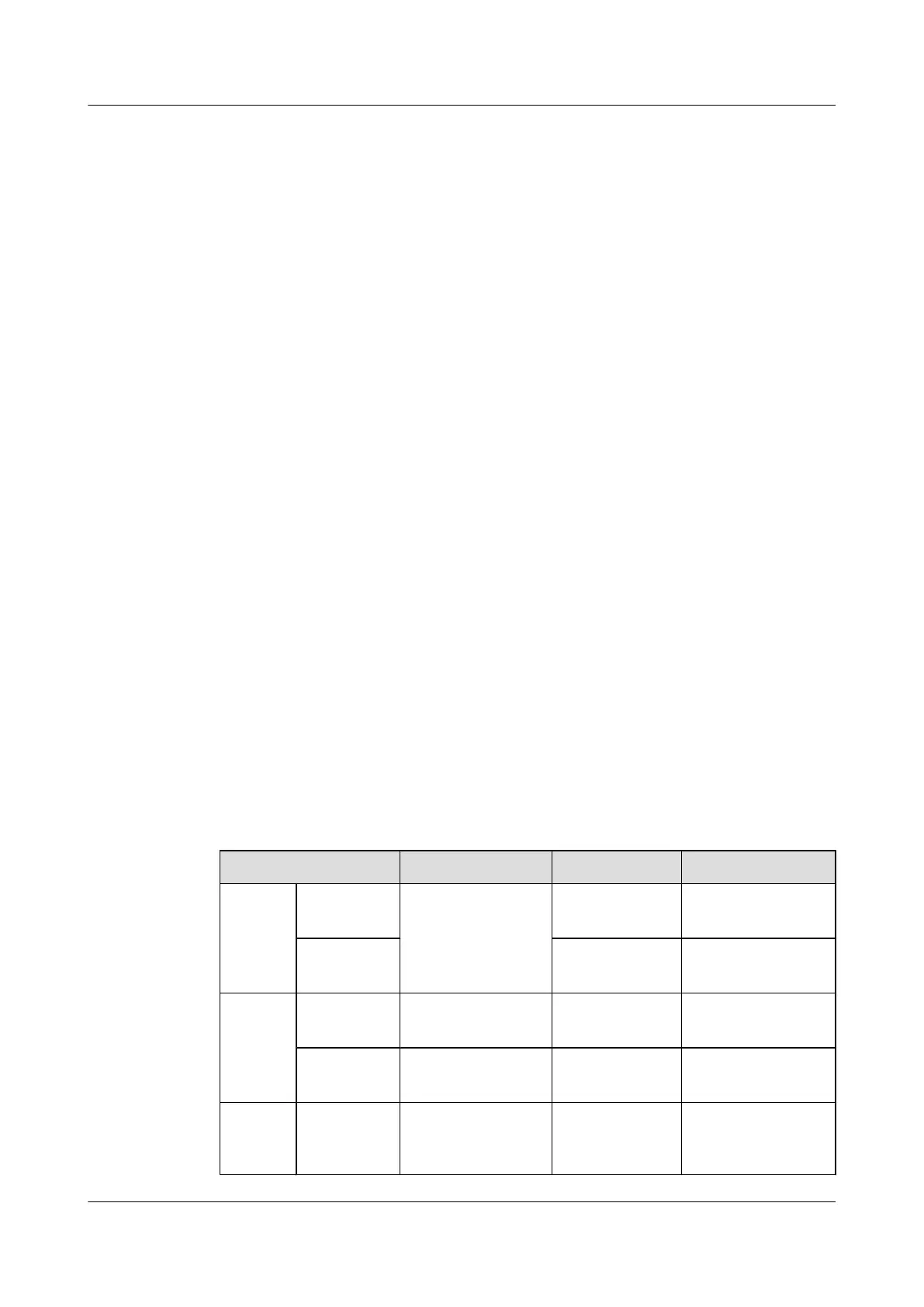
Table 12-3 lists the power cables between the APM30H and the IBBS200D/IBBS200T.
Table 12-3 Power cables between the APM30H and the IBBS200D/IBBS200T
Cable
One End The Other End Remarks
Power
cable for
the
batteries
RTN(+) wire Power series 120
connector
OT terminal (16
mm
2
, M6)
Red
NEG(-) wire OT terminal (16
mm
2
, M6)
Black
Power
cable for
the
batteries
RTN(+) wire OT terminal (16
mm
2
, M6)
OT terminal (16
mm
2
, M6)
Red
NEG(-) wire OT terminal (16
mm
2
, M6)
OT terminal (16
mm
2
, M6)
Black
Power
cable for
the fan in
RTN(+) wire Easy power
receptacle (pressfit
type) connector
OT terminal (2.5
mm
2
, M4)
Black
BTS3900A(Ver.B)
Installation Guide 12 Installing the Cables
Issue 01 (2011-10-25) Huawei Proprietary and Confidential
Copyright © Huawei Technologies Co., Ltd.
94












 To Next Page