EasyManua.ls Logo

HunterDouglas UltraGlide - User Manual

Default Icon
41 pages
Print Icon
To Next Page IconTo Next Page
Loading...
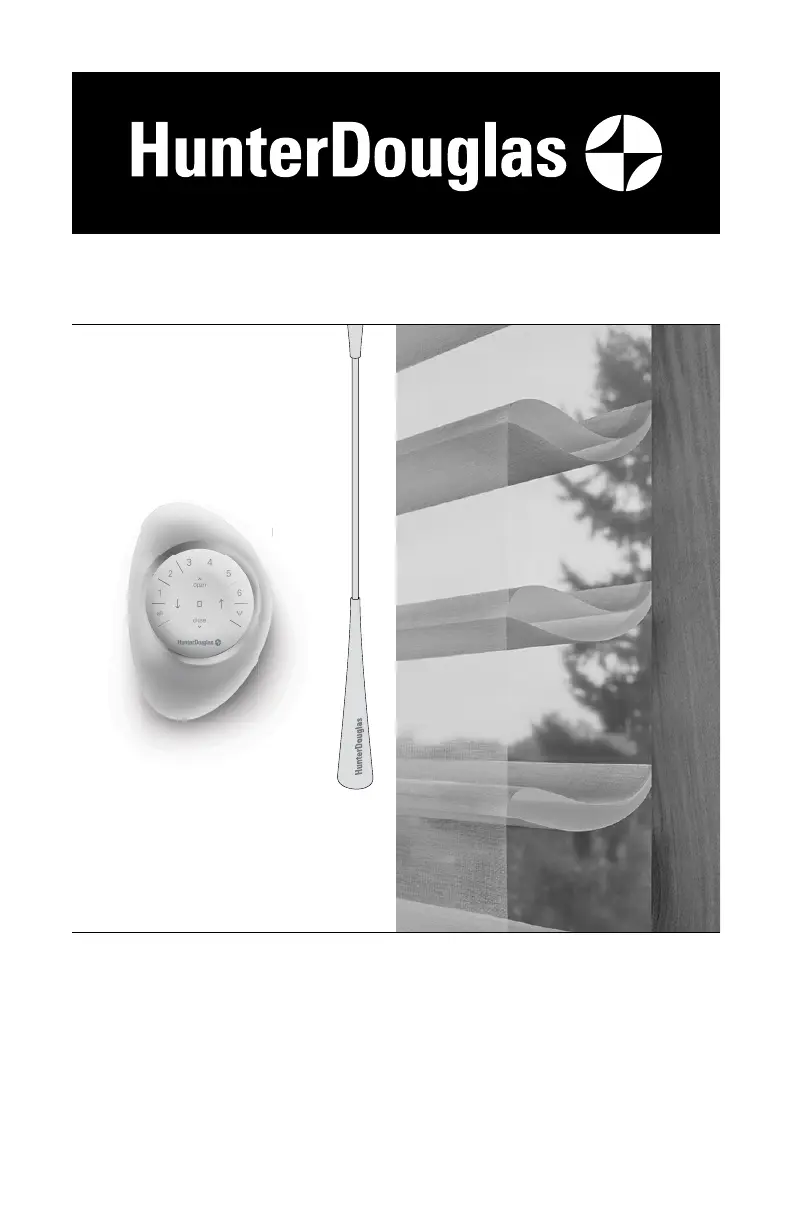
UltraGlide
®
U
ltraGl
i
PowerView
®
Gen 3
Automation
Silhouette
®
Halo
Duolite
®
Window Shadings
PowerView
®
Gen 3 Automation and
UltraGlide
®
Operating Systems
Installation
Operation
Care

Other manuals for HunterDouglas UltraGlide

Questions and Answers

  • W
    whitejohnSep 22, 2025
    What to do if HunterDouglas EasyRise™ shades only raise at different rates?
    • C
      Christopher PerezSep 22, 2025
      If your HunterDouglas EasyRise shades raise at different rates, it's likely due to different clutch ratios depending on the shade size and weight. Larger shades require more cord travel than smaller ones. This is normal and not a product defect.
  • J
    Justin VasquezSep 22, 2025
    What to do if HunterDouglas UltraGlide shade will not snap into the installation brackets?
    • T
      Traci SinghSep 22, 2025
      If your HunterDouglas shade won't snap into the installation brackets, check that the brackets are aligned and level. Shim the brackets to level the headrail if needed. Ensure the headrail is fully inserted into the brackets.
  • A
    April MoralesSep 23, 2025
    What to do if HunterDouglas UltraGlide Indoor Furnishing shade raises or lowers unevenly?
    • S
      shillSep 23, 2025
      If your HunterDouglas shade raises or lowers unevenly, start by checking that the headrail is level, shimming the installation brackets if necessary. For Top-Down/Bottom-Up Shades, ensure the top of the fabric (middle rail) is level and adjust by hand. To adjust the bottom weight, access the weight on the back of the bottom rail, release the weight clips, and slide the weight in 1" increments toward the side where the fabric is gathering. Lower the shade to check if the bottom rail is level, adjusting the weight until the fabric winds evenly. Secure the weight clips after adjustments.
  • R
    Richard HillSep 23, 2025
    Why does the front fabric cling to the back fabric on my HunterDouglas Indoor Furnishing?
    • A
      Amanda DixonSep 23, 2025
      If the front fabric of your HunterDouglas shade clings to the back fabric, lightly apply a static spray for home furnishings, following the manufacturer’s directions. Reapply after each professional cleaning and let the shade dry fully lowered.
  • A
    Alyssa ComptonSep 23, 2025
    What to do if HunterDouglas Indoor Furnishing fabric folds gather unevenly?
    • E
      Eric FergusonSep 23, 2025
      If the fabric folds of your HunterDouglas shade gather unevenly, slowly lower and then raise the shade again. Note that this is inherent in narrow shades when fully stacked.
  • A
    Alan KelleySep 23, 2025
    What to do if HunterDouglas EasyRise™ universal cord tensioner has climbed to the headrail?
    • S
      susan45Sep 23, 2025
      If the universal cord tensioner on your HunterDouglas EasyRise™ shade has climbed to the headrail, pull down on the spring to relieve tension and pull the tensioner to the bottom of the cord loop. Then, properly mount the cord tensioner.
  • L
    Lucas GlassAug 31, 2025
    What to do if my HunterDouglas Window Blind does not tilt?
    • R
      Ricky WalkerAug 31, 2025
      If your HunterDouglas Window Blind does not tilt, check that the tilt cords are not tangled or knotted. Also, verify that the cords haven't become disengaged from the tape rolls and that the tilt rod in the headrail is fully inserted into the tilt gear.
  • L
    lisa60Aug 25, 2025
    What to do if HunterDouglas Window Blinds UltraGlide clicks but doesn't lower?
    • L
      larrymillerAug 25, 2025
      If the lowering mechanism of your HunterDouglas UltraGlide blinds engages and clicks but the blind doesn't lower, the mechanism might be caught between raising and lowering functions. Try pulling the wand or cord vertically to slightly raise and reset the blind, then lower as usual.
  • C
    Chad HermanAug 25, 2025
    How to fix HunterDouglas Window Blinds that don't raise or lower evenly?
    • P
      patrick68Aug 26, 2025
      If your HunterDouglas Window Blinds don't raise or lower evenly, check inside the headrail for any obstructions that might be preventing the mechanism from turning. Also, make sure the lift cords aren't pinched or tangled.
  • A
    Andrew MooreAug 26, 2025
    What to do if HunterDouglas Window Blinds do not tilt?
    • J
      Joshua VanceAug 26, 2025
      If your HunterDouglas Window Blinds don't tilt, check that the tilt cords aren't tangled or knotted. Also, make sure the ladders haven't become disengaged from the tape rolls and that the tilt rod is fully inserted into the tilt gear.

Summary

Installation

STEP 1: Mount the Installation Brackets

Guides on how to correctly attach the main support brackets to the window frame.

Inside Mount Bracket Installation

Specific instructions for mounting brackets within the window casement.

Outside Mount Bracket Installation

Specific instructions for mounting brackets to the exterior of the window frame.

STEP 2: Mount the Battery Wand (PowerView Gen 3)

Instructions for installing the battery wand for motorized operation.

Headrail-Mounted Rechargeable Battery Wand Installation

Steps for installing a rechargeable battery wand integrated into the headrail.

Satellite Battery Pack Installation

Guide for mounting and connecting a separate satellite battery pack.

STEP 3: Install the Shading

Procedures for physically attaching the shading to the installed brackets.

STEP 4: Connect the Power Source (PowerView Gen 3)

Final steps to connect the power source to the motorized shading system.

Operation

Operate the Shading

How to use the shading controls for different operating systems.

Resetting the Shading (If Necessary)

Procedures for recalibrating or resetting shading limits and programming.

Troubleshooting

Care

Cleaning Procedures

Guidelines for cleaning the shading and its components.

Child Safety

Window Blind Cord Strangulation Hazard

A critical warning about the strangulation hazard posed by blind cords.

Young Children Strangulation Hazard

Safety advisory concerning young children and accessible cords or loops.

HunterDouglas UltraGlide Specifications

General IconGeneral
MaterialHigh-quality fabrics, various options available
Light FilteringYes, varies by fabric selection
PrivacyVaries by shade/blind; from light filtering to room darkening
UV ProtectionYes, varies by fabric selection
CustomizationAvailable in a wide range of fabrics, colors, and styles

Related product manuals