EasyManua.ls Logo

HunterDouglas UltraGlide - User Manual

Default Icon
41 pages
Print Icon
To Next Page IconTo Next Page
Loading...
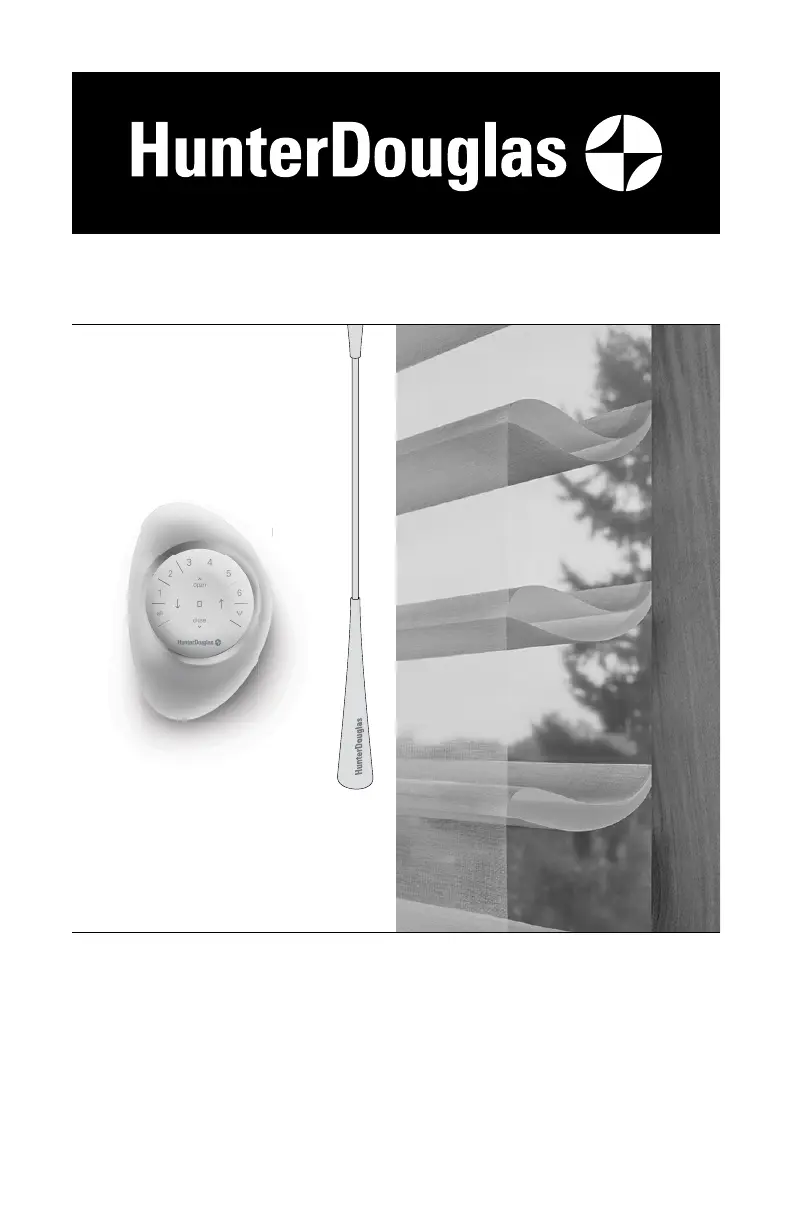
UltraGlide
®
U
ltraGl
i
PowerView
®
Gen 3
Automation
Silhouette
®
Halo
™
Duolite
®
Window Shadings
PowerView
®
Gen 3 Automation and
UltraGlide
®
Operating Systems
Installation
•
Operation
•
Care

Other manuals for HunterDouglas UltraGlide

Questions and Answers

  • K
    kelly36Sep 7, 2025
    What to do if HunterDouglas UltraGlide Indoor Furnishing raises or lowers unevenly and the fabric rubs?
    • P
      Paul OliverSep 7, 2025
      If your HunterDouglas shading raises or lowers unevenly, and the fabric rubs, start by checking if the window is square by measuring its diagonals. Next, ensure the installation brackets are level, using shims if needed. Finally, adjust the bottom rail weight to balance the shading.

Summary

Installation

STEP 1: Mount the Installation Brackets

Guides on how to correctly attach the main support brackets to the window frame.

Inside Mount Bracket Installation

Specific instructions for mounting brackets within the window casement.

Outside Mount Bracket Installation

Specific instructions for mounting brackets to the exterior of the window frame.

STEP 2: Mount the Battery Wand (PowerView Gen 3)

Instructions for installing the battery wand for motorized operation.

Headrail-Mounted Rechargeable Battery Wand Installation

Steps for installing a rechargeable battery wand integrated into the headrail.

Satellite Battery Pack Installation

Guide for mounting and connecting a separate satellite battery pack.

STEP 3: Install the Shading

Procedures for physically attaching the shading to the installed brackets.

STEP 4: Connect the Power Source (PowerView Gen 3)

Final steps to connect the power source to the motorized shading system.

Operation

Operate the Shading

How to use the shading controls for different operating systems.

Resetting the Shading (If Necessary)

Procedures for recalibrating or resetting shading limits and programming.

Troubleshooting

Care

Cleaning Procedures

Guidelines for cleaning the shading and its components.

Child Safety

Window Blind Cord Strangulation Hazard

A critical warning about the strangulation hazard posed by blind cords.

Young Children Strangulation Hazard

Safety advisory concerning young children and accessible cords or loops.

HunterDouglas UltraGlide Specifications

General IconGeneral
MaterialHigh-quality fabrics, various options available
Light FilteringYes, varies by fabric selection
PrivacyVaries by shade/blind; from light filtering to room darkening
UV ProtectionYes, varies by fabric selection
CustomizationAvailable in a wide range of fabrics, colors, and styles

Related product manuals