EasyManua.ls Logo

HunterDouglas UltraGlide - User Manual

Default Icon
41 pages
Print Icon
To Next Page IconTo Next Page
Loading...
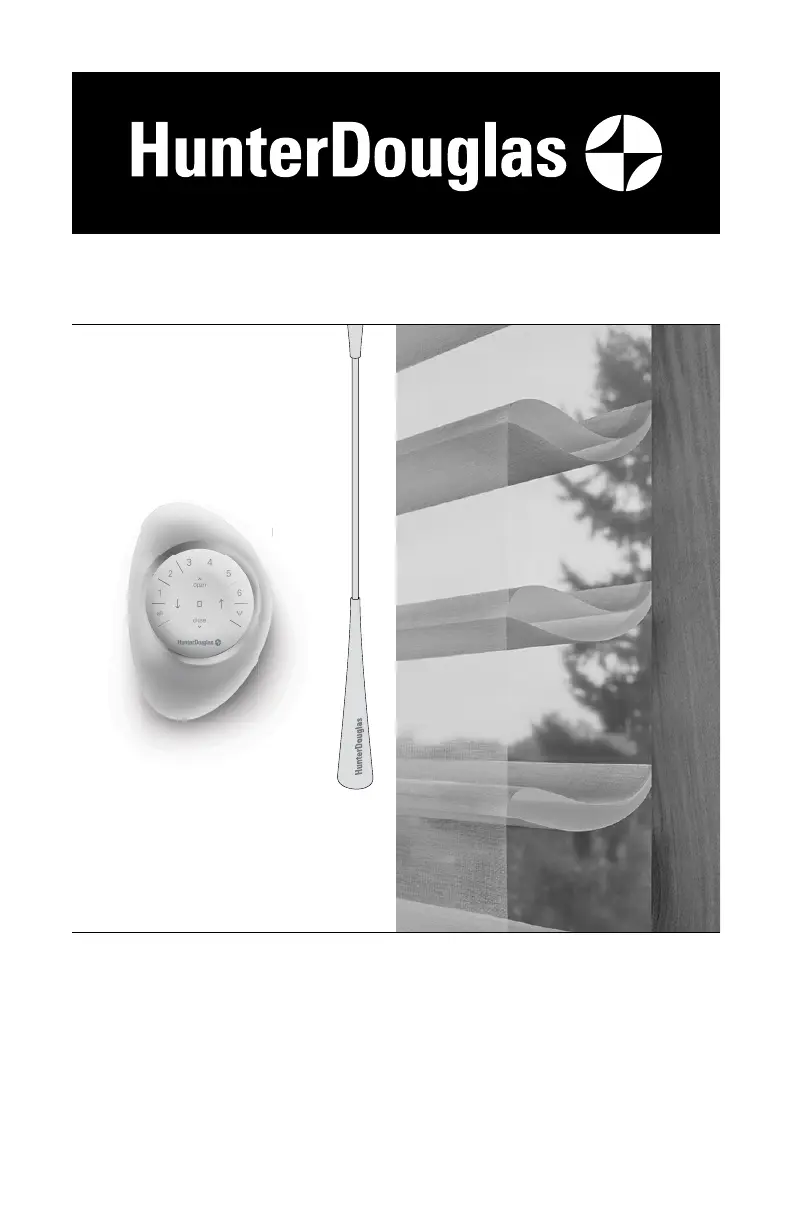
UltraGlide
®
U
ltraGl
i
PowerView
®
Gen 3
Automation
Silhouette
®
Halo
Duolite
®
Window Shadings
PowerView
®
Gen 3 Automation and
UltraGlide
®
Operating Systems
Installation
Operation
Care

Other manuals for HunterDouglas UltraGlide

Questions and Answers

  • J
    Jeff MasonSep 1, 2025
    What to do if my UltraGlide HunterDouglas Window Blind lowering mechanism engages but the blind does not lower?
    • C
      Chelsea LyonsSep 1, 2025
      If the lowering mechanism of your UltraGlide HunterDouglas Window Blind engages and “clicks” but the blind does not lower, the UltraGlide mechanism might be caught between the raising and lowering functions. Simply pull the wand or cord vertically to slightly raise and reset the blind. Then, lower as usual.
  • T
    Timothy CollinsSep 1, 2025
    How to fix uneven raising or lowering of my HunterDouglas Window Blind?
    • J
      Jimmy SinghSep 2, 2025
      To fix your HunterDouglas Window Blind that does not raise or lower evenly, check inside the headrail to ensure no obstructions are preventing the mechanism from turning. Also, check that the lift cords are not pinched or tangled.
  • S
    singhdavidSep 2, 2025
    What to do if my HunterDouglas Window Blind lift cords are stuck or jammed?
    • H
      Heather SullivanSep 2, 2025
      If the lift cords of your HunterDouglas Window Blind are stuck or jammed, check the cords and the moveable pin in the cordlock mechanism inside the headrail of the blind. Ensure the cords can move freely. If they are jammed, use a screwdriver or needle-nose pliers to move the pin and free the cords.
  • W
    wandaconradSep 3, 2025
    Why is my UltraGlide HunterDouglas Window Blind not lowering when I pull the cord?
    • R
      rhansenSep 3, 2025
      If your UltraGlide HunterDouglas Window Blind will not lower when the wand or cord is pulled toward the center of the blind, the pull wand or cord must be in the fully retracted position to engage the lowering mechanism. Ensure the wand or cord is being pulled from the fully retracted position directly toward the center of the blind, and not down then over.
  • S
    Stacy GilbertSep 3, 2025
    What to do if my HunterDouglas SimpleLift™ Window Blind makes a ratcheting noise?
    • K
      Kurt KaufmanSep 3, 2025
      If your SimpleLift™ HunterDouglas Window Blind makes a ratcheting noise while the center button is pushed in and the bottom rail is being raised, push harder on the center button. The button must be fully depressed to raise or lower the blind.
  • B
    btaylorSep 4, 2025
    What to do if my HunterDouglas Window Blind lift cords are bunching?
    • D
      Dawn KellySep 4, 2025
      If the lift cords of your HunterDouglas Window Blind are bunching by the safety cord connector, make sure the slats are in the open position. Raise and lower the blind to straighten the lift cords.
  • G
    gary23Sep 4, 2025
    How to level the bottom rail on HunterDouglas SimpleLift window blinds?
    • A
      andersonkellySep 4, 2025
      To level the bottom rail or correct the blind height on your SimpleLift HunterDouglas window blinds, first check that the headrail and installation brackets are level and aligned; adjust or shim the brackets if necessary. To level the blind, raise the low side of the bottom rail by turning the skew adjustment feature on the headrail clockwise with a coin or screwdriver while lifting the weight from the bottom rail. Note: Turn the skew adjustment on the same side as the low side of the bottom rail. If the blind height is too long, turn all of the skew adjustment features clockwise to raise the entire bottom rail to the desired height while lifting the weight from the bottom rail.
  • J
    Jamie MorrisonSep 5, 2025
    What to do if the slat pack of my HunterDouglas Window Blind is shifted?
    • W
      walter32Sep 5, 2025
      If, when hanging, the slat pack of your HunterDouglas Window Blind appears to be shifted toward the cordlock side of the unit (particularly in an inside mount installation), slide the headrail in the end brackets in the opposite direction of the skew and adjust the tabs in the end brackets to maintain the position of the unit. This will center the slat pack in the window.
  • R
    Robert WrightSep 6, 2025
    What to do if HunterDouglas UltraGlide shading is hard to raise or lower?
    • C
      castanedaashleySep 6, 2025
      If your HunterDouglas shading is hard to raise or lower, first ensure there's enough clearance if it's an inside mount. For LiteRise, close the vanes fully before raising by pressing down on the handle. For EasyRise, check the universal cord tensioner's mounting. Also, verify that the installation brackets are level, using shims if needed to correct any imbalance.
  • K
    Kayla FergusonSep 6, 2025
    Why HunterDouglas UltraGlide Indoor Furnishing shading raises or lowers unevenly?
    • R
      Ryan RodriguezSep 6, 2025
      Uneven raising or lowering of your HunterDouglas shading can occur if the window isn't square. To resolve this, measure the diagonals to check. Also, ensure the installation brackets are level, using shims if necessary. Adjust the bottom rail weight. For LiteRise, maintain a level bottom rail while raising to prevent fabric skewing.

Summary

Installation

STEP 1: Mount the Installation Brackets

Guides on how to correctly attach the main support brackets to the window frame.

Inside Mount Bracket Installation

Specific instructions for mounting brackets within the window casement.

Outside Mount Bracket Installation

Specific instructions for mounting brackets to the exterior of the window frame.

STEP 2: Mount the Battery Wand (PowerView Gen 3)

Instructions for installing the battery wand for motorized operation.

Headrail-Mounted Rechargeable Battery Wand Installation

Steps for installing a rechargeable battery wand integrated into the headrail.

Satellite Battery Pack Installation

Guide for mounting and connecting a separate satellite battery pack.

STEP 3: Install the Shading

Procedures for physically attaching the shading to the installed brackets.

STEP 4: Connect the Power Source (PowerView Gen 3)

Final steps to connect the power source to the motorized shading system.

Operation

Operate the Shading

How to use the shading controls for different operating systems.

Resetting the Shading (If Necessary)

Procedures for recalibrating or resetting shading limits and programming.

Troubleshooting

Care

Cleaning Procedures

Guidelines for cleaning the shading and its components.

Child Safety

Window Blind Cord Strangulation Hazard

A critical warning about the strangulation hazard posed by blind cords.

Young Children Strangulation Hazard

Safety advisory concerning young children and accessible cords or loops.

HunterDouglas UltraGlide Specifications

General IconGeneral
MaterialHigh-quality fabrics, various options available
Light FilteringYes, varies by fabric selection
PrivacyVaries by shade/blind; from light filtering to room darkening
UV ProtectionYes, varies by fabric selection
CustomizationAvailable in a wide range of fabrics, colors, and styles

Related product manuals